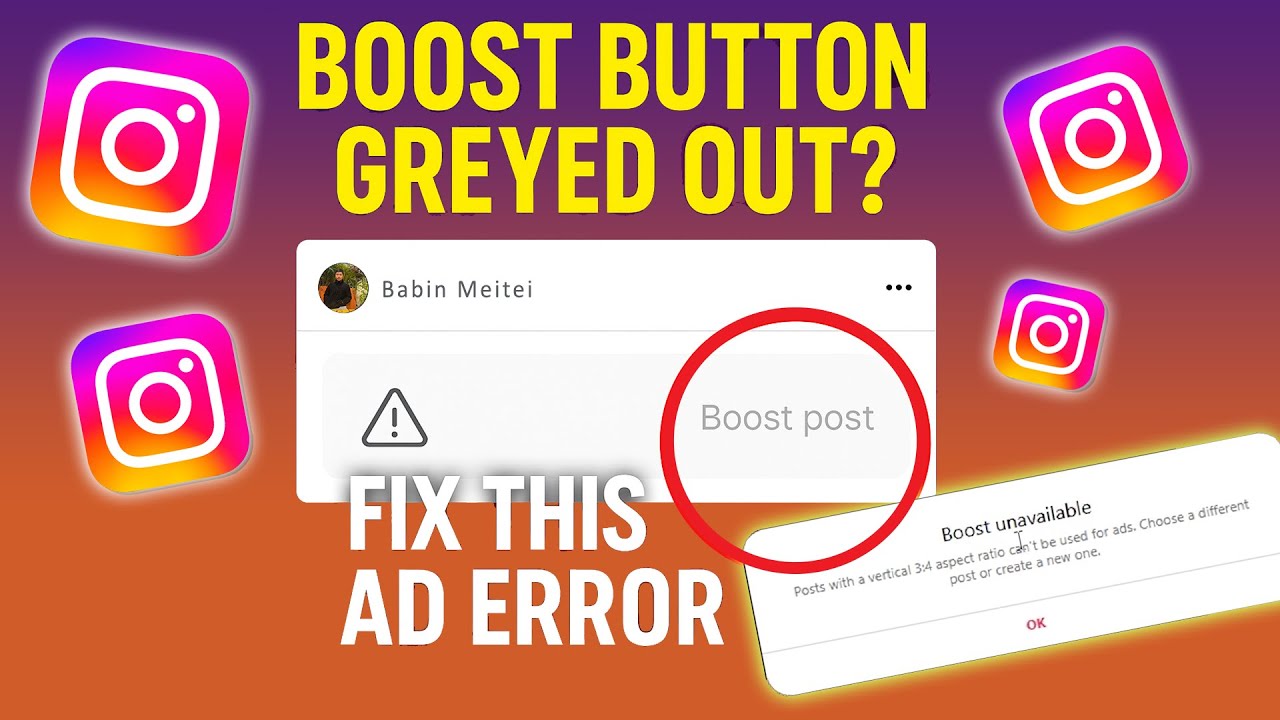
Instagram just changed its post size for 2025 (The new 3:4 ratio!)
Автор: Jacqui Naunton // White Deer
Загружено: 2025-06-06
Просмотров: 48755
Instagram’s playing with dimensions again... and this time, it’s in our favour 🙌 In this tutorial, I walk you through Instagram’s newest post sizing update (yep, there's a new best size to use!) and how to set it up inside Canva.
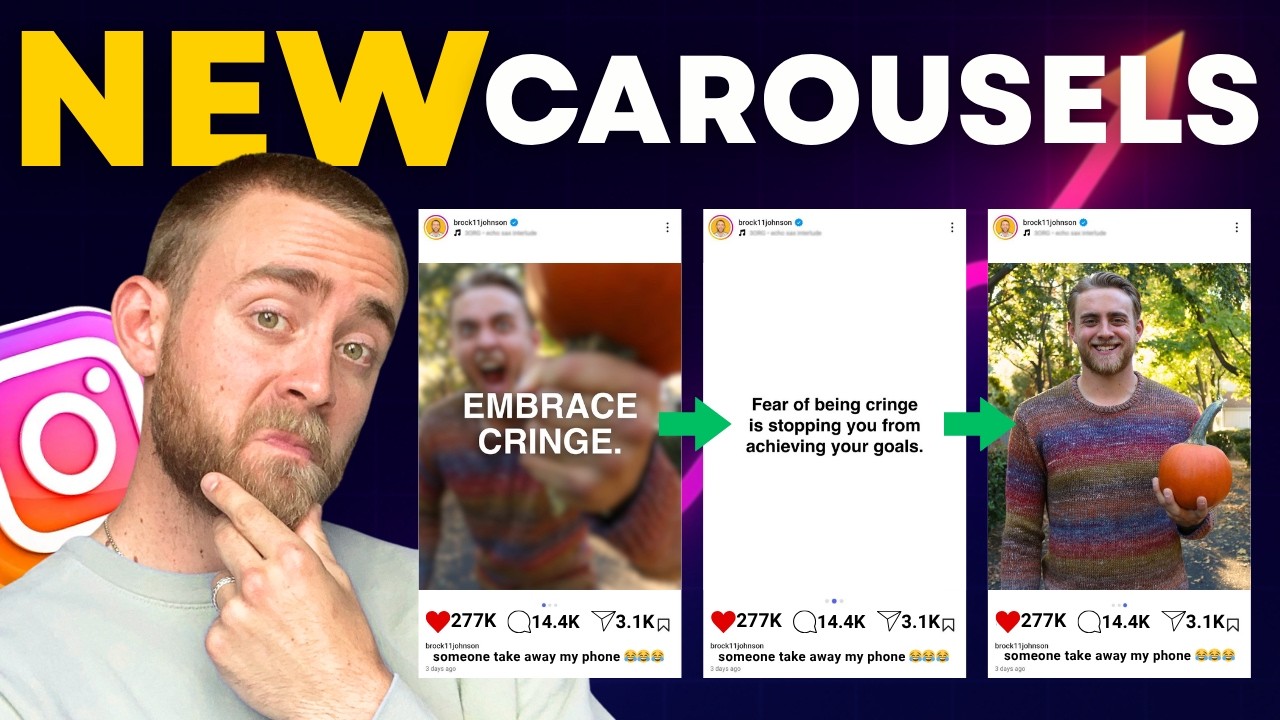
Whether you’re DIYing your graphics or using templates, this updated post ratio gives you more space to shine without worrying about grid cropping. Let me show you exactly how to design using the new 3:4 ratio and resize your old content without stress.
NOTE: The "Explore" tab will still crop your images to a SQUARE (1080x1080) so keep important content in the middle of your design.
Here’s what we cover:
Why square posts are no longer ideal
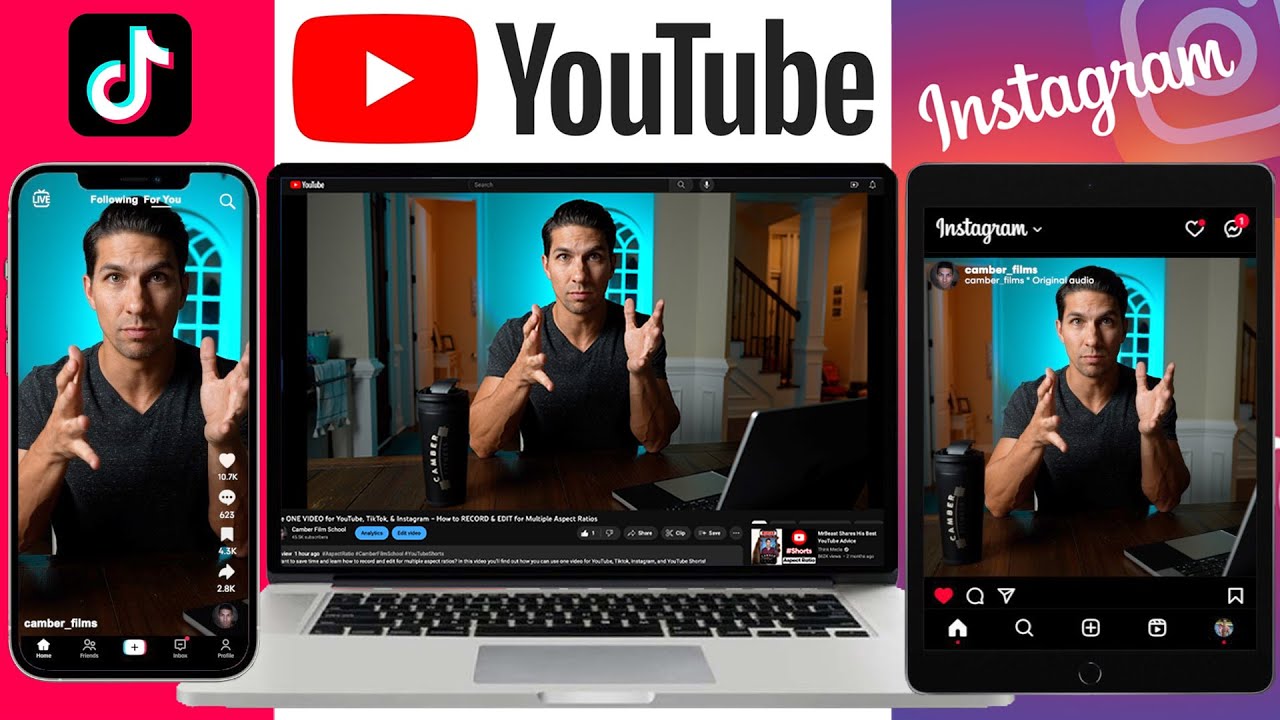
The difference between 4:5 vs 3:4 ratios
Exact Canva dimensions to use (hint: it’s 1080 x 1440px)
How to manually set up or resize your designs in Canva
What this means for your grid layout and pinned posts
00:00 Introduction to New Instagram Ratio
01:47 Setting Up Canva for 3:4 Ratio
04:09 Exporting and Handling Instagram Crop
06:01 Wrap Up and Final Thoughts
💜 FREE VIDEO SERIES 💜
Create your own stunning visual brand, grow your business faster and feel (and look!) a million bucks - ready for your best year of business yet in this 3-part on-demand video training: Seriously in Business! Unlock your free access: https://www.diydesignmybiz.com/Seriou...
🔔 Subscribe to my channel: http://bit.ly/3XQYX7i
••• FREE BRAND STYLE QUIZ: https://whitedeer.com.au/brandquiz
••• RESOURCES: https://whitedeer.com.au/resources
••• PODCAST: https://whitedeer.com.au/sibpodcast/
••• INSTAGRAM: / whitedeergd
// KEEN TO WORK TOGETHER?
Firstly... whohooooo! I would be honoured. There are 3 routes we can take:
1. Online course 💻 I can teach you how to create your own epic brand and graphics (DIY style!) inside DIY Design My Biz https://whitedeer.com.au/diydesign You'll get my framework and bite-sized pracitcal lessons from everything from Canva, creating a logo and brand to tutorials on allll the graphics you'll need as a small business. You also get 12 months of Facebook group support and LIVE group coaching sessions.
2. High-touch coaching ✨ Done-WITH-you creative and design support for the scaling entrepreneur who’s ready to craft a high-demand brand—without the budget-busting cost of an in-house designer! The Co+Creation Design Club is a 6 month group program where me and my team will dive deep into your business and brand WITH you: www.whitedeer.com.au/club
3. Outsource your design 👩💻 My studio team can create your designs for you! https://whitedeer.com.au/studioteam
// BUSINESS TOOLS I USE + RECOMMEND:
••• CANVA (for all things creating your own brand + graphics): https://partner.canva.com/whitedeer
••• KARTRA (for hosting courses, landing pages, emails + more): https://try.kartra.com/urc3ghe3cooh
DISCLAIMER: This video and description contains affiliate links to products I use and love, which means that if you click on one of the product links, I’ll receive a small commission. This helps support the channel and allows us to continue to make videos like this. Thank you for the support!

Доступные форматы для скачивания:
Скачать видео mp4
-
Информация по загрузке: