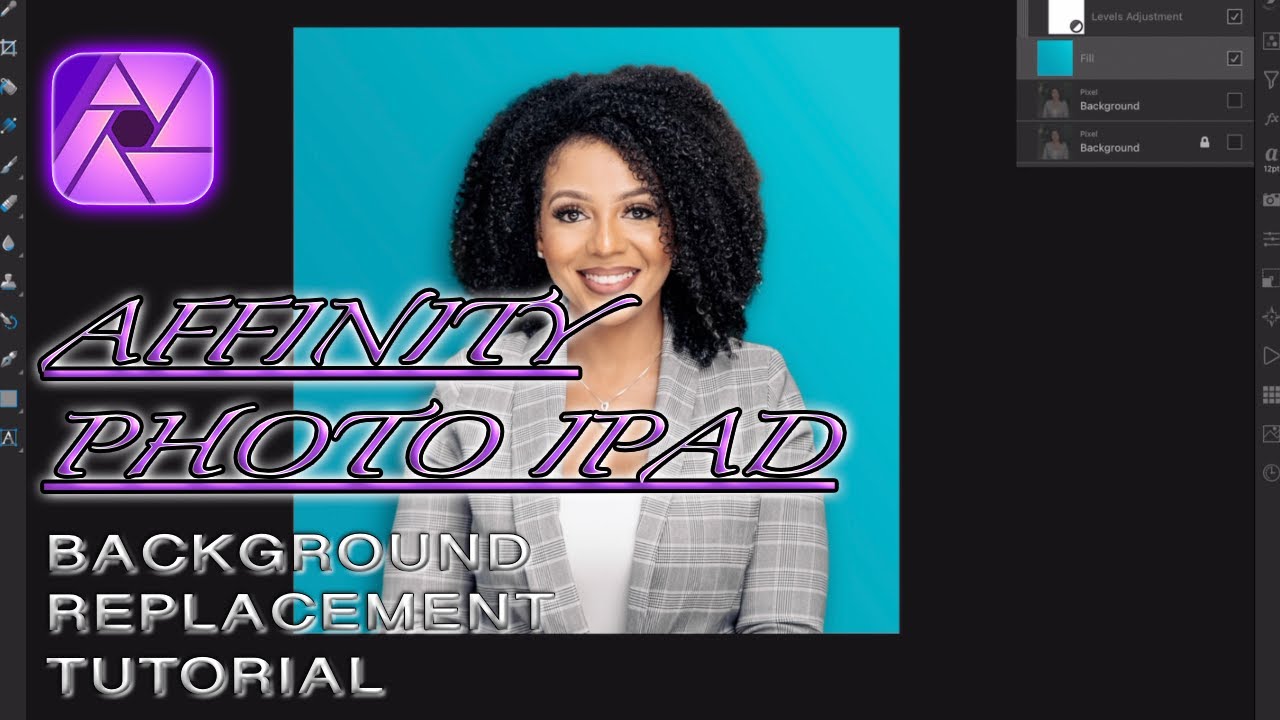
AFFINITY PHOTO IPAD TUTORIAL | BACKGROUND REPLACEMENT
Автор: SJ Square Photography
Загружено: 2021-01-22
Просмотров: 3459
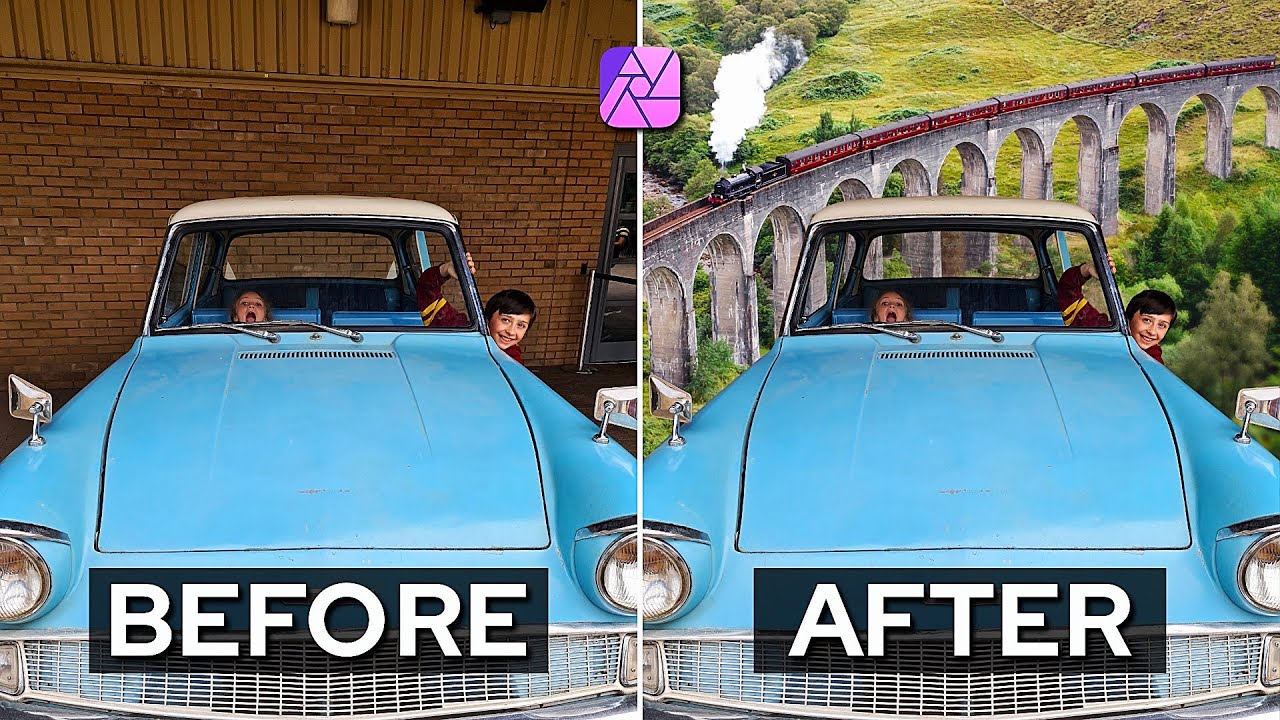
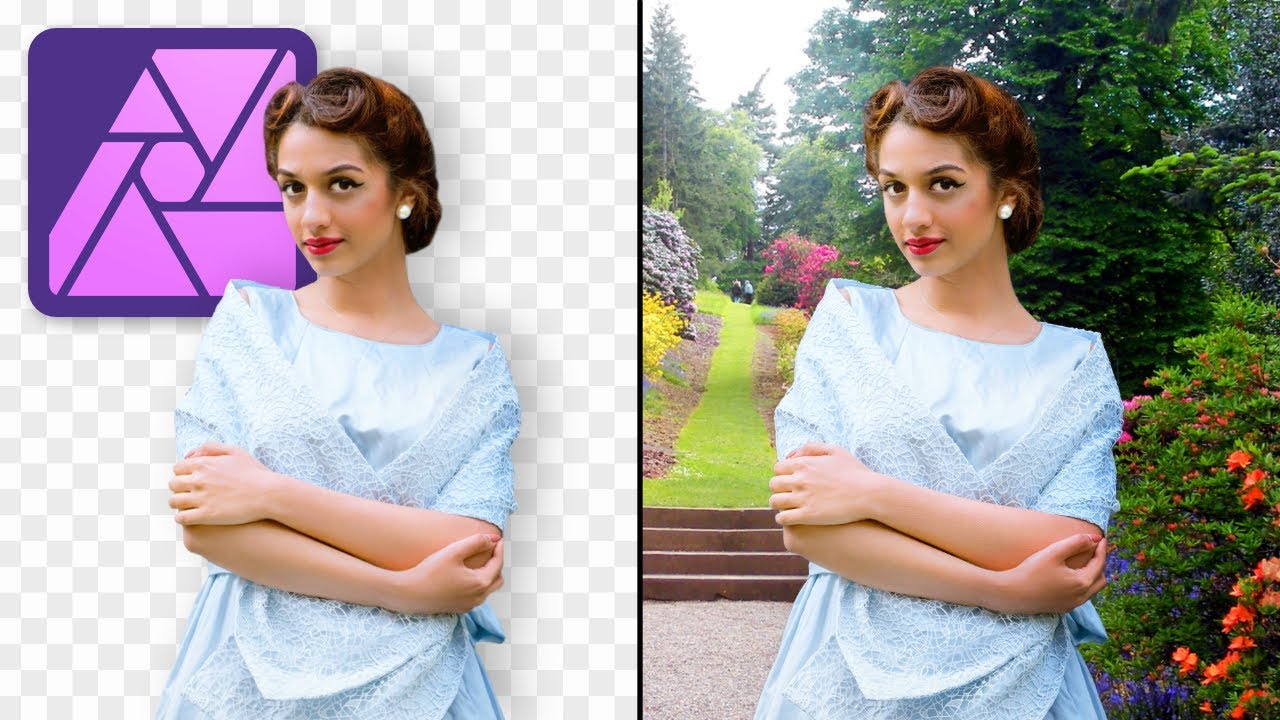
In This Affinity iPad tutorial I demonstrates Background Replacement technique! In order to achieve this enhance technique you'll have to use the Fill layer. The Fill layer and pixel layer in affinity photo ipad is a very powerful that can give you the ability to create whatever color backdrop you desire to get that extra pop in your photos that can differentiate your work from the next photographer.
Click the link below to see my all my gear I use on a shoot. I hope you enjoy this content, until the next video peace!
#affinityphotoipad #affinitytutorial #affinityphoto
▶ Check out my gear on Kit: https://kit.co/stanearl2000
Please enjoy the Video!!!!!!!!
THANK YOU FOR WACTHING!!!!!!!!!!!!!
Please Consider Subscribing if you Enjoy my content!!!!!!!
THANK YOU FOR WATCHING!!!!!!!!!!!!!!!!!!!!!!
Social Media:
📸Photographer:
👉🏾Facebook: / sjsquarephotography
👉🏾IG: @sjsquaredphotos | / sjsquaredphotos
👉🏾Website: https://www.sjsquaredphotography.com
Music From:
https://soundstripe.com?fpr=sj2photos
~-~~-~~~-~~-~
Please watch: "How to shoot: Fashion Editorial In 5 Frame!! (Maybe??)"
• How to shoot: Fashion Editorial In 5 Frame...
~-~~-~~~-~~-~
Доступные форматы для скачивания:
Скачать видео mp4
-
Информация по загрузке: