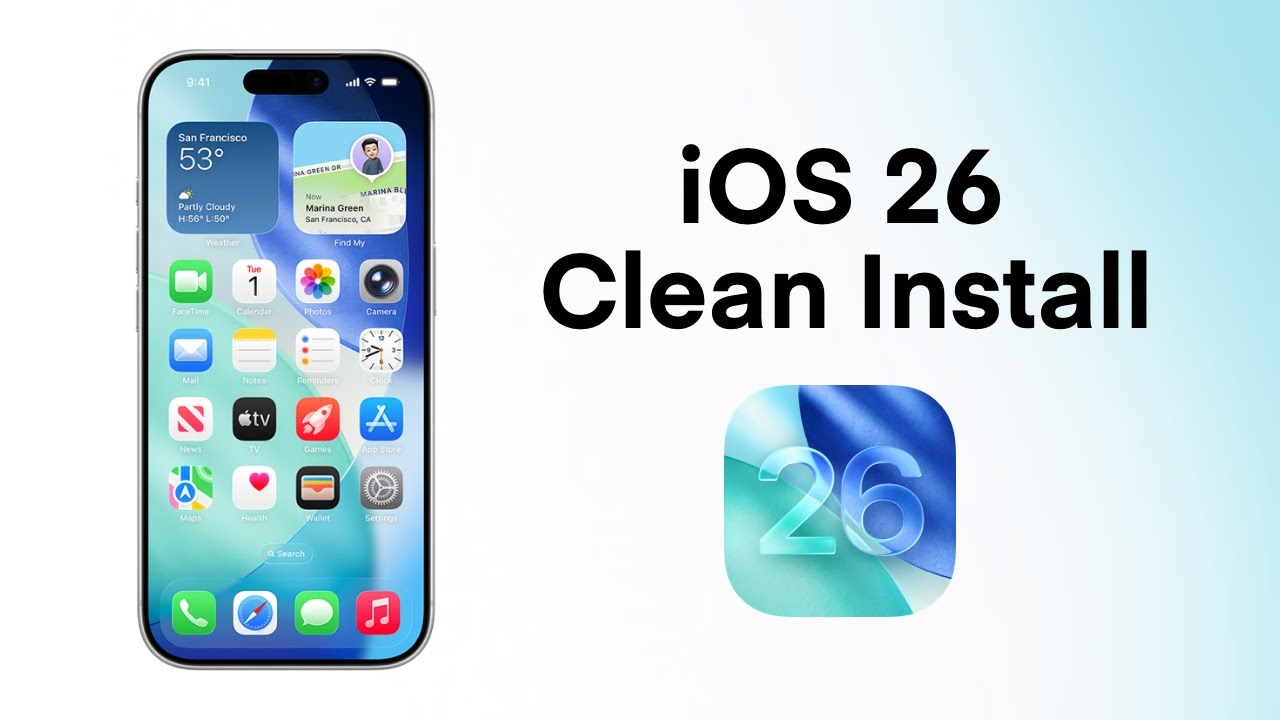
Clean Install iOS 26 on iPhone using .ipsw | iOS Hard Format | Install iOS using Restore Image
Автор: Think Like an Engineer
Загружено: 2025-09-17
Просмотров: 4121
Want a completely fresh iPhone experience with iOS 26? 🚀
In this video, I’ll walk you through the entire clean install process from preparing your device and backing up your data, to downloading the restore image and reinstalling iOS using Finder on your Mac.
What you’ll learn in this tutorial:
✅ Turning off Stolen Device Protection and Find My before restoring
✅ Download the correct iOS 26 restore image (.ipsw file)
✅ How to restore iOS 26 using Finder on your Mac
‼️ Make sure to back up your important data before starting.
Chapters:
00:00 Upgrade to iOS 26 via Software Update
01:52 Turn Off Stolen Device Protection
02:46 Turn Off Find My iPhone
03:18 Download the Restore Image (.ipsw)
04:00 Clean Install iOS
If you find this guide helpful, don’t forget to like the video 👍 and subscribe to the channel 🔔 for more iOS tips, tutorials, and guides.
#ios26 #cleaninstall
Доступные форматы для скачивания:
Скачать видео mp4
-
Информация по загрузке:


![iOS 26 Settings You NEED To Turn Off NOW! [IMPORTANT]](https://image.4k-video.ru/id-video/jdQWWmJ4Bms)





