Скачать
Installation of Radmin VPN and RDP Wrapper + User Creation
Автор: exp
Загружено: 2026-01-14
Просмотров: 6
Описание:
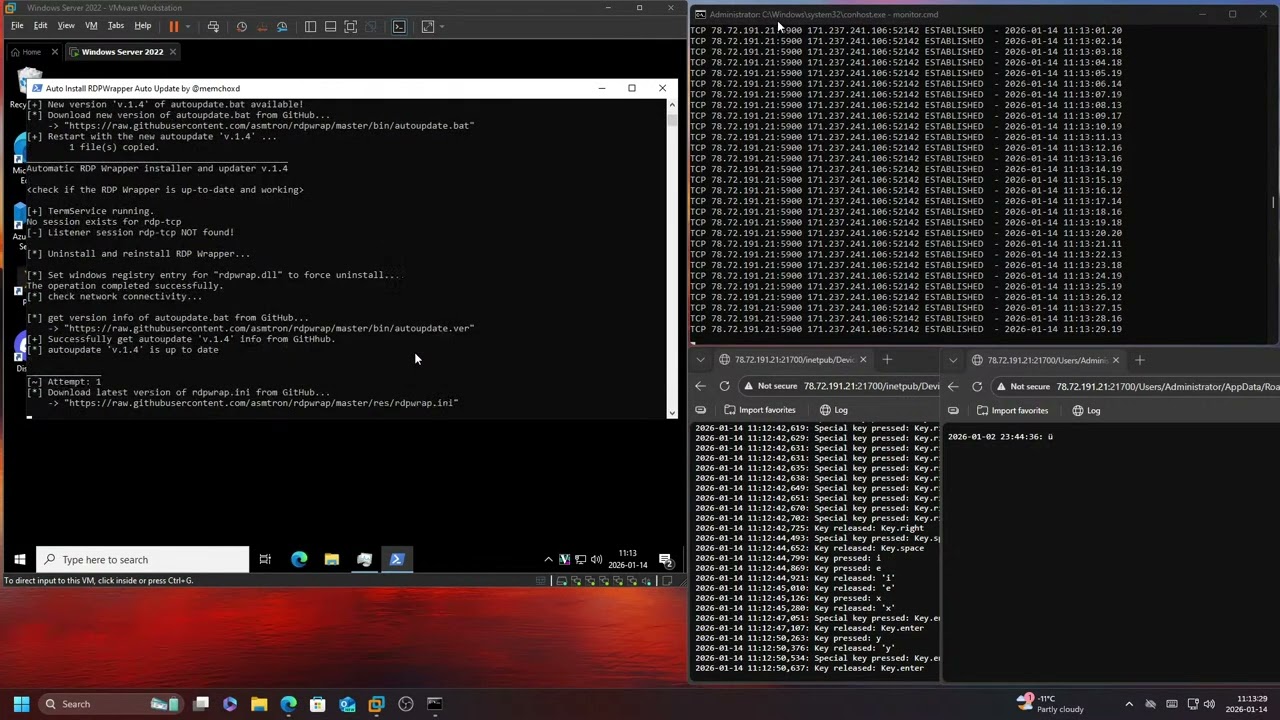
A user connected, opened Task Manager, opened Edge and downloaded Radmin VPN. Then after he installed Radmin VPN he proceeded to install RDP Wrapper via PowerShell (which wasn't necessary at all since this VM is running Windows Server 2022, and not Windows 10, but whatever). After that was done installing he went into Computer Management and enabled the account named "DefaultAccount" plus made it an administrator. Then he opened PowerShell and set a password for "DefaultAccount". Then he checked Task Manager again, closed it, went afk for some minute and then disconnected.
2026-01-14 11:08 CET – 2026-01-14 11:17 CET
Доступные форматы для скачивания:
Скачать видео mp4
-
Информация по загрузке: