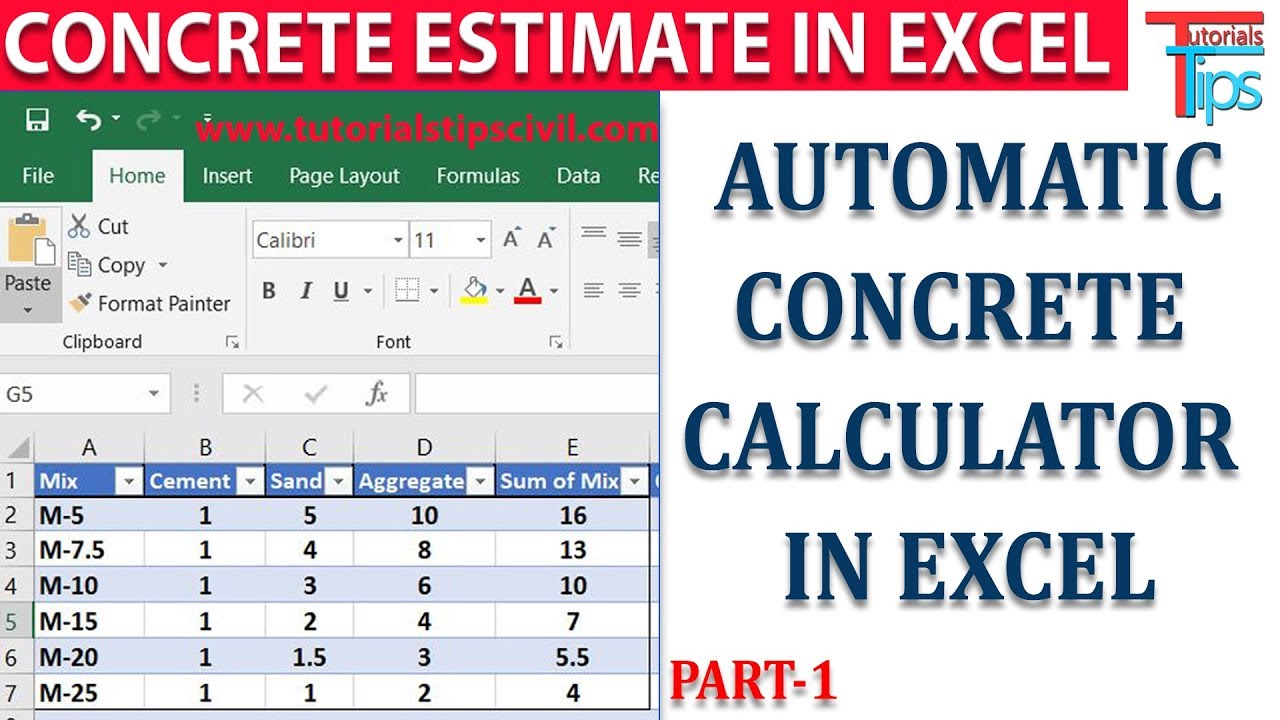
How to calculate Shuttering and concrete of Beams using Autocad and Excel | VLOOKUP in excel
Автор: Quantity Estimation and Billing Engineers
Загружено: 2022-03-20
Просмотров: 1584
In this video we have used Excel and Autocad to calculate shuttering and concrete quantity of beam as per IS1200.
Excel is an important tool which can really make quantity estimation fun with reduced time required.
We have used Vlookup function to get slab depth which is deducted from the beam sides.
This video trains an individual on how to use autodesk trueview to get length of beams, how to use VLOOKUP function in excel, how to use if statement in excel to enable excel to pick formulae as per the case.
We just try to develop some automated excel sheets in our video which will help individual to be more productive at their job locations and be more efficient and beneficial asset to company.
Link to download IS 1200 part V
https://law.resource.org/pub/in/bis/S...
Complete guide on VLOOKUP
https://support.microsoft.com/en-us/o...
#Autocad #quantitysurveying #estimation #dataextraction #quantitytakeoff

Доступные форматы для скачивания:
Скачать видео mp4
-
Информация по загрузке:








![Как сжимаются изображения? [46 МБ ↘↘ 4,07 МБ] JPEG в деталях](https://imager.clipsaver.ru/Kv1Hiv3ox8I/max.jpg)