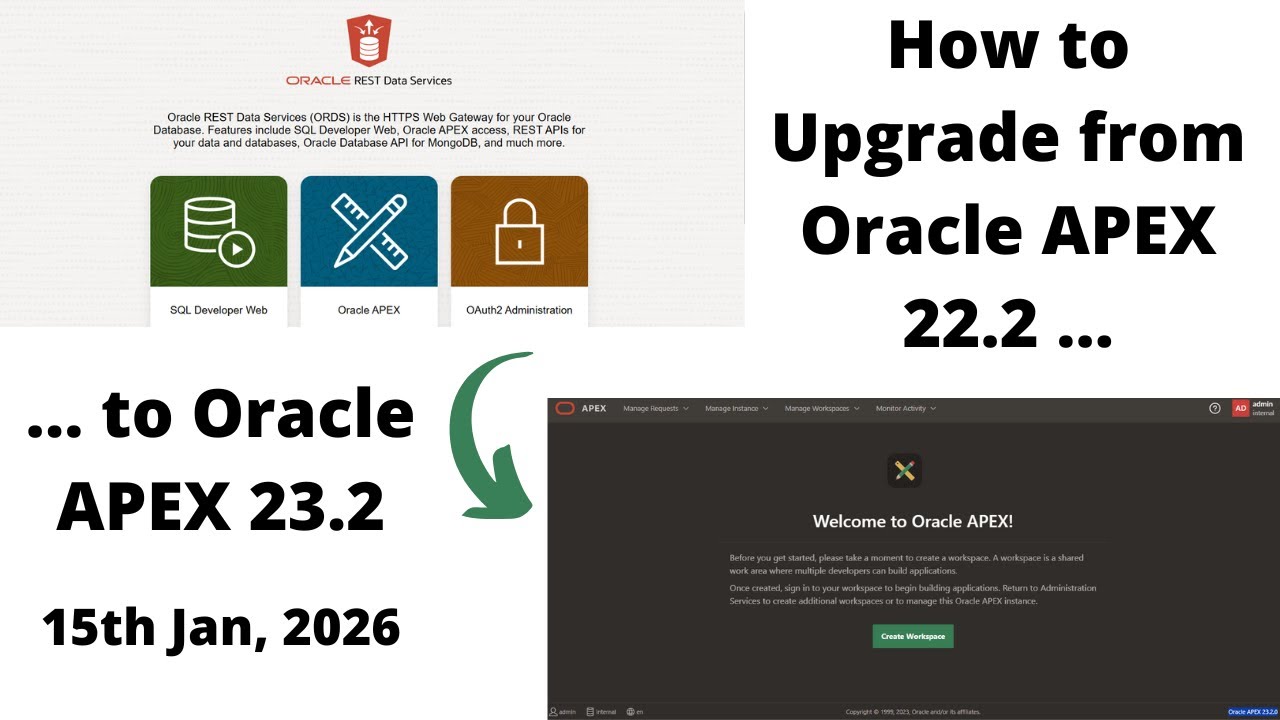
How to Upgrade from Oracle APEX 22.2 to 23.2 | DB 19c | Windows 10
Автор: Omar Baig عمر بیگ
Загружено: 2026-01-15
Просмотров: 0
Today we are going to Upgrade from Oracle APEX 22.2 to Oracle APEX 23.2 with Database 19c in Windows 10 InshaAllah.
Patreon: / omarbaig
a. Stop running previous version (Oracle APEX 22.2)
b. Create folder with name "22.2_23.2" in "C:\" drive.
c. Download Oracle APEX 23.2 from this link
https://www.oracle.com/tools/download...
d. Unzip "apex_23.2" in a folder (C:\22.2_23.2), so we do not need to copy & paste it (apex folder)
Java version is Java 24 (java -version) (For ORDS 22.1, 22.2 & 23.1, 24.4, 25.1 install Java 11 at least.)
e. Open command prompt & reach where apex folder is available. (C:\22.2_23.2)
f. Run sqlplus /nolog
g. Connect with sys / as sysdba
h. CREATE TABLESPACE APEX232 DATAFILE 'APEX232.DBF' SIZE 100M AUTOEXTEND ON NEXT 1M;
here (APEX232) is tablespace name which you can define from your choice
i. Check previous version by running this command
SELECT username, account_status
FROM dba_users
WHERE username LIKE 'APEX%';
j. Install apex by running this command
@apexins APEX232 APEX232 temp /i/ (here we use tablespace "APEX232" instead of "sysaux" because we create separate tablespace for new version)
k. Exit command prompt
l. Come to this folder "C:\19c_22.2\ords" and delete "images" folder.
m. Go to (new version of) apex folder "C:\22.2_23.2\apex" copy "images" folder & paste it to "C:\19c_22.2\ords"
n. Open cmd with administrator rights, reach where "bin" folder is available under ORDS(C:\19c_22.2\ords) & run this command "ords.exe --config C:\19c_22.2\ordsconf\config serve", when "Oracle REST Data Services initialized" appear use Oracle APEX, minimize command prompt do not close it.
Search Tags:
Omar Baig, How to Uninstall Oracle APEX 22.2, Uninstall Oracle APEX 22.2, How to Install Oracle APEX 22.2, Uninstall Oracle APEX 22.2, How to Uninstall Oracle APEX 24.1, Uninstall Oracle APEX 24.1, How to Install Oracle APEX 24.1, Oracle APEX 24.1 Installation, How to Uninstall Oracle APEX 23.2, Uninstall Oracle APEX 23.2, How to Install Oracle APEX 23.2, Oracle APEX 23.2 Installation, How to Uninstall Oracle APEX 23.1, Uninstall Oracle APEX 23.1, How to Install Oracle APEX 23.1, Oracle APEX 23.1 Installation, Uninstall Oracle APEX 24.2, How to Uninstall Oracle APEX 24.2, Oracle APEX 24.2 Installation, How to Install Oracle APEX 24.2, Oracle Apex Installation, Oracle Database Installation, Oracle REST Data Services, Oracle Apex, Oracle Database, Email through Oracle Apex 20.1 4K, Email through Oracle Apex 19.2 4K, Email through Oracle Apex 19.1 4K, Email through Oracle Apex 18.2 4K, Email through Oracle Apex 18.1, HOW TO SEND EMAIL USING ORACLE APEX, Oracle APEX 20.1, Install APEX 20.1, Oracle APEX 20.1 Installation, Create Setup Page in an Oracle APEX 20.1, Create Setup Form in an Oracle APEX 20.1, How to Create Setup Page in an Oracle APEX 20.1, How to Create Setup Form in an Oracle APEX 20.1, Create Master Detail Page in an Oracle APEX 20.1, Create Master Detail Form in an Oracle APEX 20.1, How to Create Master Detail Page in an Oracle APEX 20.1, How to Create Master Detail Form in an Oracle APEX 20.1, How to Create Dashboard in Oracle APEX, How to Create User, How to Create Branch, Branches, How to Create Workspace, How to Create Page Navigation, How to Create Link, How to Create Interactive Grid, Oracle APEX - Interactive Grid, Intro to Interactive Grid in Oracle APEX, HOW TO CREATE BUTTON IN ORACLE APEX, How to Create Button - Oracle APEX 20.1, How to Delete Dashboard in Oracle APEX, Dynamic Actions in APEX, Oracle APEX - Complete Guide to Dynamic Actions, Oracle APEX 20.1 - Format all Forms, Oracle APEX Installation, How to Install Android Studio on Windows 10, install android studio, Oracle APEX 20.2, Oracle APEX 20.2 Installation, How to Install Oracle JDeveloper 12c, install jdeveloper 12.2.1.4, install jdeveloper 12.2.1.3, install iReport 5.6.0, How to Install iReport 5.6.0 in Windows 10, Oracle APEX 21.1, Oracle APEX 21.1 Installation, How to Install Oracle APEX 21.1, How to install Oracle Database 18c Express Edition, How to install Oracle Database 19c, How to Install Oracle Forms & Reports 11g in Windows 10, How to install Oracle Database 21c, Oracle Database 21c Installation, How to install Oracle Database 21c Express Edition, Oracle Database 21c Express Edition Installation, How to Deinstall Oracle Database 21c Express Edition, Oracle APEX 21.2 Installation, How to Install Oracle APEX 21.2, Oracle APEX 21.2, How to Install Oracle Forms & Reports 12c in Windows 10, rep-50125 rwbuilder.conf java.lang.nullpointerexception 12c, Oracle Database 23ai Installation, How to Install Oracle Database 23ai, How to Uninstall Oracle Database 23ai, Uninstall/Deinstall Oracle Database 23ai
Chapters
00:00 Introduction
01:01 Creating Folders
01:39 Unzipping Folders
02:45 Oracle APEX 23.2 Installation
07:02 Delete old Images Folder
07:28 Copy Images Folder
08:53 How to Start ORDS 25.1
#OmarBaig #oracleapex #UpgradeOracleAPEX222to232
Доступные форматы для скачивания:
Скачать видео mp4
-
Информация по загрузке:






![[SPARING] JAGIELLONIA BIAŁYSTOK - LASK LINZ | BELEK 2026](https://image.4k-video.ru/id-video/tRSB7suLb1A)


