🆕How To Install Language Pack Windows 10 For SpeechToText Pro In 2021
Автор: HasFocus
Загружено: 2021-07-31
Просмотров: 365
If you are a SpeechToText Pro user, knowing how to install a language pack in Windows 10 can be helpful because SpeechToText Pro utilizes some of the services provided by language packs that support speech recognition.
Find out more here: https://www.microsoft.com/en-us/p/spe...
How do I add language packs to Windows 10?
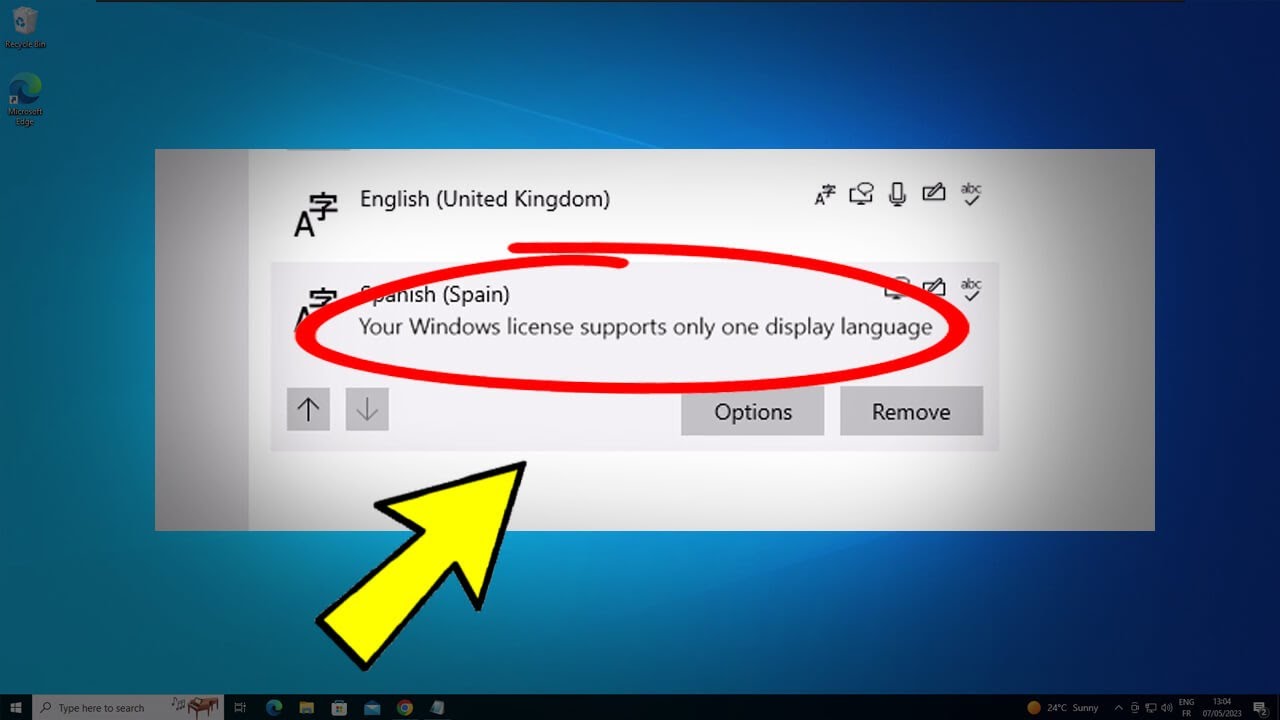
If you are a SpeechToText Pro user, it helps to know how to install a language pack for Windows 10, because SpeechToText Pro builds on the speech recognition component of a language pack. Know however, than not all language packs include a speech recognition component.
How do I manually install language packs?
Follow these steps:
Press Windows key + R, type lpksetup and press Enter.
Click Install display language.
Browse the location of downloaded CAB file, then click Next.
Accept the license terms, then click Next.
Installation will start automatically.
What is a Windows 10 language pack?
A Windows 10 language pack is a skin that can localize the Windows 10 operating system in a specific language such as Lithuanian, Madagaskan, or Tamil. A small percentage of language packs include a speech recognition component. SpeechToText Pro can utilize the speech recognition component of a language pack and convert speech into text at 98% accuracy.

Доступные форматы для скачивания:
Скачать видео mp4
-
Информация по загрузке: