Creating Utility Textures for Trees – Normals, Roughness & SSS Explained
Автор: Midgard Geographical Society
Загружено: 2026-01-07
Просмотров: 105
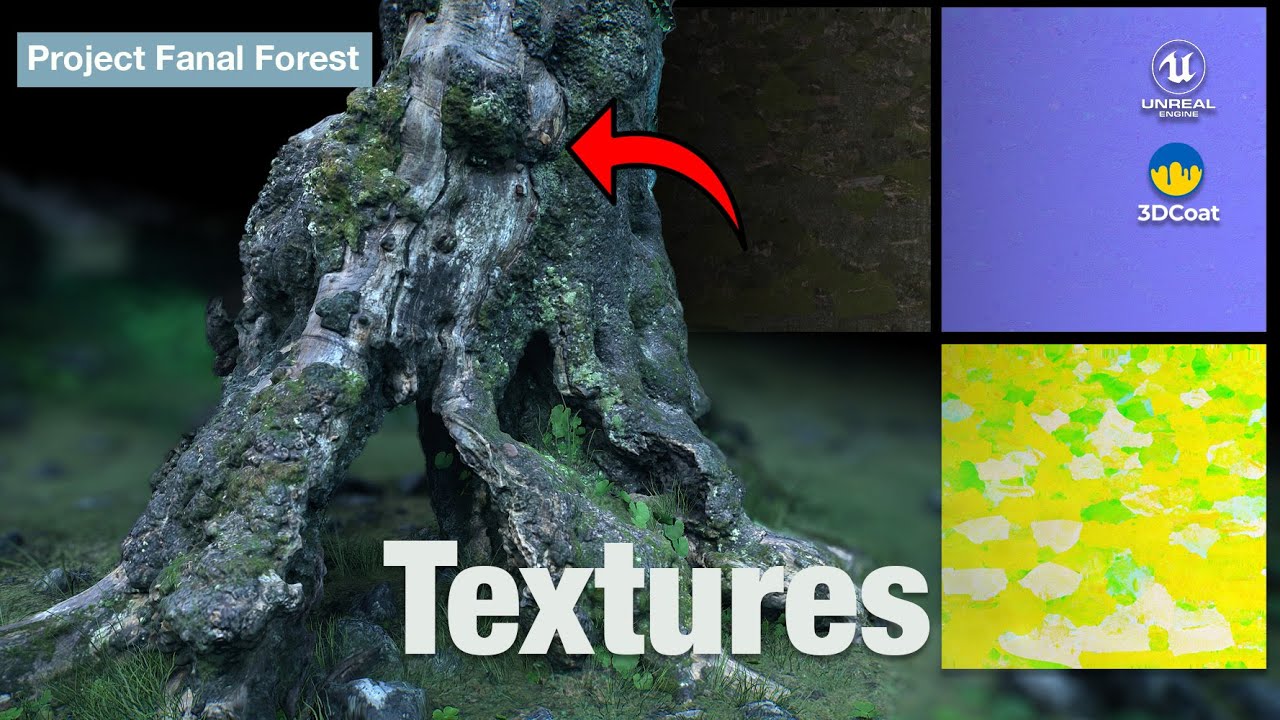
In this episode, I break down the essential utility textures needed to make a tree asset game-ready.
I show how I generate a normal map from a high-resolution mesh using RealityScan, how I extract a roughness texture from the diffuse, and how I create a subsurface scattering (SSS) mask for mosses and grasses.
I also explain how and why I combine multiple utility textures into a single RGB texture, keeping the asset optimized and ready for Unreal Engine. All texture processing and packing is done in Photoshop.
What You’ll Learn
How to generate normal maps from high-res scans
Extracting roughness from diffuse textures
Creating SSS masks for moss and vegetation
Why utility textures matter in game production
How to pack roughness, SSS, and other masks into RGB channels
Texture optimization best practices for Unreal Engine
About the Series
This video is part of my ongoing forest environment series, where I document the full workflow of creating realistic trees — from photogrammetry and sculpting to final optimized assets for Unreal Engine.
Check out my Free Stuff on FAB: https://www.fab.com/listings/654fa6ff...
Watch the Playlist here: • Starting a big Unreal Engine project (Proj...
Previous Episode: • Texturing Trees in 3DCoat – Complete Paint...
Next Episode: Importing into Unreal Engine
#TextureMaps
#NormalMaps
#RoughnessMap
#SSS
#GameTextures
#EnvironmentArt
#UnrealEngine
#Photogrammetry
#TextureOptimization
#GameDev
#CGI
#3DArt
Доступные форматы для скачивания:
Скачать видео mp4
-
Информация по загрузке:


![Мы получили 2,5 млн рублей чтобы сделать экзоскелет, и это наконец закончилось [2/2]](https://image.4k-video.ru/id-video/X3uZq2joiW8)


