I built an AI app to stop me from oversleeping in 22 minutes
Автор: Kehinde Onifade
Загружено: 2026-01-01
Просмотров: 44
Ever since I started "vibe coding, my productivity has gone off the rails. Today, I’m tackling my biggest enemy: the Snooze Button.
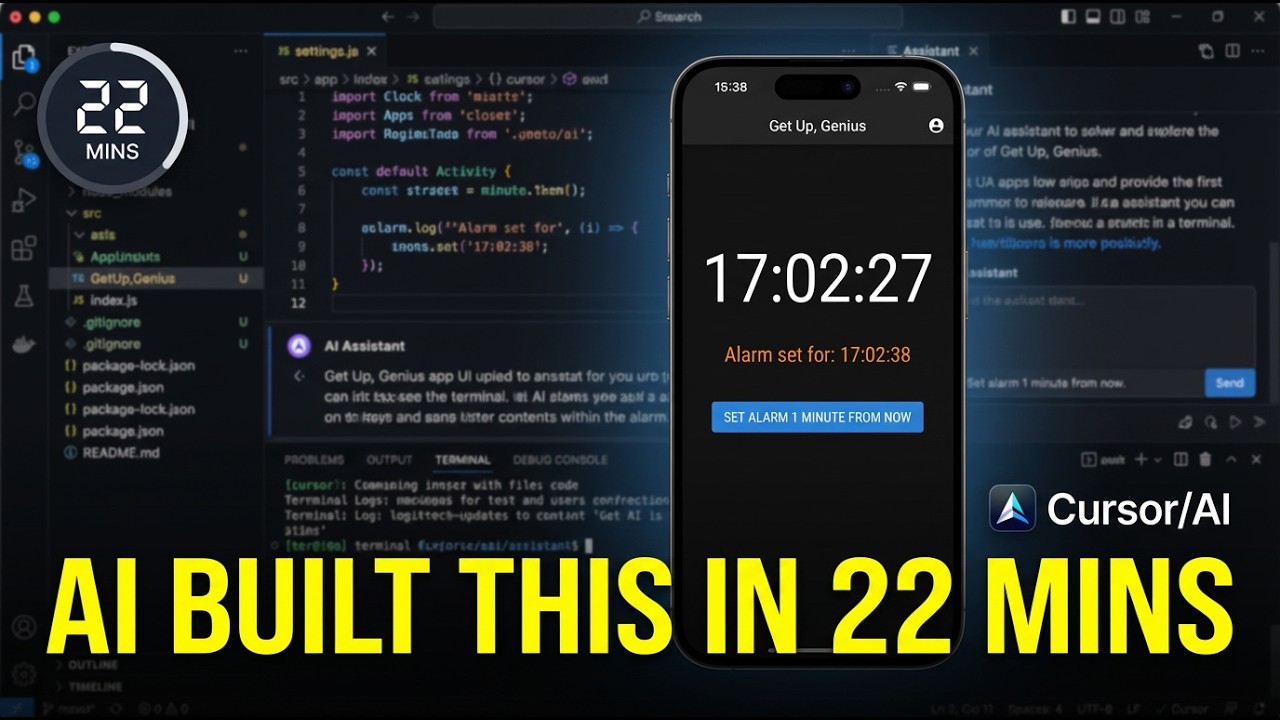
I built "Get Up, Genius"; a React Native app that refuses to stop screaming until I physically get out of bed and scan a QR code in my kitchen. The best part? I have little mobile dev experience, and the whole build took exactly 22 minutes using Cursor and Gemini AI.
In this video, I break down the prompt engineering I used to architect the app, the "permission" hurdles I hit, and a live demo of me actually having to use it at 6:00 AM.
Watch me build it in 22 minutes flat.
The "Magic Prompt" I used: "I am building a React Native app with Expo (TypeScript). This is an alarm clock app called 'Run For Your Life'.
Core Feature: The alarm plays a loud sound and cannot be stopped until the user scans a specific barcode (like a toothpaste barcode).
Phase 1 Goal: Please write the code for a simple screen that has:
A big text display showing the current time (digital clock style).
A 'Set Alarm 1 Minute from Now' button (for testing).
When the alarm triggers, it should play a sound and show a 'SCAN TO STOP' button.
Clicking 'SCAN TO STOP' opens the camera.
Please tell me which libraries I need to install for Audio and Camera permissions in Expo, and give me the code for app/index.tsx."
Tools used:
Editor: Cursor (AI Code Editor)
Framework: React Native + Expo
QR Gen: Mathe-Magic (https://mathe-magic.netlify.app)
#ai #programming #coding #vibecoding #cursor #reactnative #productivity #appdevelopment
Доступные форматы для скачивания:
Скачать видео mp4
-
Информация по загрузке:





