How to Clear Apps Cache and Empty Trash Bin on Android Phone
Автор: TechSense
Загружено: 2025-09-16
Просмотров: 727
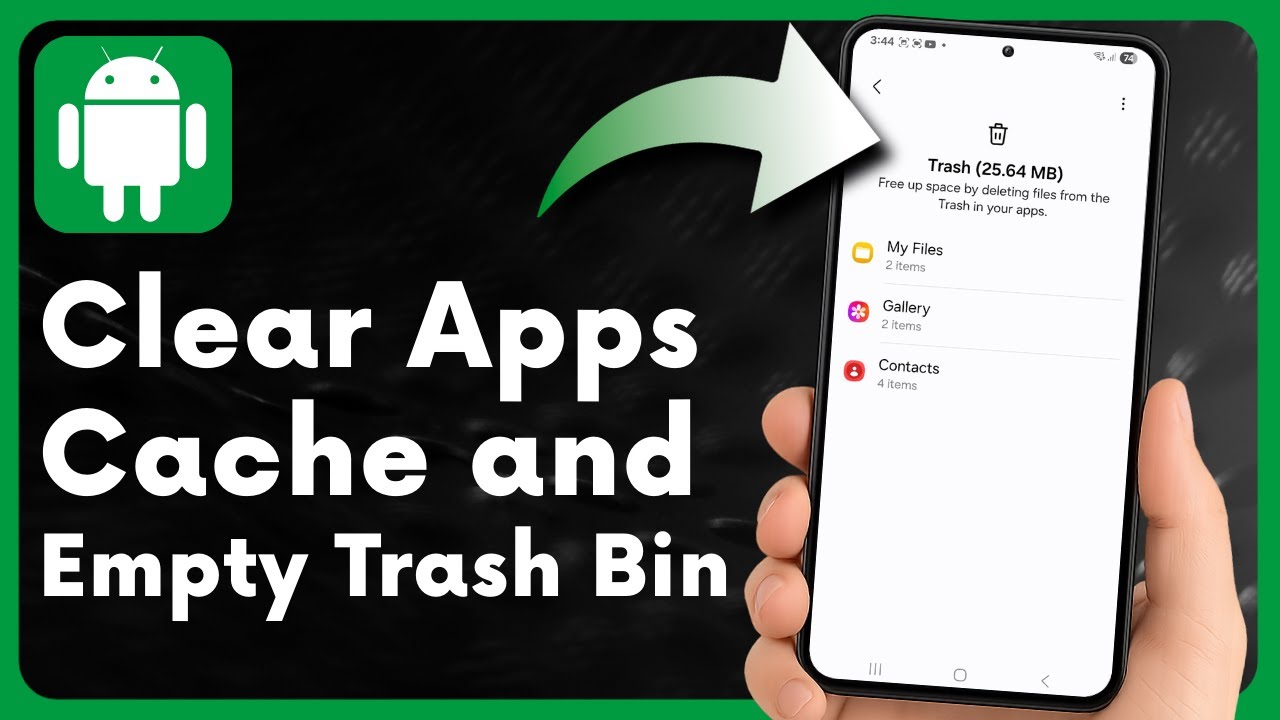
Is your Android phone running out of storage or getting slow? Clearing apps cache and emptying the trash bin can help you free up space and improve performance. In this video, I’ll walk you through simple steps to manage your storage and keep your Android device running smoothly.
👉 Open your Android settings and find Apps & Storage
👉 Select individual apps to Clear Cache and free temporary data
👉 Manage storage by removing unnecessary files and junk
👉 Open your Trash/Recycle Bin and permanently delete items
👉 Free up space by clearing cached data and old media
👉 Keep your Android phone faster, cleaner, and more responsive
This method works on most Android devices in 2025 including Samsung, Google Pixel, Xiaomi, OnePlus, Oppo, and more. Regularly clearing cache and emptying trash can help fix lag, save storage, and extend your device’s life.
👉 Watch the full tutorial and learn how to clear cache and empty trash bin on your Android phone in just a few minutes!
#Android #AndroidTips #ClearCache #EmptyTrash #AndroidTutorial
Доступные форматы для скачивания:
Скачать видео mp4
-
Информация по загрузке: