Wireless with Märklin 60117 WLAN Receiver Box and 60667 MS WLAN (MS2 Episode 9)
Автор: Model Train Fun
Загружено: 2024-03-29
Просмотров: 4609
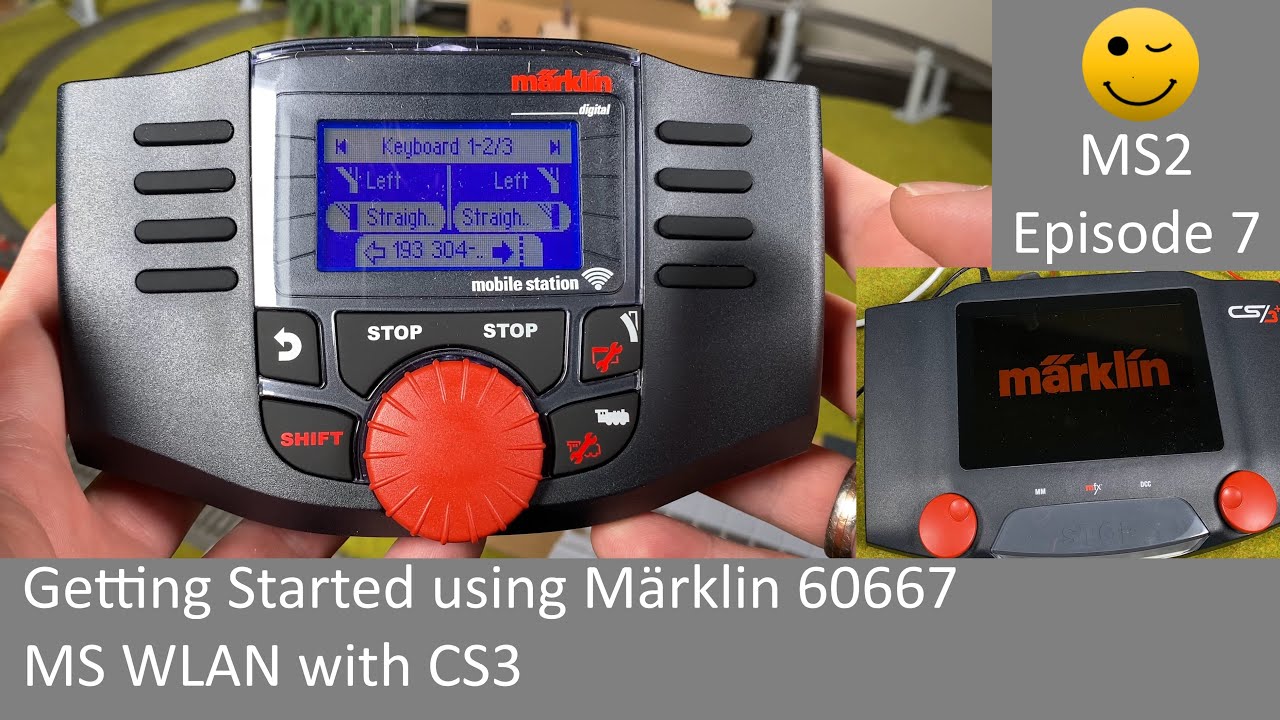
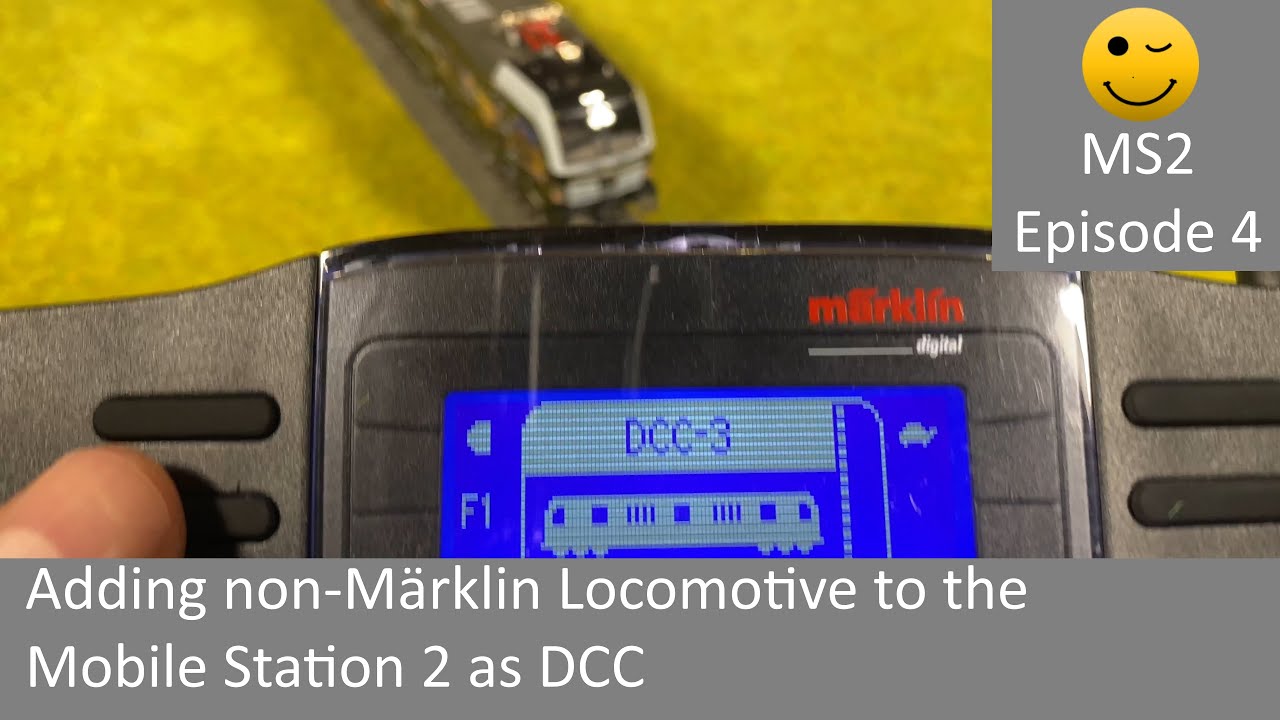
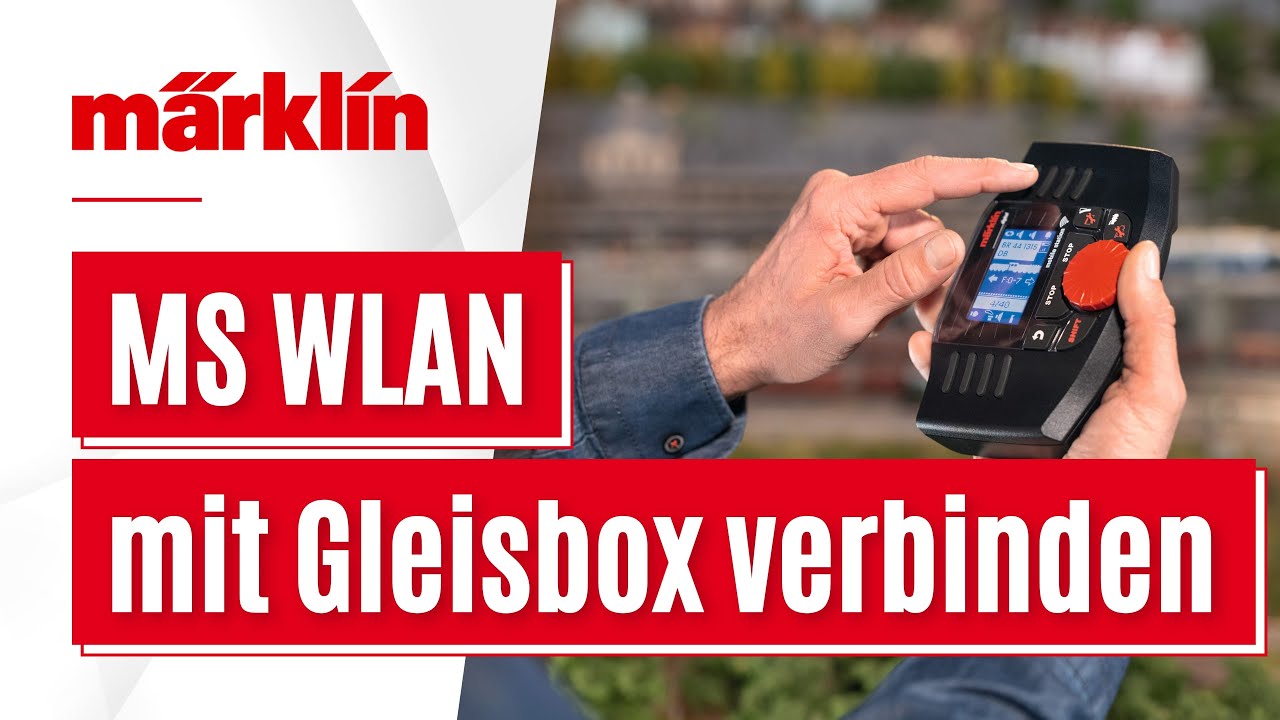
In this video we look at the new Märklin 60117 WLAN receiver box (wireless receiver box). The wireless receiver box can be connect any place you can plug in the Mobile Station (MS). In this video we look at how to use it with the control box together with a Mobile Station 2 (MS2) and the Central Station 3 (CS3). We will connect the the Märklin 60667 Mobile Station Wireless LAN (MS WLAN) aka the wireless Mobile Station wirelessly to the wireless receiver box (WLAN receiver box). In this way the MS WLAN can be used with a layout alone, with a Mobile Station or a Central Station.
More Information / background videos
• Getting Started using Märklin 60667 MS WLAN with CS3 (MS2 Episode 7): • Getting Started using Märklin 60667 MS WLA...
• Mobile Station 2 playlist: • Mobile Station 2 (Märklin MS2)
•
ALWAYS READ MANUAL and SAFETY INSTRUCTIONS. ONLY CONNECT WITH POWER OFF
Tips & How to included:
• How to connect the wireless Mobile Station (MS WLAN) to the wireless connector box
• How to connect the wireless connector box to the connector box
• How to connect the wireless connector box to the Central Station 3 (CS3)
• How to connect the wireless Mobile Station (MS WLAN) to the wireless connector box
• How to see the wireless receiver box and the Mobile Station on the Central Station 3 (CS3)
• Tip: Wireless receiver box can connect to any plug you can connect the Mobile Station
• Tip: Button with LED light on wireless receiver toggles between STOP mode and Go
• Tip: Hold button 10 sec to reset
• Tip: LED light Red = STOP mode
• Tip: LED light Green = Go
• Tip: LED light Blinking Red = do NOT turn off
• Tip: LED light briefly Flashing Green = device connecting
• Tip: LED light Blinking Red/Green = updating firmware. Do NOT turn off.
• Tip Only turn off when constant Red or constant Green.
• Tip: You can connect 4 wireless Mobile Stations (MS WLANs)
• Tip: Connect MS WLAN to network "Märklin WLAN Box…" with serial number
• Tip: Default password "maerklin160"
• Tip: Connect PC/Phone/tablet to network "Märklin WLAN Box…" for updates/settings
• Tip: Go to "192.168.160.1" from PC/phone/tablet to show web page
• Tip: Mobile Station enter password with SHIFT+Knob and arrows to move
• Tip: If it did not connect - try again. Might be glitch or wrong password.
• Tip: You can use MS WLAN with wireless connector box without MS/MS2
• Tip: Use SHIFT+Locomotive and "From Loco List" to select from CS3.
• Tip: On CS3 the wireless receiver box is called "WICA"
• Tip: On CS3 you can add/delete locomotives to share with the wireless receiver box
• Tip: On the web page you can configure the Power Control Stick
• Tip: On the web page you can see error codes
• Tip: On the web page you can change Wi-Fi SSID, name, password and channel
• Tip: On the web page you can do firmware update
Enjoy and have fun with model trains :-)
Interesting links (English):
Märklin: https://www.maerklin.de/en
Märklin 60117: https://www.maerklin.de/en/products/d...
Märklin Product database: https://www.maerklin.de/en/service/pr...
Chapters
00:00 Intro
01:58 Unboxing
03:45 Plug in box to control box with MS2
05:56 Connect MS WLAN to receiver box
06:48 MS WLAN: Enter password
11:12 MS WLAN without MS2
14:48 Connect box to Central Station 3
18:31 CS3: Box and MS WLAN settings
20:03 LED Light button
21:12 LED Light states
22:06 Connecting PC/Phone/tablet
25:41 Outro

Доступные форматы для скачивания:
Скачать видео mp4
-
Информация по загрузке: