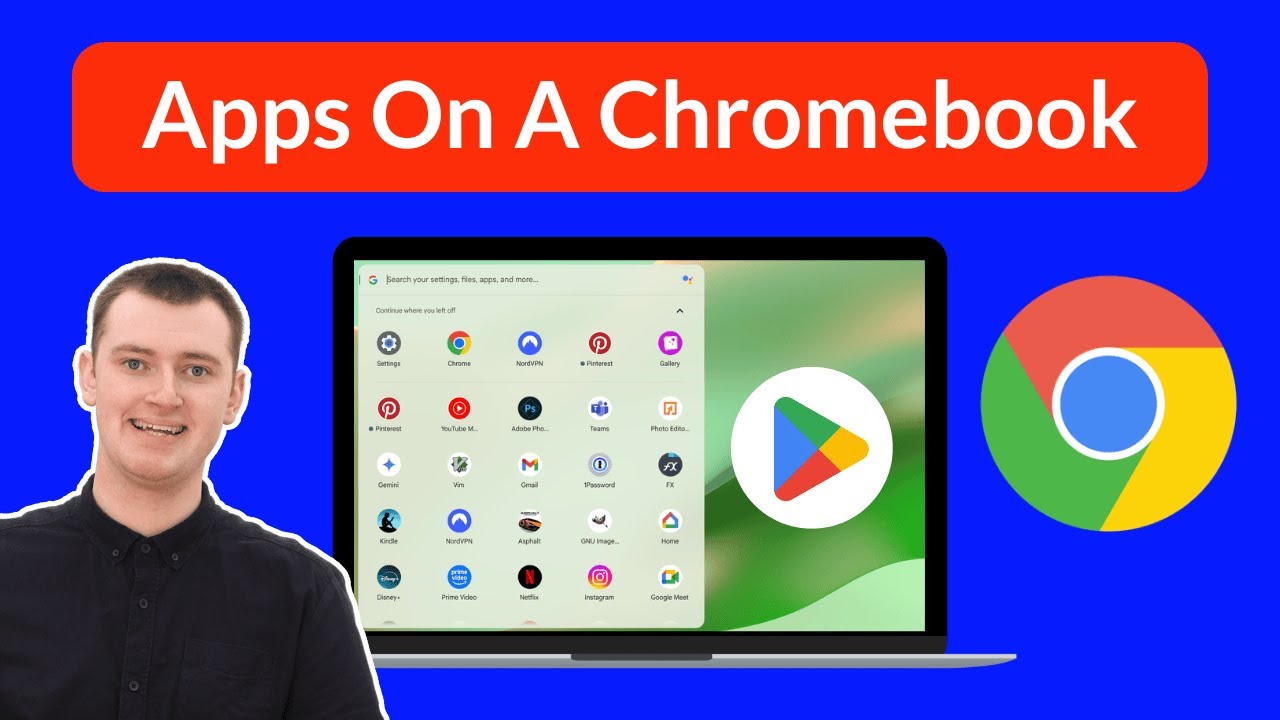
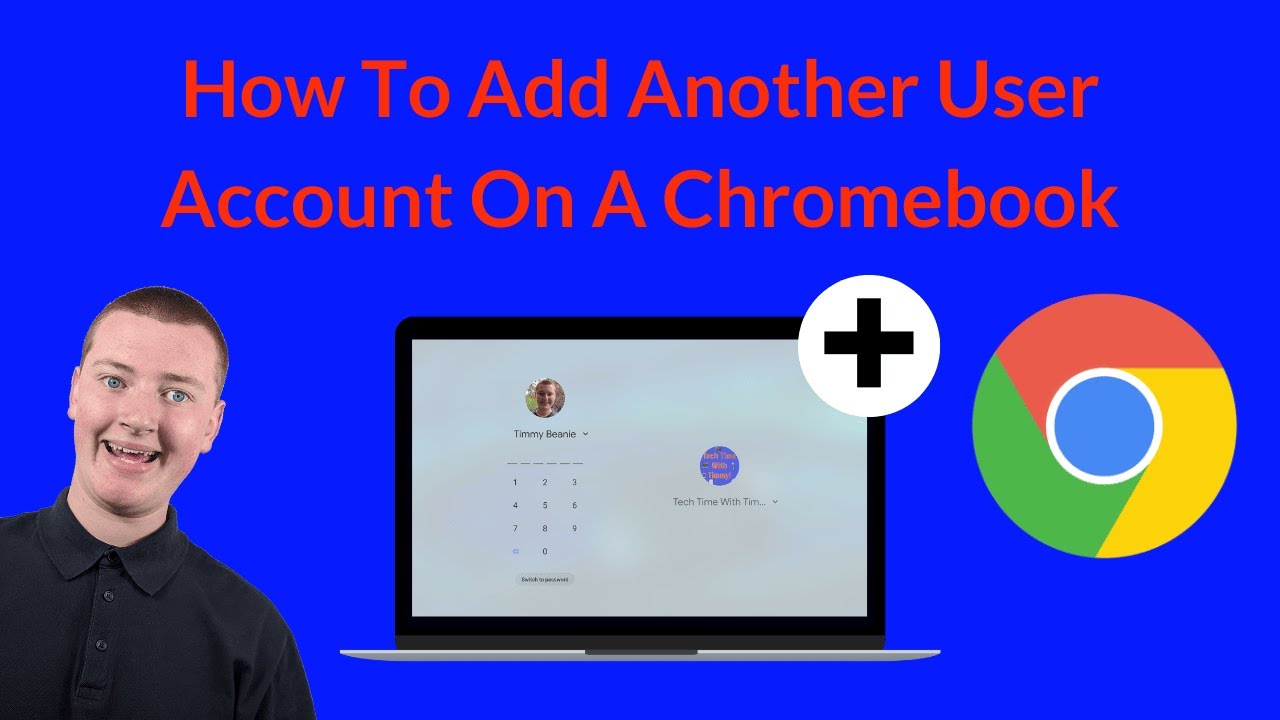
How To Add Another User Account On A Chromebook
Автор: Tech Time With Timmy
Загружено: 2023-08-01
Просмотров: 32993
In this video, Timmy shows you how to add an additional user account on a Chromebook.
So that when you turn it on, there will be multiple different user accounts that you can log into, and you'll have completely different files, apps, settings, and everything else, depending on which account you're using.
This can be great if you share your Chromebook with someone else, or if you want to have different profiles for different uses, like a work account and a personal account or something like that.
If you want to learn how to easily switch between user accounts on a Chromebook, check out this video:
• How To Switch User Accounts On A Chromebook
When setting up a new user profile, it gives you the option to create a pin, and Timmy explains all about pins and passwords on a Chromebook in this video:
• How To Change Your Password On A Chromebook
And, to learn more about the different light and dark themes on a Chromebook, and how you can change it after the initial setup process, check out this video:
• How To Enable Dark Mode On A Chromebook
Table of contents:
00:00:00 Intro
00:01:10 Signing Out
00:01:33 Adding Another Account
00:04:46 Everything Is Separate
00:06:32 The Login Screen
00:07:31 Switching Between Accounts
Доступные форматы для скачивания:
Скачать видео mp4
-
Информация по загрузке: