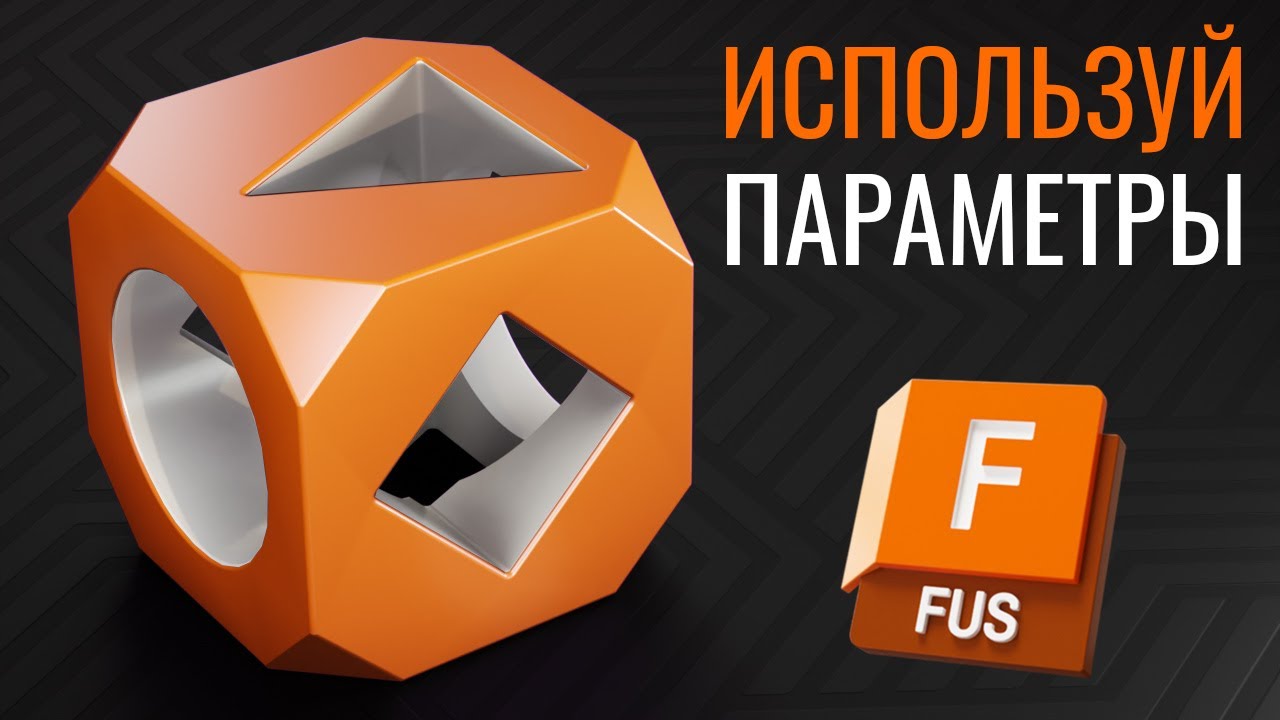
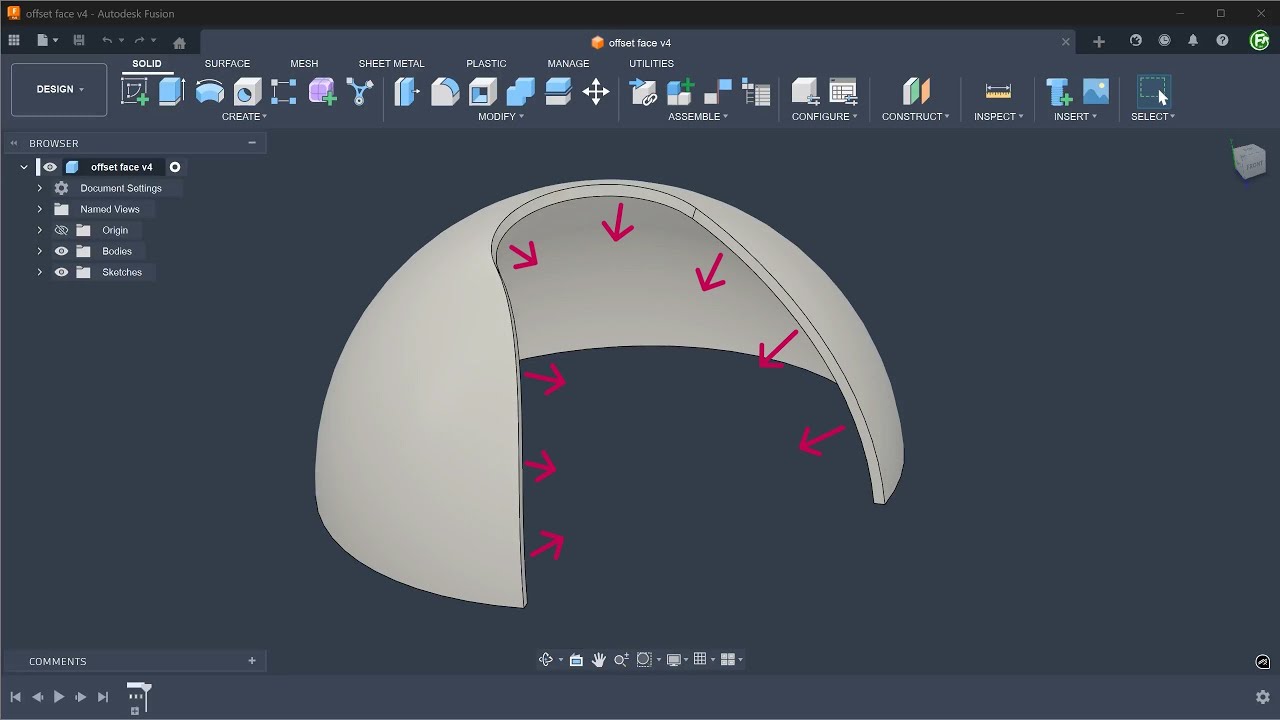
Can You Do This Sketch? | Fusion 360 Beginner Exercise
Автор: Fusion 360 Mastery
Загружено: 2026-01-24
Просмотров: 58
Exercise - 1
3D Sketch : hhttps://www.3dmechanism.com/post/3d-cad-fo...
Donate PayPal: https://www.paypal.com/donate/?hosted_butt...
In this video, you will create your very first 3D model in Autodesk Fusion (formerly Fusion 360).
If you are an absolute beginner and have never used CAD software before, this tutorial is for you. We will go through the basics step-by-step, sketching, and turning 2D drawings into 3D objects.
In this CAD tutorial we'll use the features:
Extrude
Definition: Converts a 2D flat sketch into a 3D solid by giving it thickness (depth). How it works: You select a closed profile (like a square or circle) and pull it in a straight line. The 3 Main "Operations":
New Body: Creates a brand new solid block. (Used for the first feature of a part).
Join: Adds material to an existing body (welds them together).
Cut: Removes material from an existing body (drills a hole or cuts a notch). Best for:
Base Shapes: Creating the initial raw material for your part.
Pockets: Cutting square or irregular holes that the standard "Hole" tool can't make.
Bosses: Adding raised mounting points for screws.
All dimensions are in mm/g/s/ISO
---------------------------------------------------------------------------------------------
Rating, commenting, subscribing and sharing are always appreciated!!
----------------------------------------------------------------------------------------------
▬▬▬▬▬▬▬▬▬▬▬▬▬▬▬▬▬▬▬▬▬▬▬▬▬▬▬▬▬▬
Follow Us On:
Instagram : https://www.instagram.com/engbcruz/
#AutodeskFusion
#Fusion360
#Fusion360tutorial

Доступные форматы для скачивания:
Скачать видео mp4
-
Информация по загрузке: