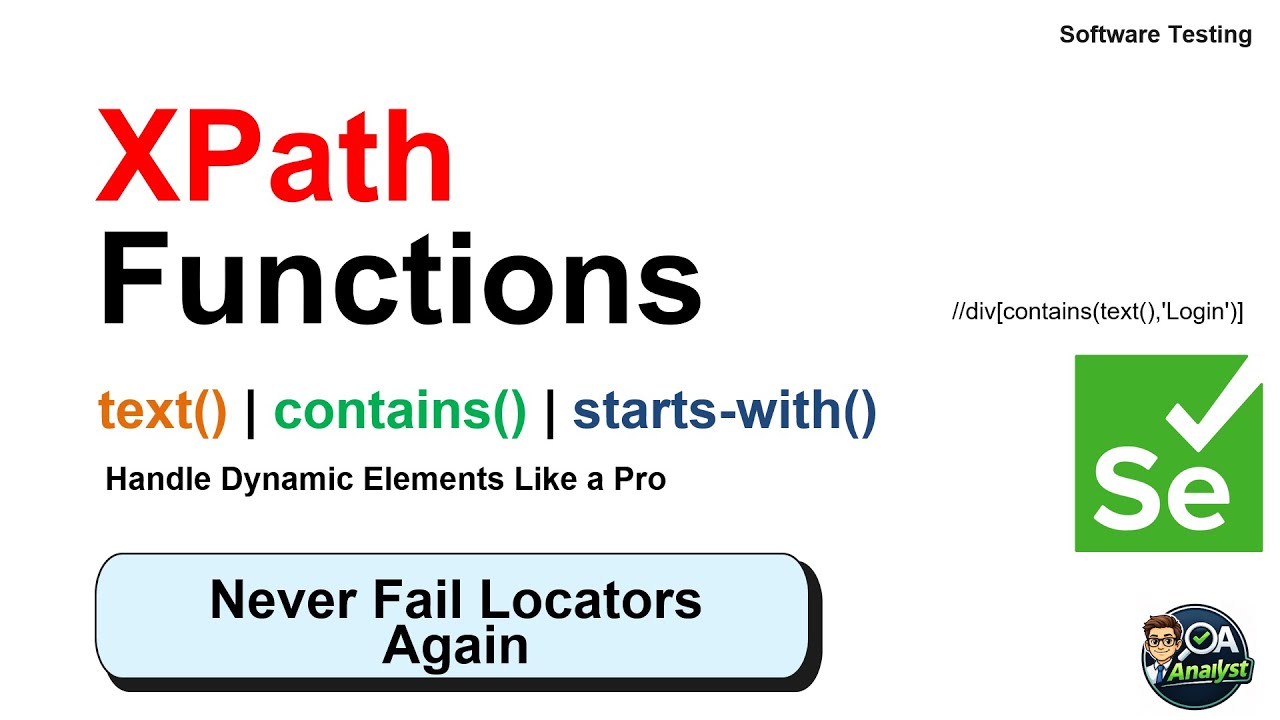
XPath Functions in Selenium | Handle Dynamic Elements Like a Pro | text(), contains(), starts-with()
Автор: The Quality Analyst
Загружено: 2026-01-15
Просмотров: 2
Modern web applications are dynamic —
IDs change, text updates, and error messages never stay the same.
If you rely only on basic XPath,
your Selenium automation will break again and again.
That’s why XPath Functions exist.
In this video, you’ll learn the three most powerful XPath functions used in real-world Selenium automation:
✅ What you’ll learn:
Why XPath functions are needed in dynamic web applications
How text() locates elements using visible text
How contains() handles changing messages and partial matches
How starts-with() works with dynamic prefixes and auto-generated values
Real-time automation use cases for error messages and validations
Best practices followed in professional automation frameworks
This topic is also one of the most frequently asked Selenium interview questions — making this video essential for job preparation and real project confidence.
Related Topics:
XPath functions Selenium
text() in XPath Selenium
contains() XPath tutorial
starts-with() XPath Selenium
Dynamic XPath handling
Selenium XPath advanced tutorial
XPath for dynamic elements
Selenium automation testing
XPath interview questions
Software testing XPath
#Selenium
#XPathFunctions
#AutomationTesting
#SoftwareTesting
#SeleniumAutomation
#XPath
#DynamicXPath
#QAEngineer
#SoftwareTester
#TestAutomation
#SeleniumTutorial
#seleniuminterview
📌 Next Video: XPath Axes — parent, child, sibling, ancestor explained simply.
If this class helped you,
Like, Subscribe, and Share with fellow software testing and automation learners.
Доступные форматы для скачивания:
Скачать видео mp4
-
Информация по загрузке:


