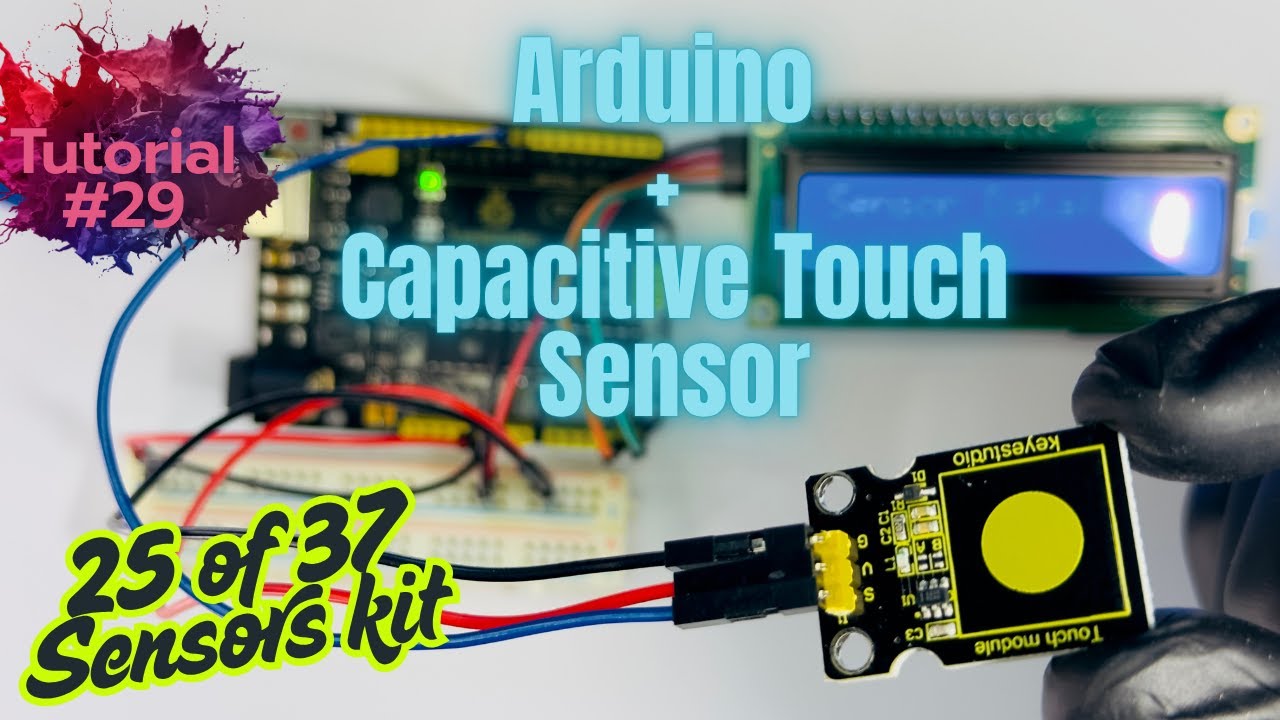
Arduino Tutorial #29: How to use Capacitive Touch Sensor with Arduino,(25 of 37 Sensor Kit)
Автор: Arduino Projects
Загружено: 2025-08-11
Просмотров: 52
Arduino Tutorial #29: How to use Capacitive Touch Sensor with Arduino UNO, (25 of 37 Arduino Sensor Kit).
-----------
CODE
------------
/*
This is 25 of 37 Sensors Tutorial code
NOTE: Please replace $ sign with open and close Angle brackets in the code below, because YOUTUBE won't let me include angle brackets in video's Description.
*/
#include $LiquidCrystal_I2C.h$ //In this line Please replace $ sign with open and close Angle brackets
//connections SDA--A4 and SCL--A5
//initialize the liquid crystal library
//the first parameter is the I2C address
LiquidCrystal_I2C lcd(0x27, 16, 2);
int SensorPin = 8;
int ledPin = LED_BUILTIN;
int state = 0;
void setup() {
lcd.init(); //initialize lcd screen
lcd.backlight(); // turn on the backlight
pinMode(ledPin, OUTPUT);
pinMode(SensorPin, INPUT);
}
void loop() {
delay(100);
state = digitalRead(SensorPin);
lcd.clear();
lcd.setCursor(0, 0); //write on the top row
lcd.print("Sensor Data: ");
lcd.print(state);
if (state == LOW) {
digitalWrite(ledPin, LOW);
} else {
digitalWrite(ledPin, HIGH);
lcd.setCursor(0, 1); //write on the bottom row
lcd.print("Touch Detected");
}
}
Hope this tutorial was useful. Please hit LIKE for more Arduino tutorial and subscribe to stay tuned.
#arduino #arduinouno #arduinoproject #diy #diyprojects #arduinotutorial #touchsensor #capacitivetouchsensor
Доступные форматы для скачивания:
Скачать видео mp4
-
Информация по загрузке: