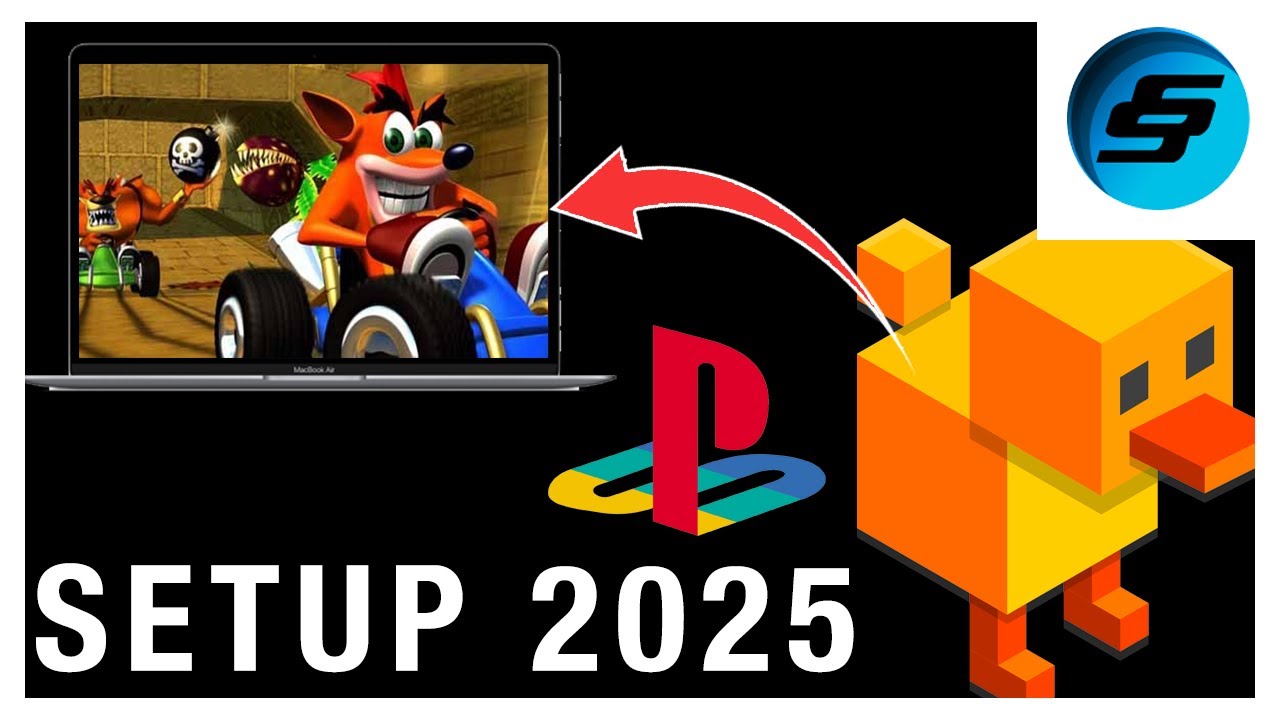
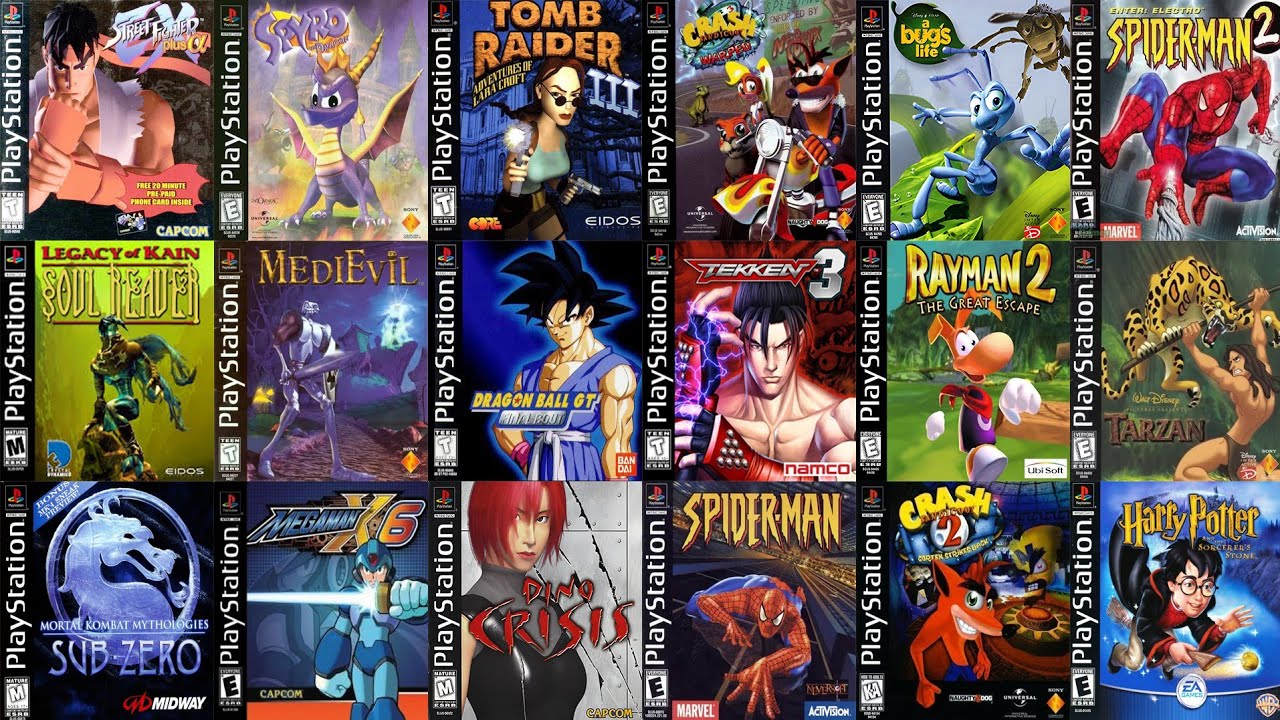
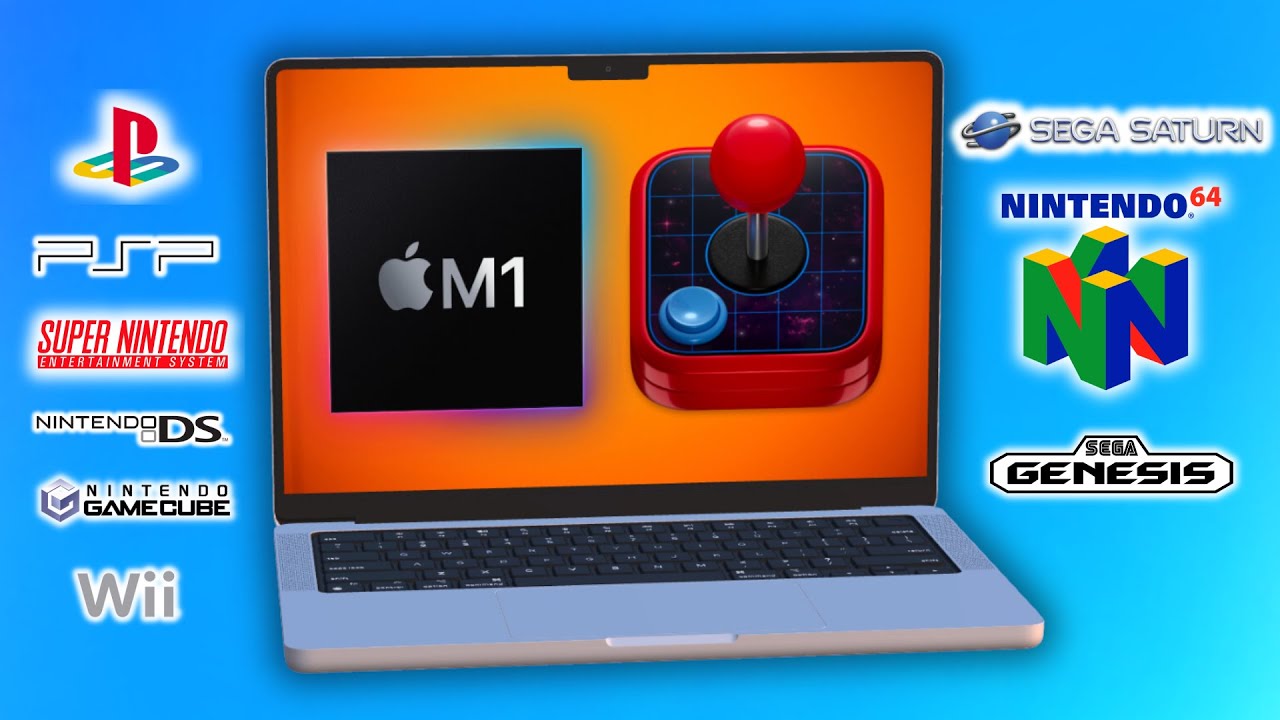
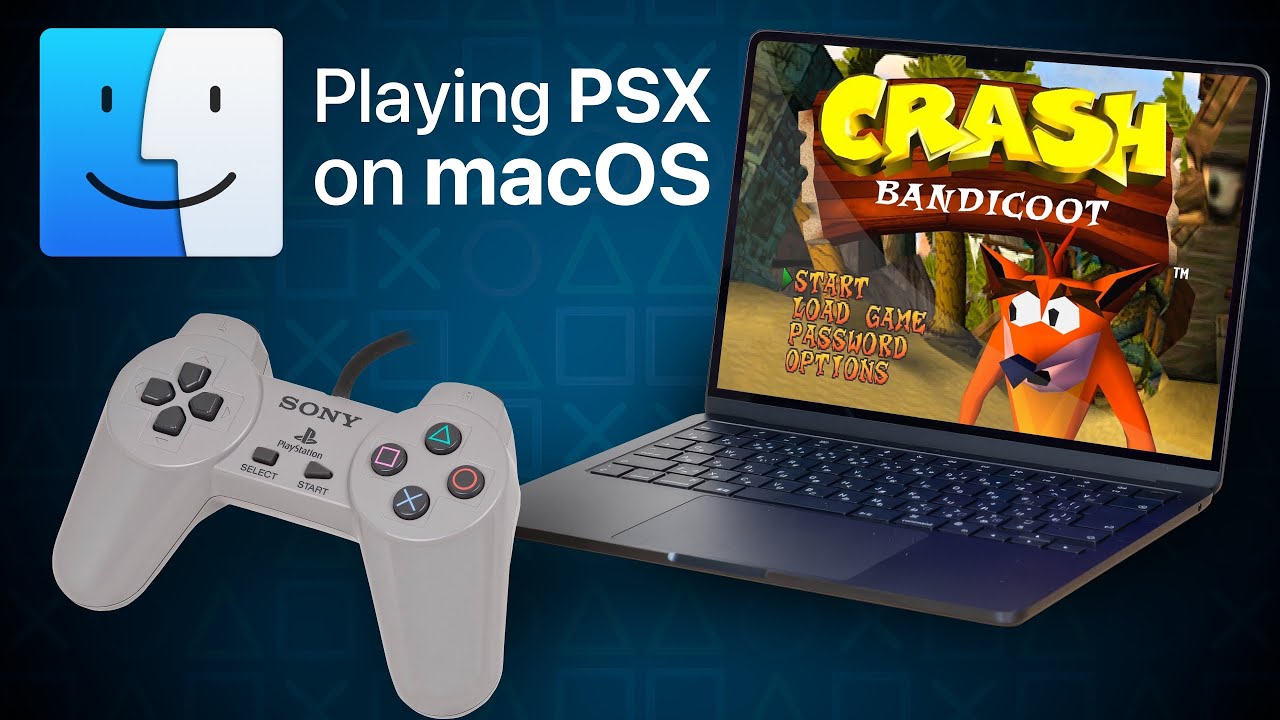
How to play PlayStation Games on your Mac (PSX / PS1 emulation on macOS)
Автор: dmg - (formerly Definitive Mac Upgrade Guide)
Загружено: 2024-04-27
Просмотров: 25384
Emulating the Playstation aka the PS1 aka the PSX is pretty straightforward and if you’ve used PCSX2 or RPSC3, it’ll feel very similar. There are multiple options to emulate the Playstation on a Mac, including even on PowerPC Macs with Connectix Virtual Game Station.
Patreon
/ dmug
Related post
/ 88302672
While emulators like OpenEmu do a reasonable job of emulating the Playstation , it doesn’t have the advanced graphical features of DuckStation. You can experience Playstation at 4k in widescreen, texture smoothing and faster load times and this tutorial explore the many features of Duckstation.
One of the advantages of the Duckstation emulator is to play games at MUCH higher resolutions and visual fidelity. This is especially noticeable on 3D games. Your mileage will be vary, newer Macs with dedicated GPUs or Apple Silicon era Macs should be able to crank the resolution.
Duckstation
https://www.duckstation.org/
Playstation 2 Emulation tutorial:
• How to play PlayStation 2 Games on your Ma...
Playstation 3 Emulation tutorial
• How to play PlayStation 3 Games on your Ma...
Xbox Emulation tutorial
• How to play Xbox Games on your Mac (origin...
0:00 Intro
0:45 Download and Install DuckStation
1:44 PSX BIOS
2:17 Adding games
2:44 Controller setup
3:54 Launching a game and initial graphics configuration
6:28 Post Processing and 2D graphics settings
8:35 Slowing down emulation and V-sync
9:19 Speed Hacks for faster loading
10:02 Memory cards
11:23 OSD
11:50 Game Grid View
12:35 Cheats
13:20 Save States
Доступные форматы для скачивания:
Скачать видео mp4
-
Информация по загрузке: