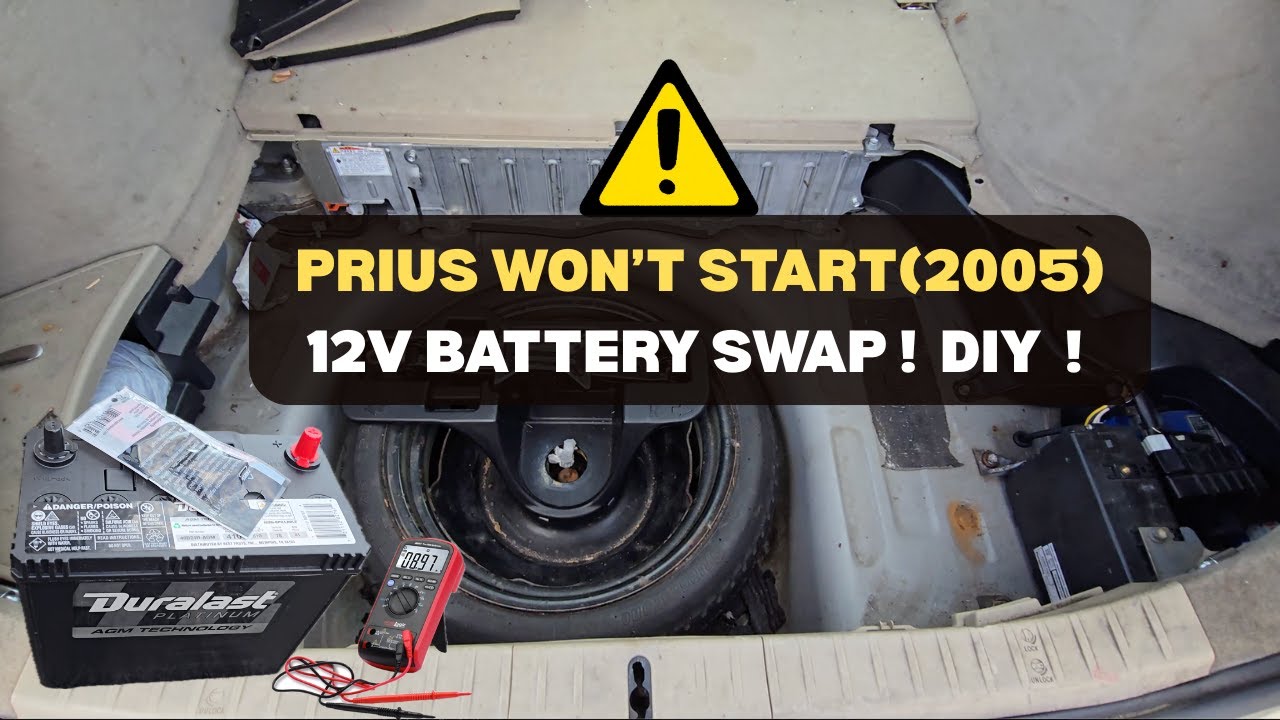
FIX A DEAD PRIUS! (2005) Detailed 12V Battery Replacement Guide. Accessing the Trunk & Testing
Автор: youdoit101
Загружено: 2025-10-18
Просмотров: 232
Is your 2005 Toyota Prius (Gen 2) completely dead? Remote not working? Won't power up? The culprit might be the small 12-volt accessory battery located in the trunk - and it can be a little tricky to access when the car is locked down!
In this step-by-step guide, I walk you through the entire process, from diagnosing the dead battery to successfully starting the car again with a new one.
Timestamp
0:00 Intro & The Problem: Is Your Prius Completely Dead? (Remote Key Won't Work)
0:48 Required Tools
1:10 Accessing the Trunk (Locked Car): Folding the Rear Seats
2:10 Emergency Access: Using the Internal Trunk Release Handle
2:30 Verification: Testing the Battery Voltage with a Multimeter
2:45 Safety: Disconnecting Hybrid Battery Safety Switch
3:00 Removal: Disconnecting Terminals
5:00 The Swap: Removing the Old Battery & Installing the New One (AutoZone)
5:40 Installation: Connecting Terminals (Positive First!)
8:40 The Test: Starting the car & Verifying the Fix!
9:05 Wrap-up & Disclaimer (Safety Warning & Final Thoughts)
🛠️ Tools Used: Multimeter, 10mm , wrench (for terminals), New 12V Battery.
Disclaimer (Important!):
⚠️ SAFETY WARNING: DO AT YOUR OWN RISK ⚠️
Working with automotive electrical systems and batteries can be dangerous. Always wear appropriate safety gear (gloves/eyewear), disconnect the negative terminal first, and consult your vehicle's manual. I am not a professional mechanic; this video is for informational purposes only. You assume all responsibility for any damage or injury that may result from following this guide. Be Safe!
Don't forget to like, comment, and subscribe for more DIY car fixes!
#ToyotaPriusRepair #Prius12V #DeadPriusFix #Gen2Prius #CarDIY #AutozoneBattery
Доступные форматы для скачивания:
Скачать видео mp4
-
Информация по загрузке: