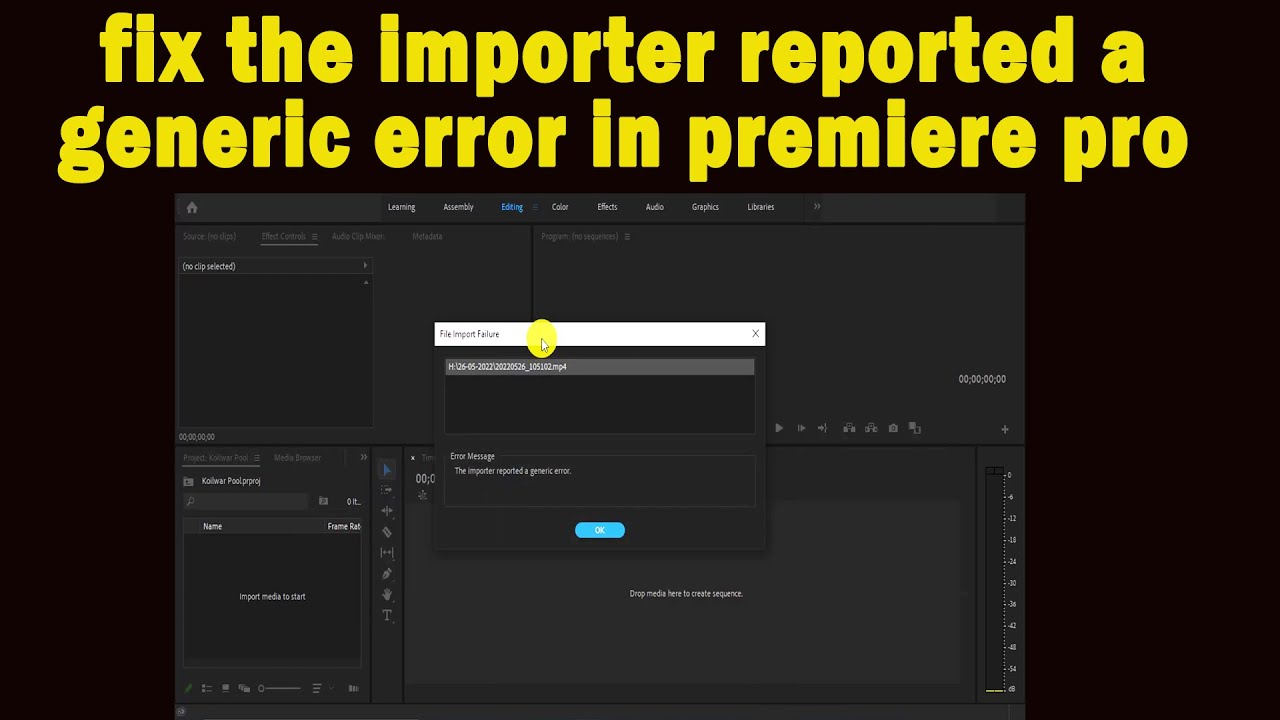
How to fix The Importer reported a generic error in premiere pro
Автор: Infotic Abhi Technical
Загружено: 2022-05-26
Просмотров: 805
importer reported a generic error is a very simple error and we give a two solution for the simple error ..
Solution 1 : Change the extension of the file
You can just simply rename the files in the same directory (ex.. we change .mp4 to .MTS ) and then try importing the files to Adobe Premiere Pro.
If it doesn’t work, then just move them to a different location.
Solution 2 : Move the Files to a Different Location or Rename Them
In some scenarios, the issue might be due to the specified path of the video or audio files. In such a case, you will have to change the path of the files That is move them to a different drive or just a different folder. This was reported by many users and has helped them resolve the issue.
Thanks for watching 💓
-----------------------------------------------------------------------
Here is all social media accounts
please follow me
Facebook - / kumarabhishekind
Instagram / kumarabhish. .
-----------------------------------------------------------------------
Thanks for watching and don't forget to comment your feedback....!
-------------------------------------------------------------------
If You are First time visited on My Channel Then you must LIKE, SHARE our video and SUBSCRIBE our channel. Thanks for Watching This Video
--------------------------------------------------------
Disclaimer- Some contents are used for educational purpose under fair use. Copyright Disclaimer Under Section 107 of the Copyright Act 1976, allowance is made for "fair use" for purposes such as criticism, comment, news reporting, teaching, scholarship, and research. Fair use is a use permitted by copyright statute that might otherwise be infringing. Non-profit, educational or personal use tips the balance in favour of fair use
Доступные форматы для скачивания:
Скачать видео mp4
-
Информация по загрузке: