Скачать
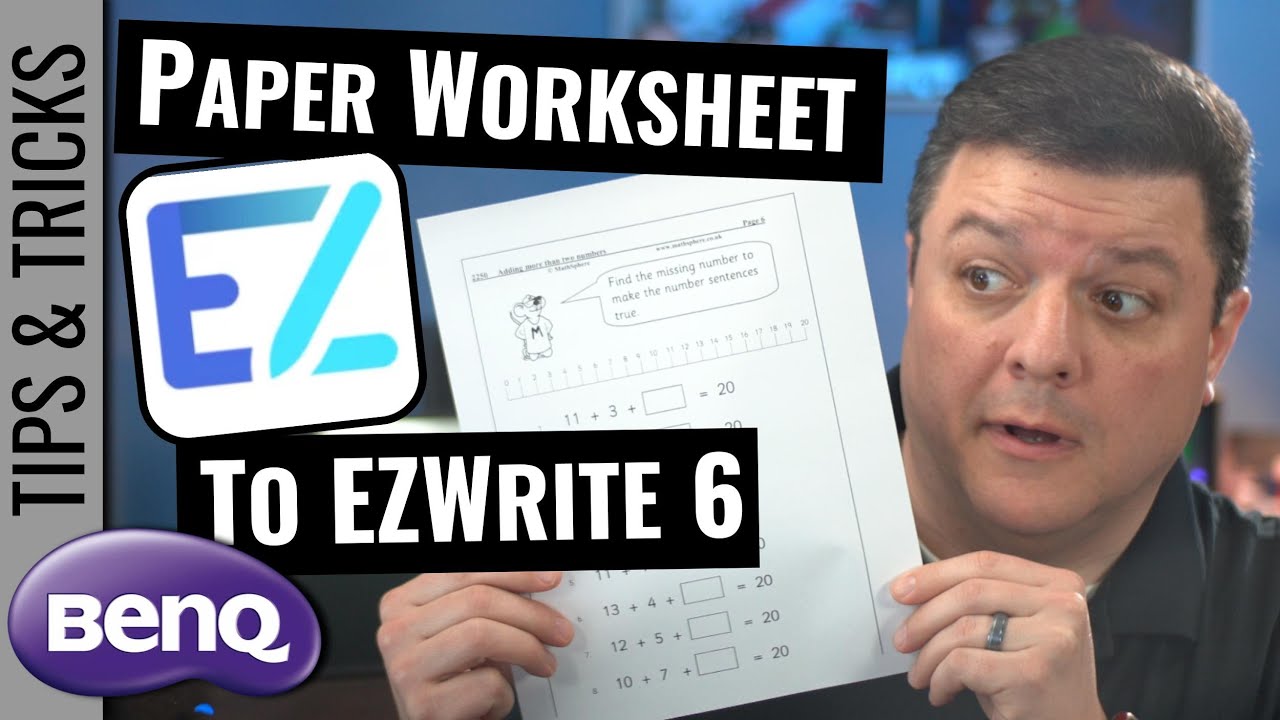
Display your Paper Worksheet on BenQ's EZWrite
Автор: Grifftastic Industries
Загружено: 2023-03-31
Просмотров: 534
Описание:
You know that issue where you have a worksheet up on your laptop, and it's connected to the BenQ, and then you go ahead and use the little floating pencil toolbar thing, and you have to clear your annotations, unselect the tool and then scroll down and start all over again?
That's because BenQ's EZWrite tool doesn't work like Smart Notebook, so this video will walk you through the fix, or . . . at least my suggestion for a fix.
0:00 Introduction to Worksheet to BenQ Annotation Issue
1:21 Demo how to take a paper worksheet and put it on the BenQ
7:26 Please Like, Comment and Subscribe
Доступные форматы для скачивания:
Скачать видео mp4
-
Информация по загрузке: