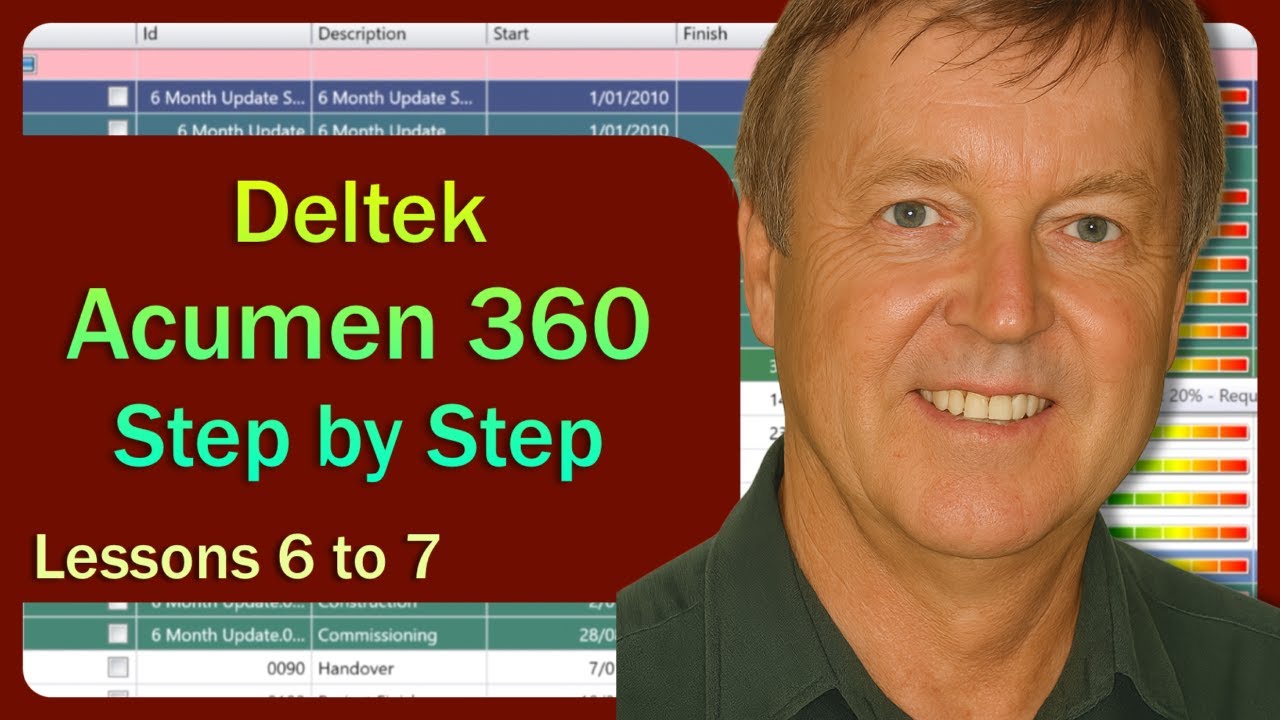
❇️ Deltek Acumen 360 – Step by Step ❇️ 6 to 7 ❇️ Acceleration & Schedule Optimisation Made Easy
Автор: Phil Hirst
Загружено: 2025-07-19
Просмотров: 61
00:00 Lesson 6 - 360 Acceleration Goals – Target specific completion dates and let 360 simulate solutions
11:17 Lesson 7 - Combining Acceleration Options – Use multiple strategies in a single scenario
Master Deltek Acumen 360 with this focused, step-by-step course designed to help you quickly evaluate multiple acceleration or deceleration scenarios across your project schedule. In just 12 concise lessons, you’ll learn how to generate schedule options, apply logic or duration changes, and visualise the impact of fast-tracking or re-sequencing activities using 360’s powerful scenario modelling tools.
The course introduces Acumen 360’s unique approach to schedule acceleration, deceleration, and goal-based simulations, helping you produce multiple schedule delivery options—without needing to rework your base schedule in Primavera or Microsoft Project. It also guides you through auto-generated acceleration logic, user-driven optimisation, and presentation-ready outputs.
Whether you’re a project manager, planner, scheduler, or analyst working with tight deadlines or compressed timelines, this course gives you practical methods to assess what’s possible—and what it takes to get there.
Presented by Gavin Drysdale
With a background in Project Controls, covering over 35 years, his experience includes mega projects in the Mining, Oil & Gas and Heavy Industries. Over the years, he has worked as a Project Controls Specialist for many of the major International Companies.
Full Training Course Playlist (10 lessons, 4 videos)
• ❇️ Deltek Acumen 360 – Step by Step Traini...
Previous videos
Lessons 1 to 3 - • ❇️ Deltek Acumen 360 – Step by Step ❇️ 1 t...
Lesson 4 to 5 - • ❇️ Deltek Acumen 360 – Step by Step ❇️ 4 t...
Next video
Lessons 8 to 10 - • ❇️ Deltek Acumen 360 – Step by Step ❇️ 8 t...
Lesson list:
1 – Introduction
Overview of the course structure and what you’ll learn about acceleration, deceleration, and scenario modelling in Acumen 360.
2 – What is Acumen 360?
A quick intro to Acumen 360, how it fits into the Deltek suite, and why it’s used for schedule optimisation.
3 – Creating 360 Views and Scenarios
Learn how to set up your workspace, build views, and define scenario parameters for analysis.
4 – Logic-based Acceleration and Deceleration
Automatically adjust schedule logic to compress or extend durations based on activity relationships.
5 – Activity-based Acceleration and Deceleration
Manually control duration changes across selected tasks for fine-tuned modelling.
6 – 360 Acceleration Goals
Set target completion dates and let 360 determine the necessary schedule modifications to hit the goal.
7 – Combining Acceleration Options
Use both logic and activity changes in tandem to build realistic yet aggressive acceleration scenarios.
8 – Comparing 360 Scenarios
Evaluate alternative scenarios, review what’s realistic, and determine the best course for delivery.
9 – Customising Gantt and Columns
Adjust visuals, filters, and columns for clear scenario comparison and stakeholder communication.
10 – Presenting 360 Scenarios
Prepare clean, presentation-ready visuals and data summaries to share with teams or executives.
Other Training Courses Playlists
Primavera P6 for Beginners (10 lessons, 3 videos)
• 🔹 Primavera P6 Tutorial for Beginners 🔹 10...
Primavera P6 Intermediate (10 lessons, 3 videos)
• 🔹 Primavera P6 Intermediate Training 🔹 10 ...
Primavera Risk Analysis (21 lessons, 7 videos)
• 🔹 Primavera Risk Analysis – Step by Step 🔹...
Deltek Acumen Fuse (33 lessons, 14 videos)
• 🔸 Deltek Acumen Fuse – Step by Step 🔸 33 L...
Deltek Acumen Risk (26 lessons, 10 videos)
• 🔰 Deltek Acumen Risk – Step by Step 🔰 26 L...
Доступные форматы для скачивания:
Скачать видео mp4
-
Информация по загрузке: