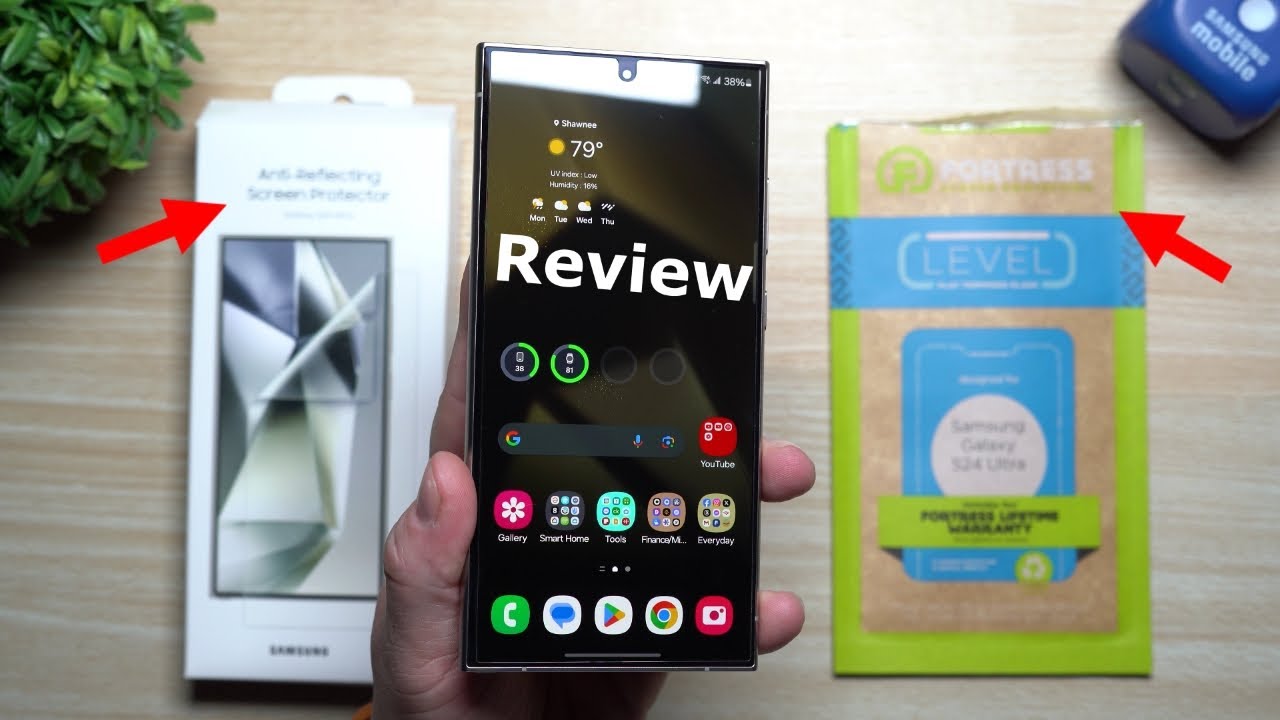
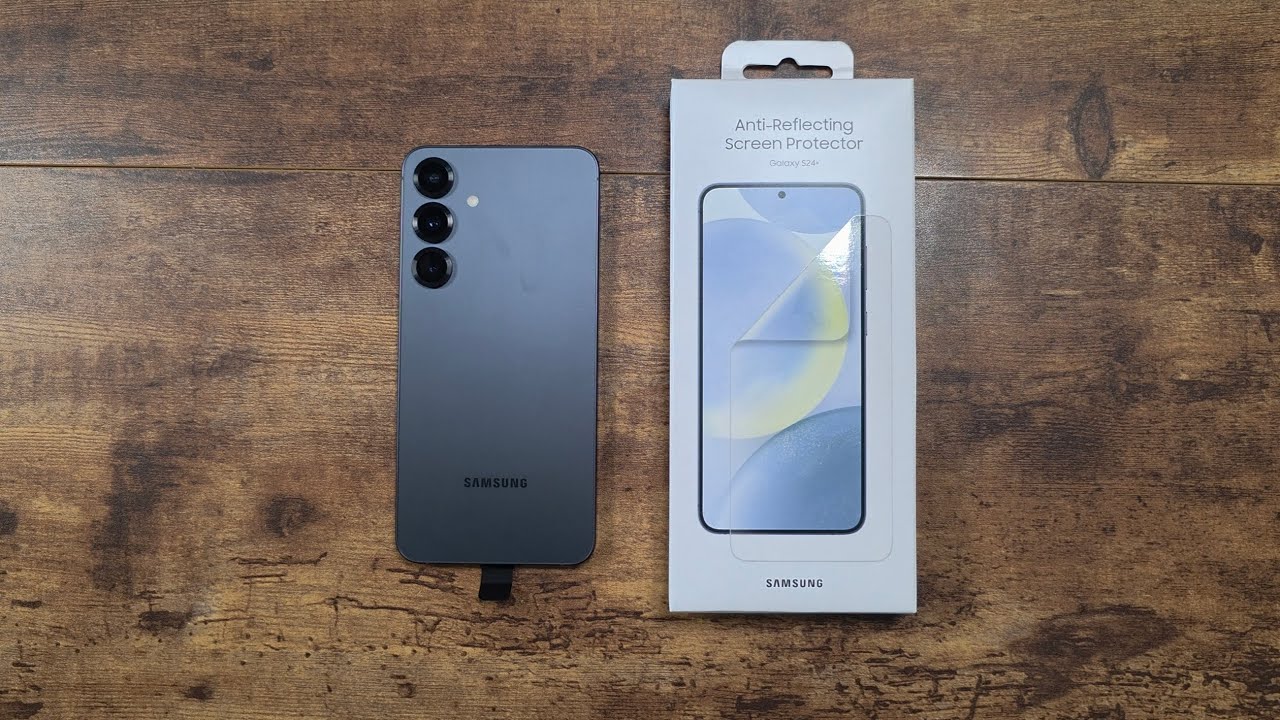
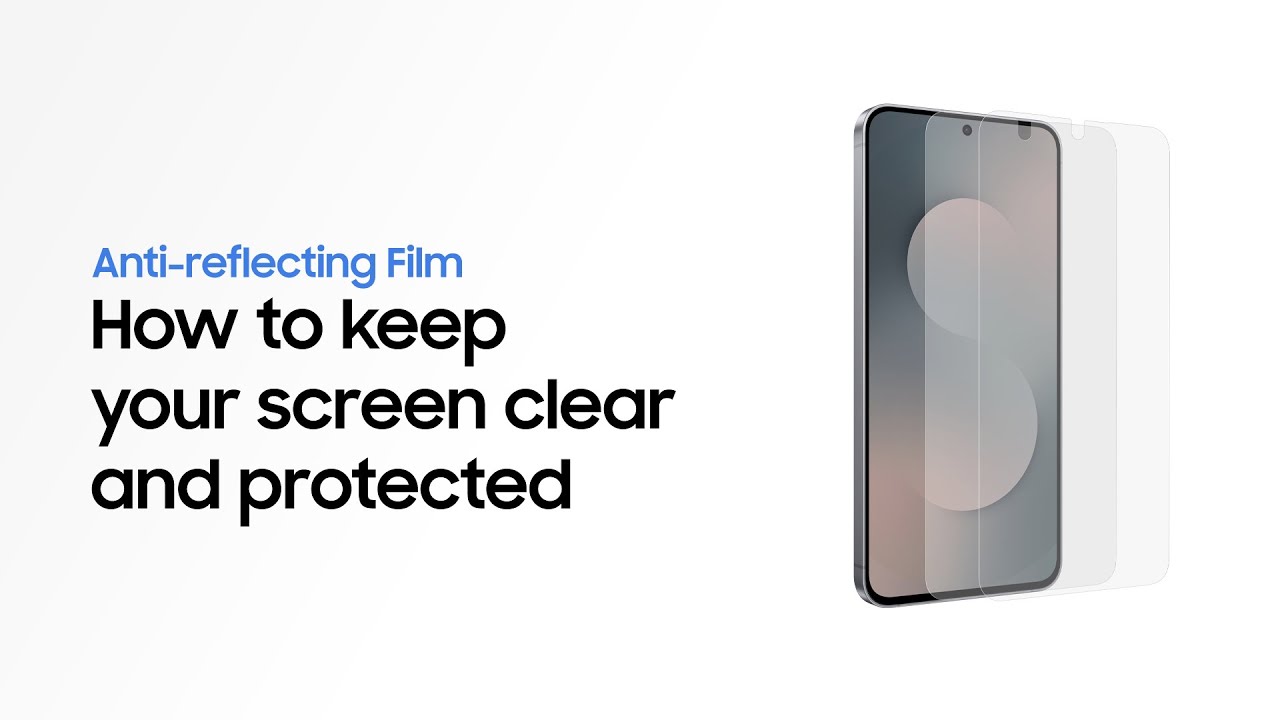
How to apply Anti-reflecting Film | Galaxy S25 FE | Samsung
Автор: Samsung
Загружено: 2025-09-04
Просмотров: 129130
This is the official video guide on how to apply Anti-reflecting Film on Galaxy S25 FE. Want to easily apply the film yourself? Learn more: http://smsng.co/S25FE_Film_How-to_yt
00:00 Intro
00:13 What's in the box
00:16 Set up
00:34 Apply the Anti-reflecting Film
01:33 Finish up
Follow the steps below, and you'll be able to apply the Anti-reflecting Film quickly and easily! 🤓
Step 1: Attach the applicator to your Galaxy S25 FE.
Step 2: Clean the screen with microfiber cleaner and dust removal sticker.
Step 3: Align the Anti-reflecting Film with the Galaxy S25 FE screen and apply one half.
Step 4: Rotate your Galaxy S25 FE and apply the remaining half of the film.
Step 5: Finish by smoothing out any bubbles with the squeegee and wiping the screen with the microfiber cleaner.
The Anti-reflecting Film will provide enhanced visibility and protection against dust and fingerprint smudges 🤩
Q: Is the Anti-reflecting Film scratch-resistant?
A: The Anti-reflecting Film is coated with both an anti-scratch layer and a dust-resistant coating to help maintain clarity and durability over time. It’s designed to resist everyday wear and keep your screen looking clean and sharp.
Q: Why does a line appear in the center of the screen after applying the Anti-reflecting Film?
A: A line may appear in the center of the screen after applying the Anti-reflecting Film. The line typically fades over time and may be reduced by gently wiping the area with a microfiber cleaner.
#GalaxyAI #GalaxyS25 FE #Samsung
Доступные форматы для скачивания:
Скачать видео mp4
-
Информация по загрузке: