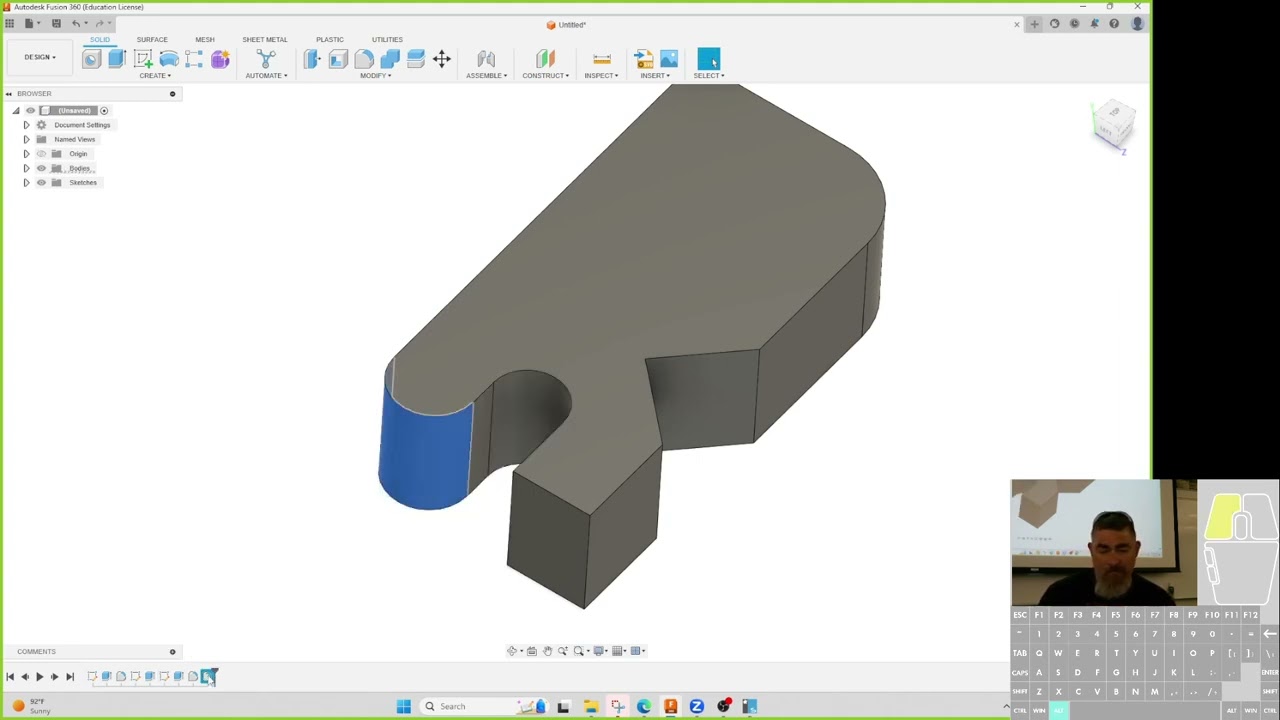
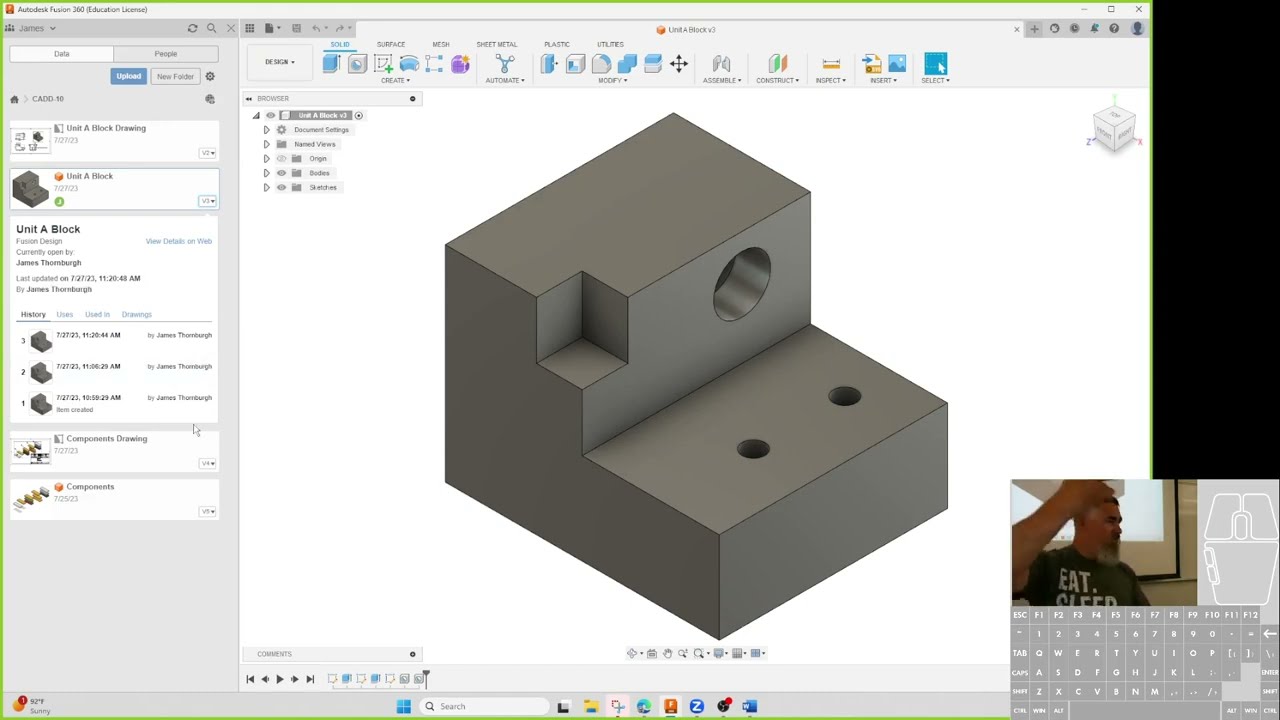
centering sketches
Автор: CAD Training Now
Загружено: 2023-12-27
Просмотров: 686
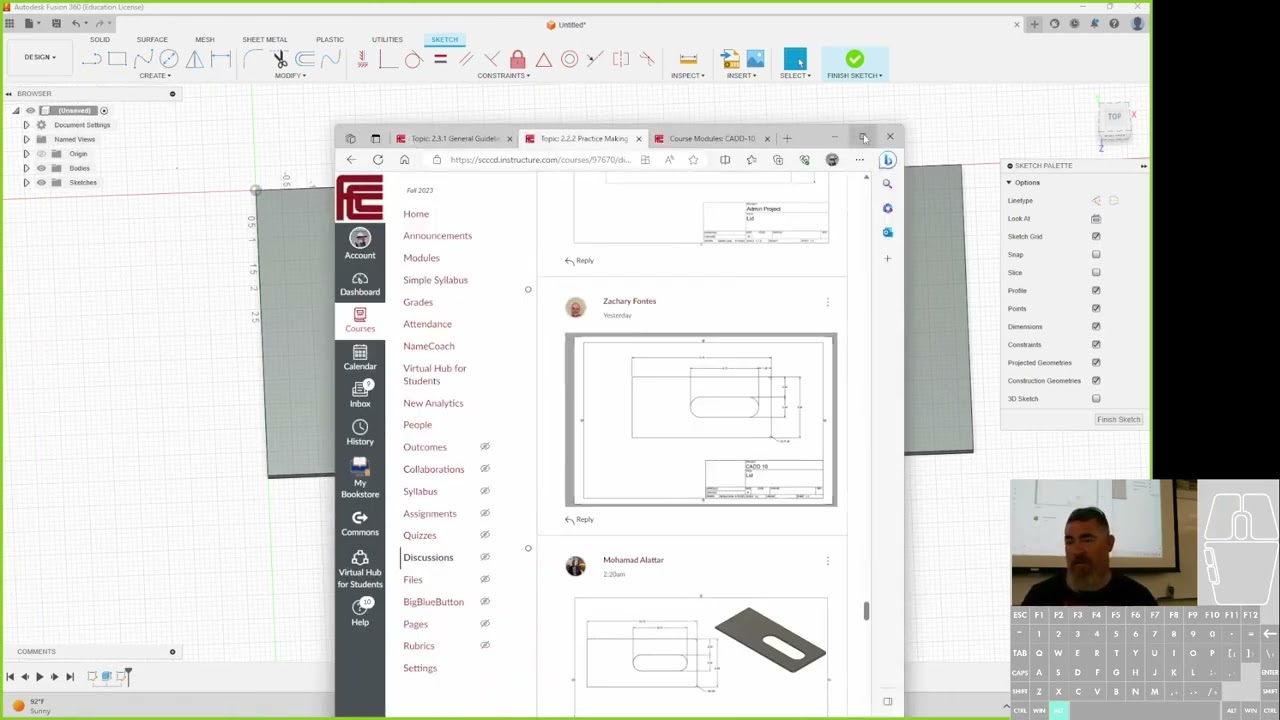
In this video, I explain different techniques for centering sketches and objects in Fusion 360, focusing on creating professional and adaptable designs. I start by showing how to center a rectangular cut on an edge and demonstrate the importance of sketching slightly off the part to avoid confusion. I also show how to make a cut adaptive so it remains centered even if the part's size changes. Next, I explain how to center a slot on a part using a geometric constraint and introduce my "six to eight element" sketching philosophy. I then cover three different ways to find the center of a face using construction lines and emphasize the importance of making these helper lines "construction lines" so they don't interfere with the final shape. I conclude by demonstrating the Project tool (keyboard shortcut 'P'), which allows you to project existing geometry onto a new sketch plane to align new features perfectly with existing ones.
Timestamps:
00:10 - Centering a rectangular cut on an edge
02:44 - Sketching a rectangle slightly off the part
03:30 - Using the dedicated rectangle tool
04:18 - Using the extrude cut command
05:34 - Making the cut adaptive
07:06 - Using equations to define dimensions
09:45 - Centering a slot away from an edge
13:47 - Centering a slot with a geometric constraint
16:53 - Centering an object on a face
17:32 - Three ways to find the center of a face
26:27 - Aligning holes and objects using the Project tool
32:02 - Creating separate sketches for holes with different depths
34:48 - Parametric design and projected geometry
Доступные форматы для скачивания:
Скачать видео mp4
-
Информация по загрузке: