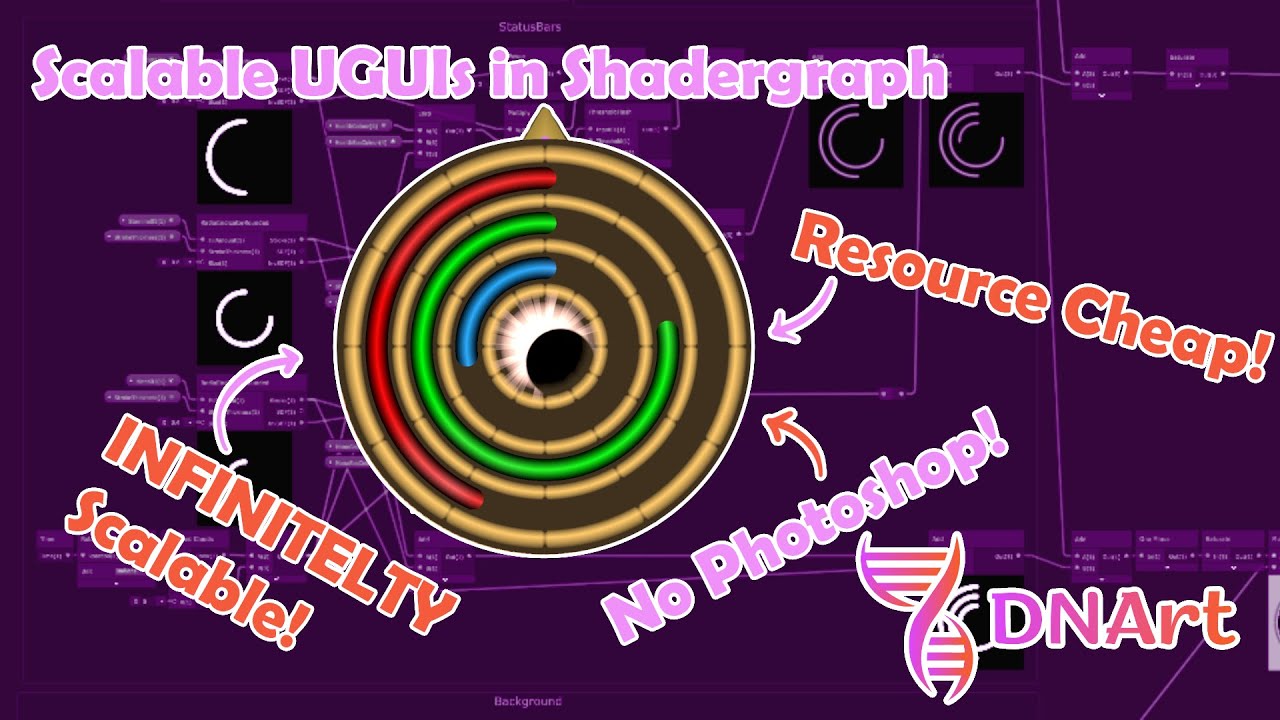
Make INFINITELY scalable UGUI in Shadergraph (Status Bars & Compass in Unity, NO PHOTOSHOP!)
Автор: DNArt
Загружено: 2025-10-11
Просмотров: 25
Use the Shadergraph UGUI Shader sample to create infinitely scalable UI elements for Unity. In this video I create a set of status bars for showing 3 values, as well as a custom display for a 4th value. This method is easy and behaves like vector SVGs in Unity and doesn't consume CPU resources or RAM having to allocate a bitmap texture!
Link to the shadergraph and subgraphs: https://drive.google.com/drive/folder...
When you import them to your project you might have to replace the custom subgraphs since their ID is generated by Unity when they are imported and it might not link to the ID already in the shadergraph file.
00:00 - Setup UGUI Sample
00:36 - Creating the shader
01:16 - Making the radial indicator subgraph
06:09 - Rounded radial indicator subgraph
08:06 - Threshold flash subgraph
09:19 - Ring subgraph
09:51 - Making the status bars
20:00 - Applying the shader in Unity
21:39 - Making the background
28:11 - Combining the background and status bars
30:46 - Making the sun
34:54 - Making the moon
36:15 - Making the eclipse effect
39:40 - Putting it all together
42:03 - Making the compass shader
52:17 - Applying the compass shader
55:28 - The scripts to update the compass and status bars
56:56 - The final product
#unity #unity3d #unity3dtutorial #gamedev
Доступные форматы для скачивания:
Скачать видео mp4
-
Информация по загрузке: