Decal Workflow using Imageprint RED Cut it Out Add on for the Epson SureColor T5770dr
Автор: LexJet
Загружено: 2024-08-06
Просмотров: 1133
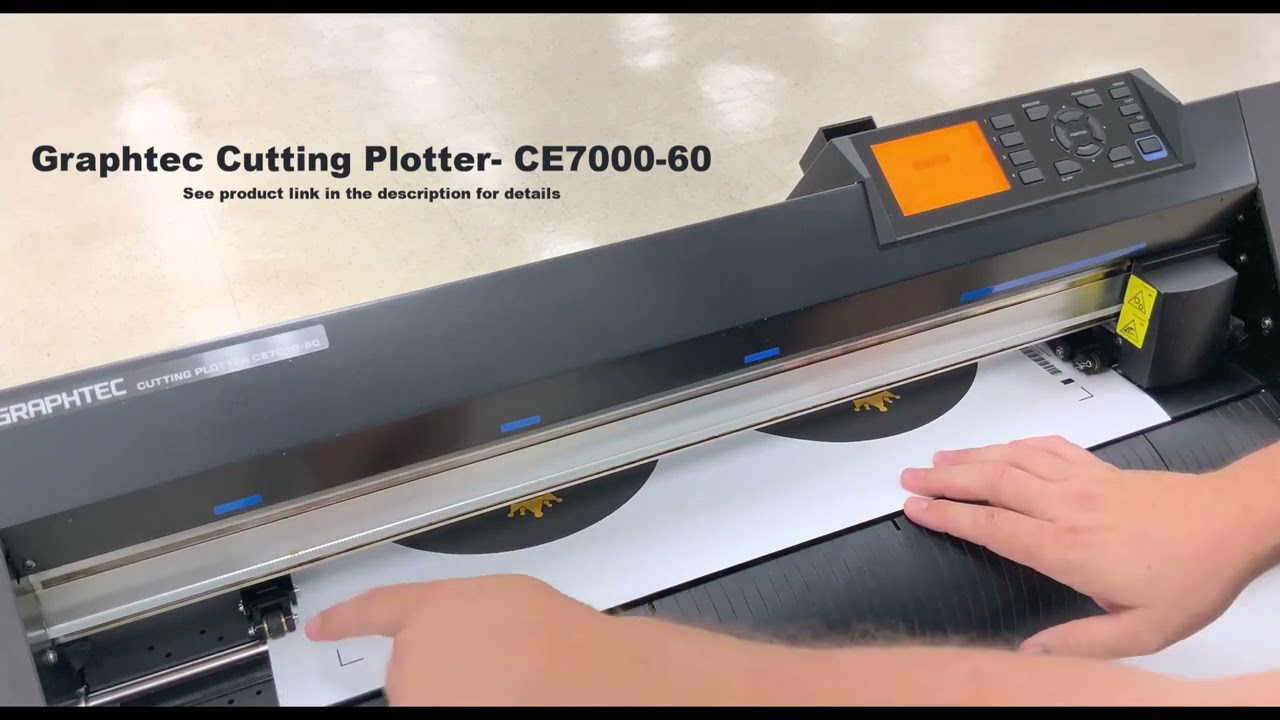
In this video we will show you how to use the Imageprint RED Cut it Out Add-on for the Epson Surecolor T5770dr.
Adjusting Cutting conditions on a Graphtec - • Graphtec CE6000 Tutorial - Setting Cutting...
Visit lexjet.com to find these products:
-- Epson Surecolor T5770dr -36 inch: https://www.lexjet.com/epson-surecolo...
-- Graphtec CE7000 Wide "E-Class" Cutter w/ Stand - 24in: https://www.lexjet.com/graphtec-ce700...
-- LexJet Extreme Aquavinyl: https://www.lexjet.com/lexjet-extreme...
-- ColorByte Imageprint RED: https://www.lexjet.com/colorbyte-imag...
-- Imageprint Cut it out Add on Software: https://www.lexjet.com/imageprint-cut...
Or call us at 800-453-9538
Chapters
00:25 Open your image
00:41 Resize your image
00:46 Contour setup
01:45 Step & Repeat Copies
02:00 Cut it out settings and Printer Settings
02:12 Send it to Print!, 2:32 - Loading the Graphtec Contour Cutter
03:06 Sending the Cut File to Cut
03:34 Cut and Trim
03:43 Mount the Decal
----------------------------------------------------------------------------------
Socials:
/ lexjet
/ lexjet
/ lexjetofficial
/ lexjet
Доступные форматы для скачивания:
Скачать видео mp4
-
Информация по загрузке:











![How to find the hidden manual for Epson Print Layout [EPL] High quality printing for Epson printers](https://image.4k-video.ru/id-video/Zqe0gHOq9mo)


