Mastering Motion Graphics in DaVinci Resolve | FUSION BREAKDOWN | Motion Graphics
Автор: Resolve Cut
Загружено: 2026-01-08
Просмотров: 19587
Fusion in DaVinci Resolve can feel overwhelming, nodes, viewers, 3D space, cameras, and animation.
But in this video, I break it all down step by step so it actually makes sense.
In this full guide, you’ll learn how to confidently navigate the Fusion panel, understand how the node system works, and build clean, professional animations from scratch.
We start with the basics, move into advanced motion graphics, and conclude with real 3D work inside Fusion, the kind that elevates client projects to a high-budget look.
What you’ll learn in this video:
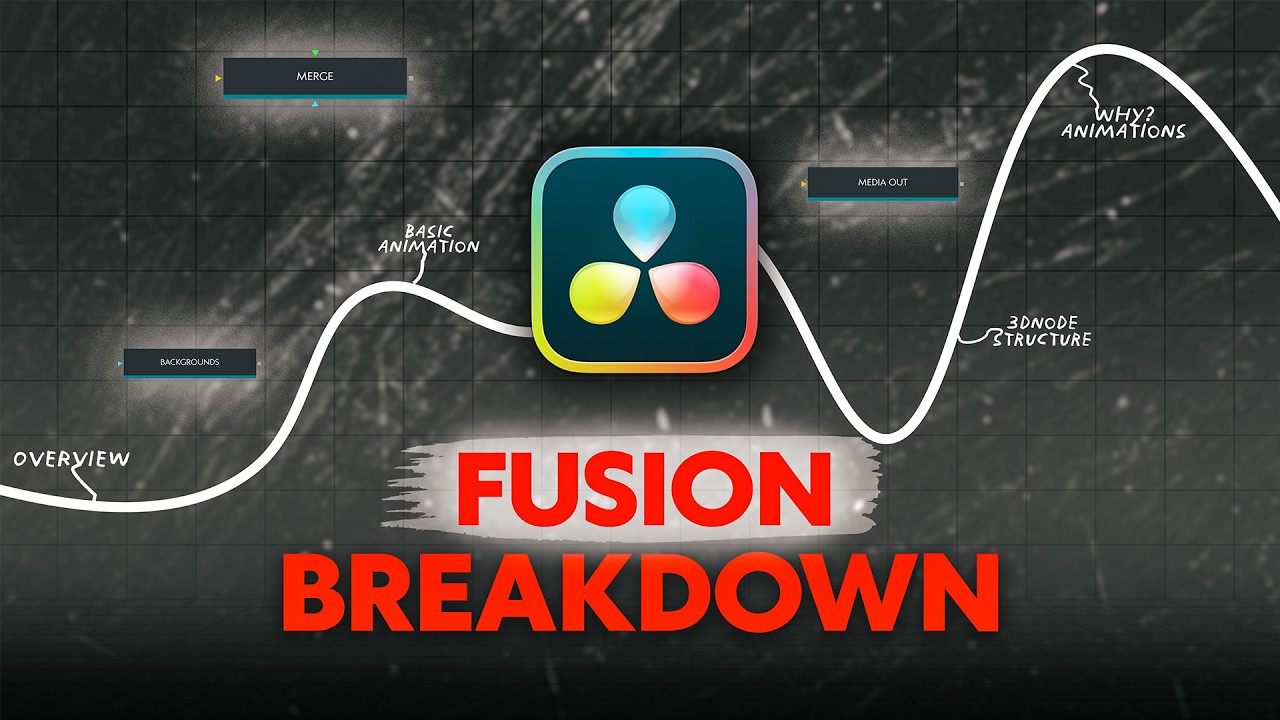
00:00 Fusion in DaVinci Resolve – What You’ll Learn in This Video
01:15 DaVinci Resolve Fusion Panel Overview (Beginner Friendly)
02:47 How Fusion Nodes Work (Merge, Background, Mask, MediaOut)
03:26 Basic Fusion Animations (Shapes, Text & Effects)
07:36 Advanced Over-the-Page Animation for Talking Head Videos
08:05 How to Create Over-the-Page Animation in DaVinci Resolve
10:39 Smooth 3D Text Animation in DaVinci Resolve Fusion
12:43 Fusion 3D Explained – Understanding the 3D Environment
13:26 Fusion 3D Node Structure (Beginner to Advanced)
14:19 Image Plane 3D, Camera 3D, Merge 3D & Render 3D Explained
14:36 How to Navigate in Fusion 3D Space
15:23 Create a 3D Icon in Fusion (1-Minute Tutorial)
16:48 Camera 3D Translation & Rotation Explained
19:13 3D Map Animation in DaVinci Resolve Fusion
23:38 Highlighted 3D Text Animation in Fusion
25:05 Final Thoughts – What You’ve Learned in Fusion
Whether you’re a video editor, motion designer, or YouTuber trying to level up your edits, this video will give you a clear foundation in Fusion so you can create premium motion graphics and 3D animations inside DaVinci Resolve.
Доступные форматы для скачивания:
Скачать видео mp4
-
Информация по загрузке:





