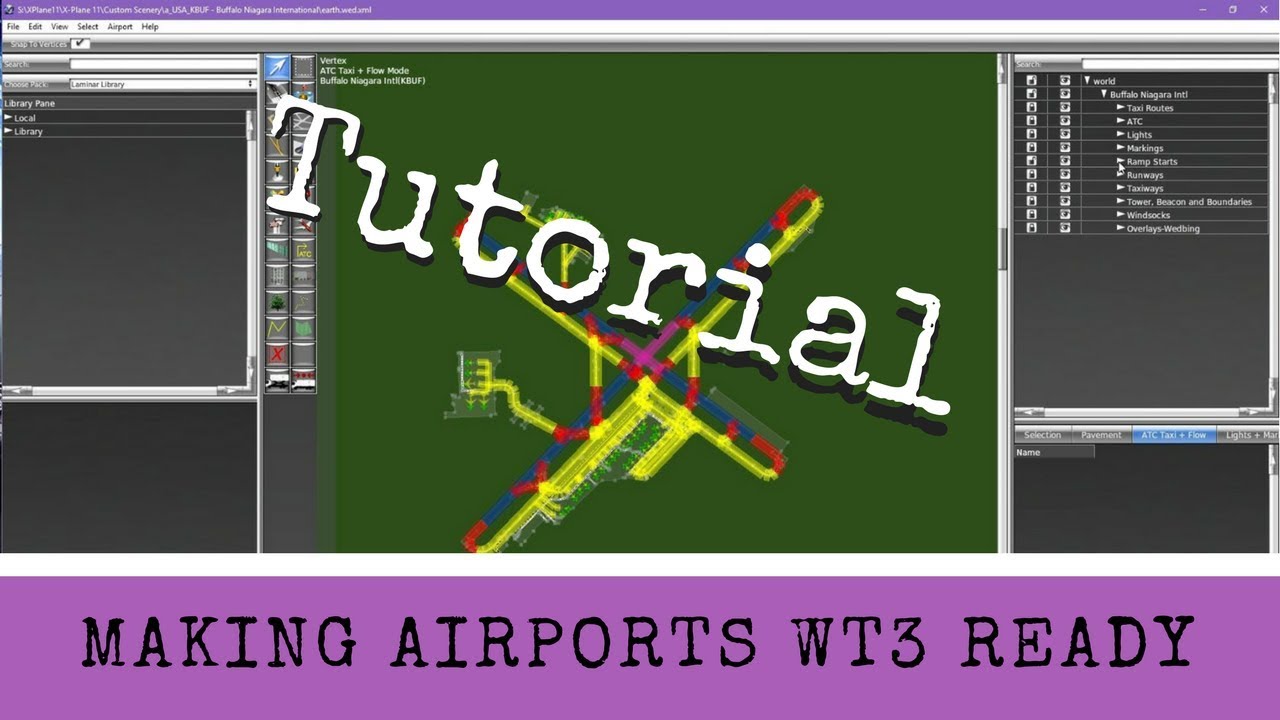
X-Plane 11 - Tutorial: Making WT3 Airport Operations Files
Автор: Captain K-Man
Загружено: 2017-11-24
Просмотров: 7858
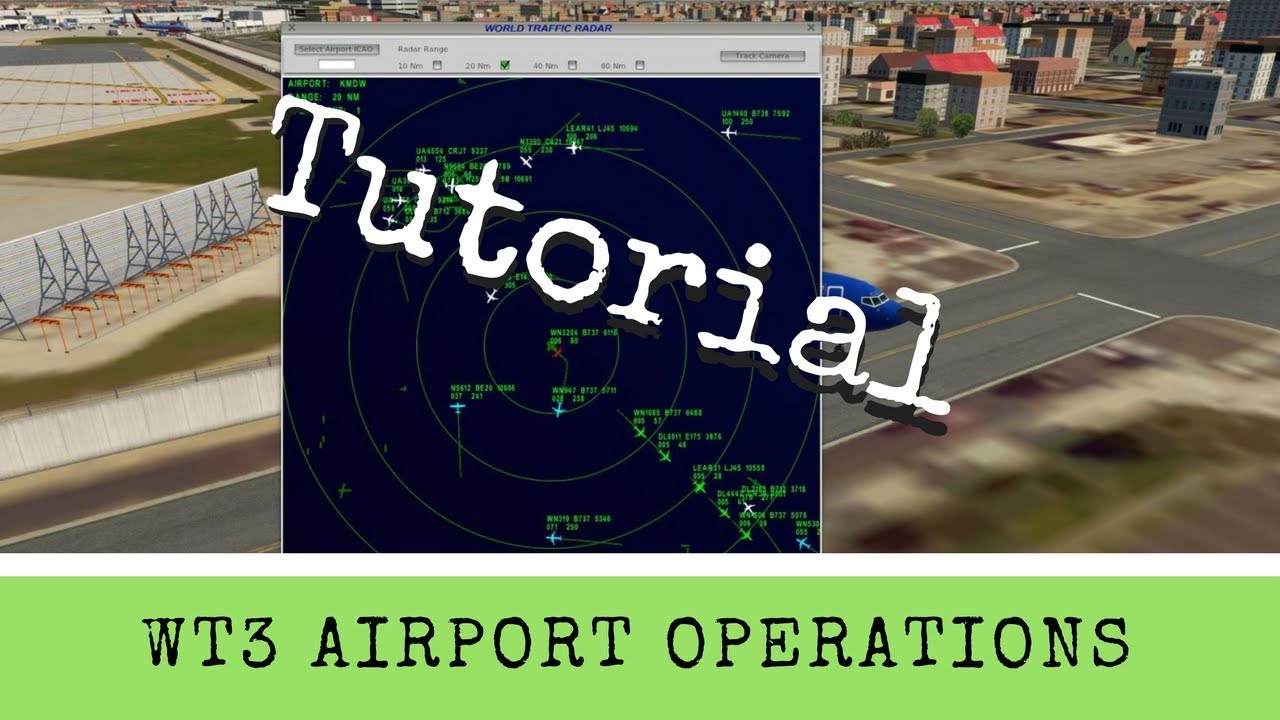
So you made ground routes for World Traffic 3! Great! But your airport is now a mess of planes coming and going with no order to the chaos in sight! Behold, the WT3 Airport Operations file! The savior of all WT3 ground route packages.
In this tutorial I'll run through what an Ops file is, looks like and how to build one. Every airport, even simple single strip airports really need one of these files. Ops files create order from chaos and can eliminate bad AI behavior such as landing outside the airport, failure to takeoff and they help a little with aircraft separation in the air. I hope you find this useful!
EDIT: I have learned since this video was done that all your headings and speeds you setup should in fact overlap each other. So if you have a wind rule that says 090 to 270 is the wind speed and then your next wind rule is for the opposite direction then you need to make the wind speed 270 to 090. Same thing for wind speeds. They should overlap. So if your wind rule is 0 to 9 knots is calm then your next rule should start with 9 and go to whatever speed you want.
Доступные форматы для скачивания:
Скачать видео mp4
-
Информация по загрузке:



![[X-Plane 11] World Traffic 3 | Установка, настройка и эксплуатация | Полный обзор](https://imager.clipsaver.ru/GE7ufwHKcA4/max.jpg)





![[First Look] Flight Factor - Airport Visual System (AVS) for X-plane 11](https://imager.clipsaver.ru/F_5tDW1OYgw/max.jpg)