Скачать
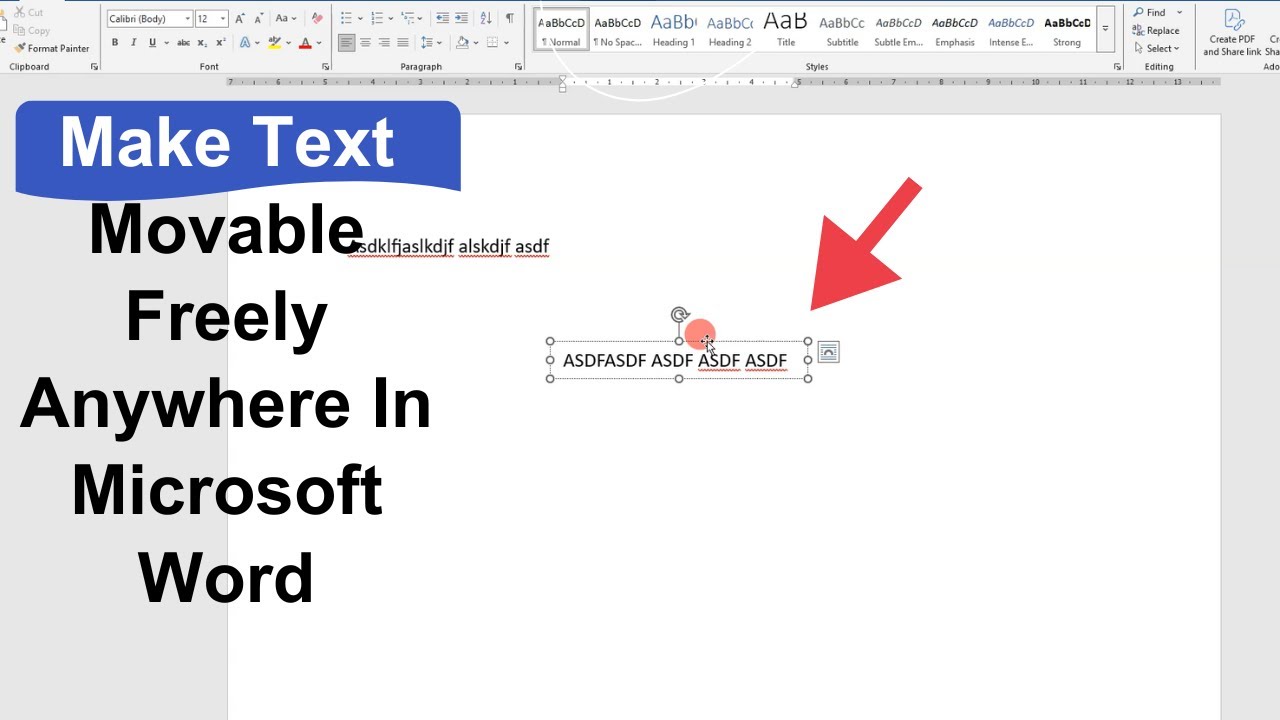
How Make Text Movable Freely Anywhere In Microsoft Word
Автор: NetCast on WebTech Zone
Загружено: 2025-09-27
Просмотров: 20
Описание:
In this video I show how to make text movable in Microsoft Word. First you need to insert a text box and draw it, then write your text and adjust the size. After that go to shape format, select no outline and no fill to make it invisible, now just click on it and drag anywhere on the page. This trick works with images too and you can move your text freely.
#MicrosoftWord #MovableText #WordTips #TextBox
Queries covered in this video:
How to make text movable in Word
How to use text box to move text anywhere
How to make text box transparent and outline-free
Доступные форматы для скачивания:
Скачать видео mp4
-
Информация по загрузке: