How to unlock bios via BoringBoredom UEFI editor (non SCEWIN method)
Автор: agN
Загружено: 2025-02-15
Просмотров: 3466
original BoringBoredom's guide https://github.com/BoringBoredom/UEFI...
his excellent utillity https://boringboredom.github.io/UEFI-...
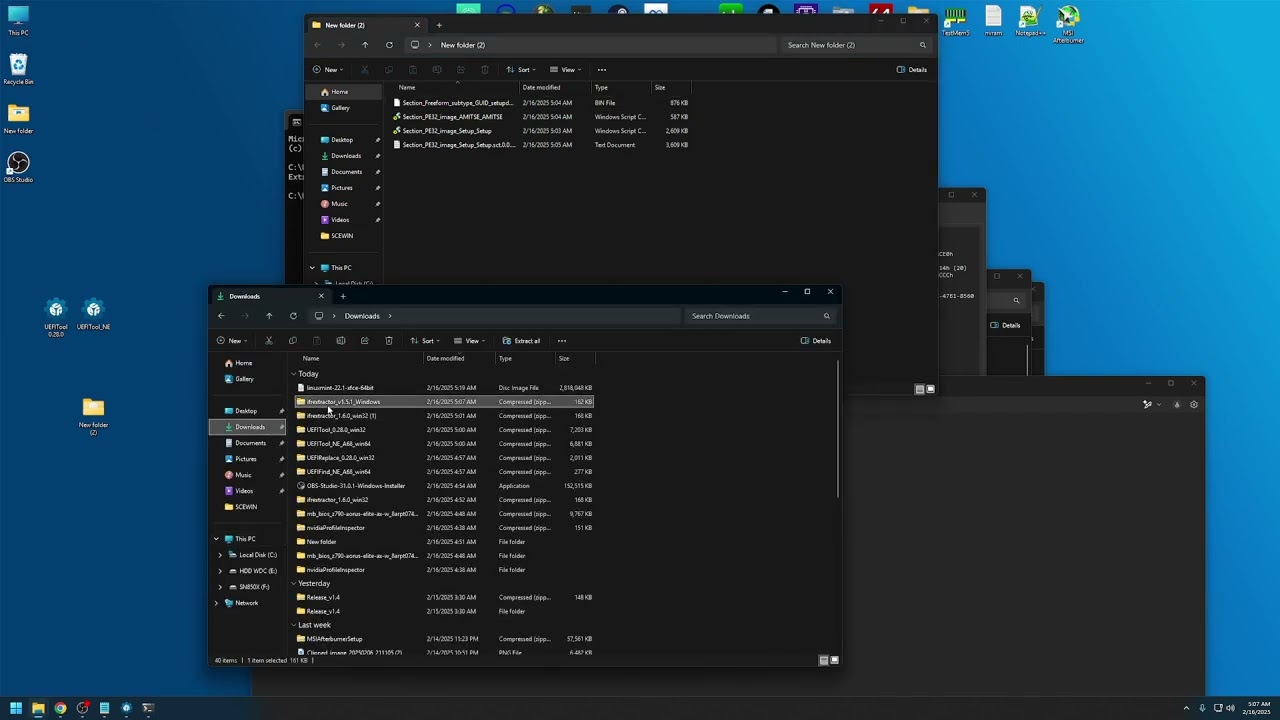
1. Download UEFITOOL 0.28.0 and UEFITOOL_NE + IFR EXTRACTOR
2. OPEN UEFITOOL_NE AND LOAD YOUR BIOS
3. LOOK FOR YOUR SETTING CTRL + F
4. Extract PE32 image from "Setup" choose extract as is
4. Look for setupdata and amitse pe32 image
5. From AMITSE extract pe32 image "as is"
6. From setupdata , extract setupdata "as body", dont close the program!
7. Copy IFR extractor to folder with your data
8. Use this command to extract IFR data ifrextractor "Section_PE32_image_Setup_Setup.sct" verbose
9. Upload this 4 files to boringboredom's uefi utility
10. Search for your settings and Use Access Level "05" or "09" sometimes "27" works, it varies from mobo to mobo and use unsupress
12. Download uefi files from site
13. You should get this files: "Section_PE32_image_Setup_Setup.sct" , "Section_Freeform_subtype_GUID_setupdata_setupdata_AMITSESetupData_body.bin", and changelog.txt
14.Open UEFITOOL 0.28.0 and your bios
15.Go go back to UEFI_NE and copy path aka GUID for "Setup" and "setupdata"
17. GO back to Uefi Tool 0.28 use ctrl + f for search and head into "GUID" , keep "Header only" ticked and paste the guid for "Setup" then replace PE32 Image Section "As is" , then copy GUID for "setupdata" and replace setupdata as body. The same way you extracted it is the same way you replace it.
18. Save your bios and rename it. Most of motherboards require their bios to be renamed and sometimes the name is different for both metods (usb flashing vs flashing from bios), check into manual, there should be a mention about it. Thanks to BoringBoredom for making such an awesome utillity and please be careful and always have original bios backup in second usb stick! Im not responsible for you bricking your board.
P.S: If you sucessfully accessed uefi editor and your changes are not visible in bios then you probably did insertion of edited uefi files wrongly or you choosed wrong acces levels.
METHOD 2 (SCEWIN) : Modify your bios settings from Windows
• AMISCE (SCEWIN) - change hidden bios setti...
scewin download link https://www.mediafire.com/file/bhqvs7...
Links:
UEFITOOL_NE: https://github.com/LongSoft/UEFITool/...
UEFITOOL 0.28.0
https://github.com/LongSoft/UEFITool/...
IFREXTRACTOR 1.5.1
https://github.com/LongSoft/IFRExtrac...
Доступные форматы для скачивания:
Скачать видео mp4
-
Информация по загрузке: