CAPTURE PACKETS FROM ANY WEBSITE WITH WIRESHARK
Автор: Nyasha Meja
Загружено: 2024-06-08
Просмотров: 546
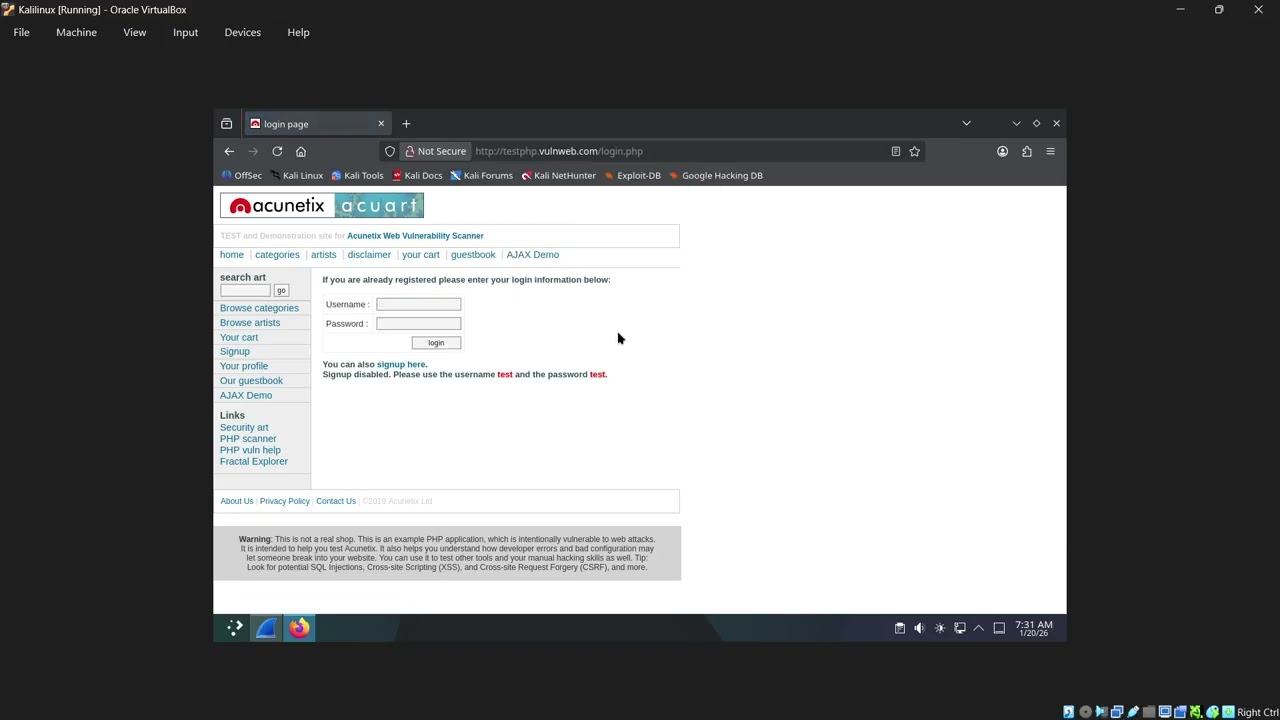
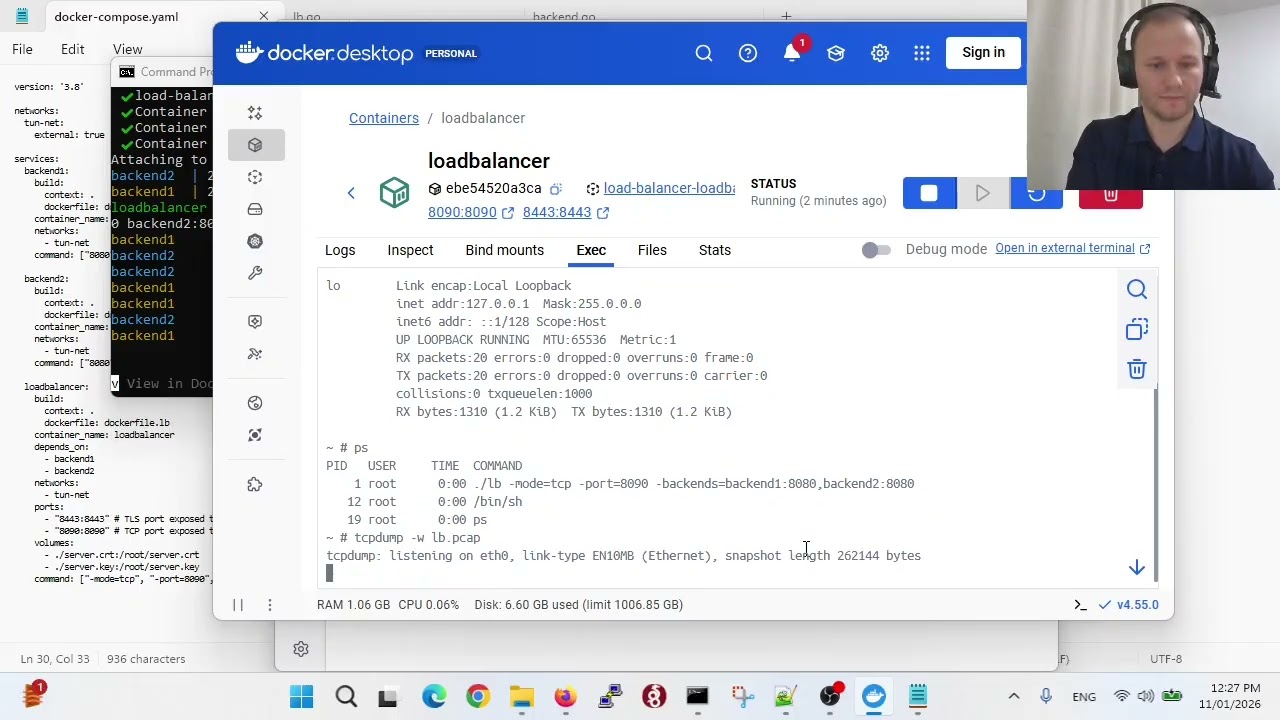
In this tutorial, we will explore how to capture packets from any website using Wireshark, a powerful network protocol analyzer. Wireshark is a versatile tool that allows you to inspect and analyze network traffic, making it an essential tool for network administrators, security professionals, and anyone interested in understanding how the internet works.
Why Capture Packets?
Capturing packets from a website can be useful for a variety of purposes, including:
Understanding how a website communicates with your browser
Identifying potential security vulnerabilities
Troubleshooting network issues
Analyzing network performance
Getting Started with Wireshark:
Download and Install Wireshark: https://www.wireshark.org/download.html
Configure Wireshark: Set up Wireshark to capture packets from any website by configuring the capture filter and interface.
Capture Packets: Start capturing packets from the website you are interested in analyzing.
Analyze Captured Packets: Use Wireshark's built-in tools to analyze the captured packets and gain insights into network communication.

Доступные форматы для скачивания:
Скачать видео mp4
-
Информация по загрузке: