How to Draw Jewelry on Procreate: Easy Pendant Tutorial
Автор: Digital JewelCraft on Procreate
Загружено: 2026-01-15
Просмотров: 273
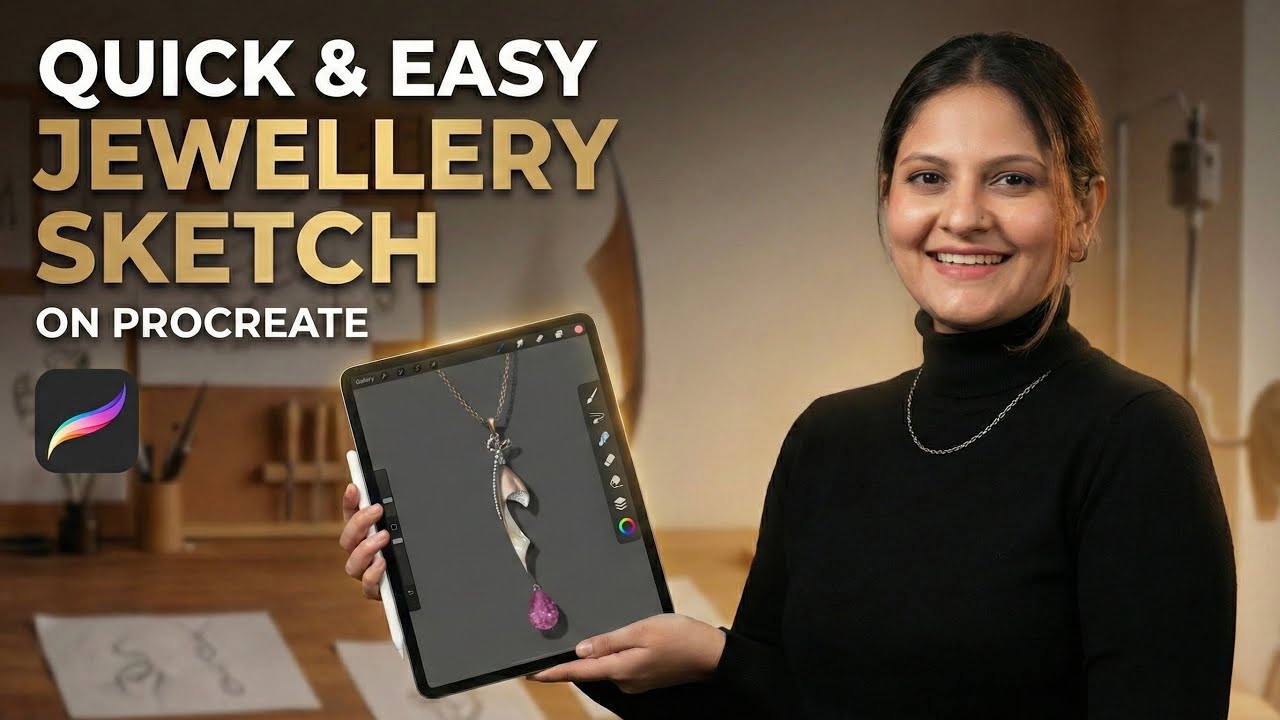
In this video, I’m sharing the full process of creating a quick and easy jewelry sketch using the Procreate app on the iPad. Watch as I transform a rough idea into a beautiful, rendered pendant featuring rose gold, mother of pearl, and a stunning pink gemstone drop.
Digital sketching allows you to visualize your jewelry concepts faster and more effectively than ever before. Whether you are a beginner or a professional designer, Procreate is a game-changer for your workflow!
💎 Want to master Digital Jewelry Design?
Join my 30-Day Manual Jewelry Design Course on Procreate. Learn professional rendering techniques and take your design skills to the next level.
📞 Contact for Course Details:
• WhatsApp: +91 9978123424
• Email: voiceofjewels@gmail.com
• Instagram: @voiceofjewels
👇 In this video:
• Drafting the initial shape from a reference.
• Adding metal textures (Gold/Rose Gold).
• Gemstone rendering techniques.
• Adding light and shadow for a 3D look.
Don't forget to Like, Comment, and Subscribe for more jewelry design tutorials!
#voiceofjewels #voiceofjewelsbyshruti #jewelrydesign #procreate #digitaljewelry #jewelrysketch #procreatetutorial #jewelryrendering #ipadproart #jewelrydesigner #digitalillustration #gemstonerendering #designcourse #jewelrymaking
Доступные форматы для скачивания:
Скачать видео mp4
-
Информация по загрузке:


