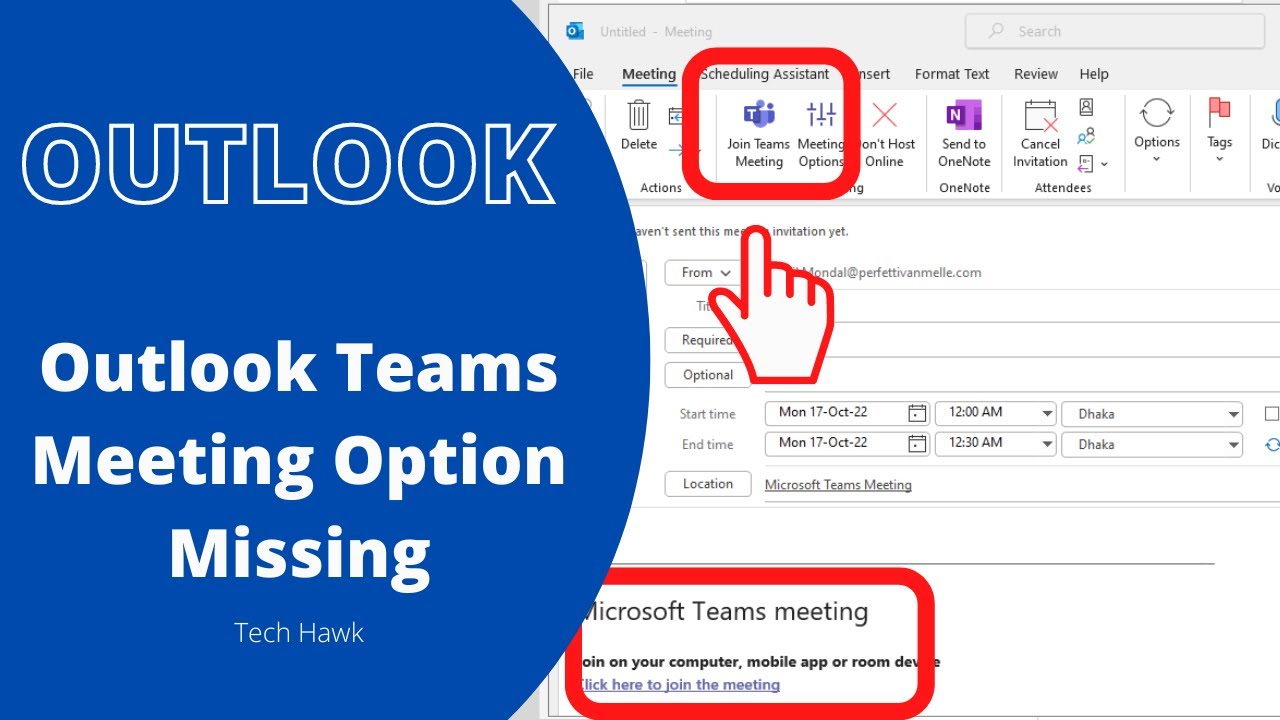
How To Fix Microsoft Teams Meeting Not Showing In Outlook (2025 Update)
Автор: Delft Stack
Загружено: 2025-11-04
Просмотров: 686
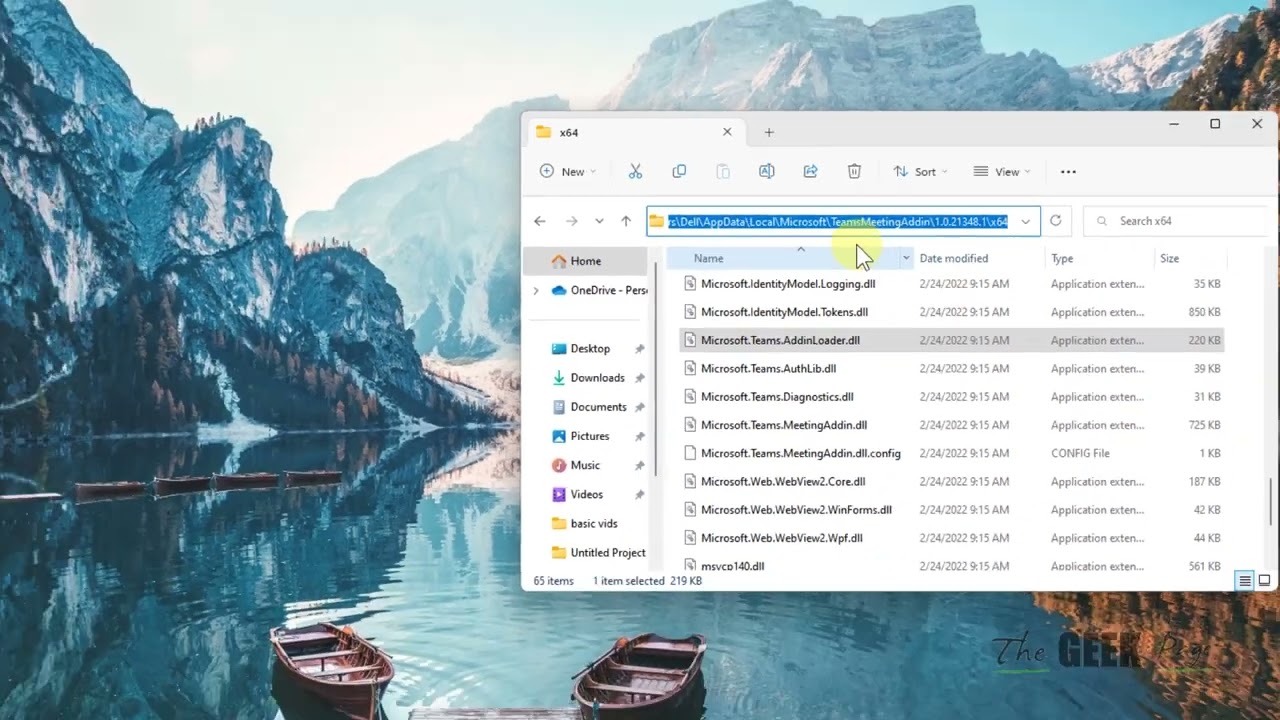
If your Microsoft Teams Meeting option is missing in Outlook, or you can’t schedule or join Teams meetings from your calendar, this quick tutorial will show you how to enable the Teams Meeting add-in for Outlook and fix the issue easily.
🔹 What You’ll Learn in This Video:
✅ How to check if the Teams add-in is missing in Outlook
✅ How to enable the Microsoft Teams Meeting Add-in
✅ How to fix calendar syncing between Teams and Outlook
✅ Quick steps to refresh and restore your Teams meeting button
⏱ Timestamps
00:00 – Introduction
00:04 – Open Microsoft Outlook
00:15 – Click on File (top left corner)
00:19 – Go to Options
00:23 – Open Add-ins section
00:34 – Check for Microsoft Teams Meeting Add-in
00:42 – Select COM Add-ins and click Go
00:50 – Enable Microsoft Teams Meeting Add-in for Microsoft Office
00:56 – Click OK to save
01:02 – Refresh Outlook and check if the Teams button appears
01:08 – Outro
⚙️ Quick Fix Steps:
1️⃣ Open Outlook → File → Options
2️⃣ Go to Add-ins
3️⃣ At the bottom, select COM Add-ins → Go
4️⃣ Check the box for Microsoft Teams Meeting Add-in for Microsoft Office
5️⃣ Click OK and restart Outlook
6️⃣ Refresh your calendar — the Teams Meeting button should now appear
💡 Additional Tips:
Make sure you’re signed in to the same account in both Outlook and Teams.
Update both Microsoft Teams and Office to the latest version.
If the add-in keeps disabling, run Outlook as Administrator and re-enable it.
👍 Support the Channel!
💬 Comment below if this helped you
👍 Like this video for more quick fixes
🔔 Subscribe for daily tech tutorials and troubleshooting guides

Доступные форматы для скачивания:
Скачать видео mp4
-
Информация по загрузке: