5 Lamps Turn ON Sequentially with Adjustable Speed Control | PLC Tutorial That You Must Learn
Автор: Automationliker
Загружено: 2026-01-10
Просмотров: 190
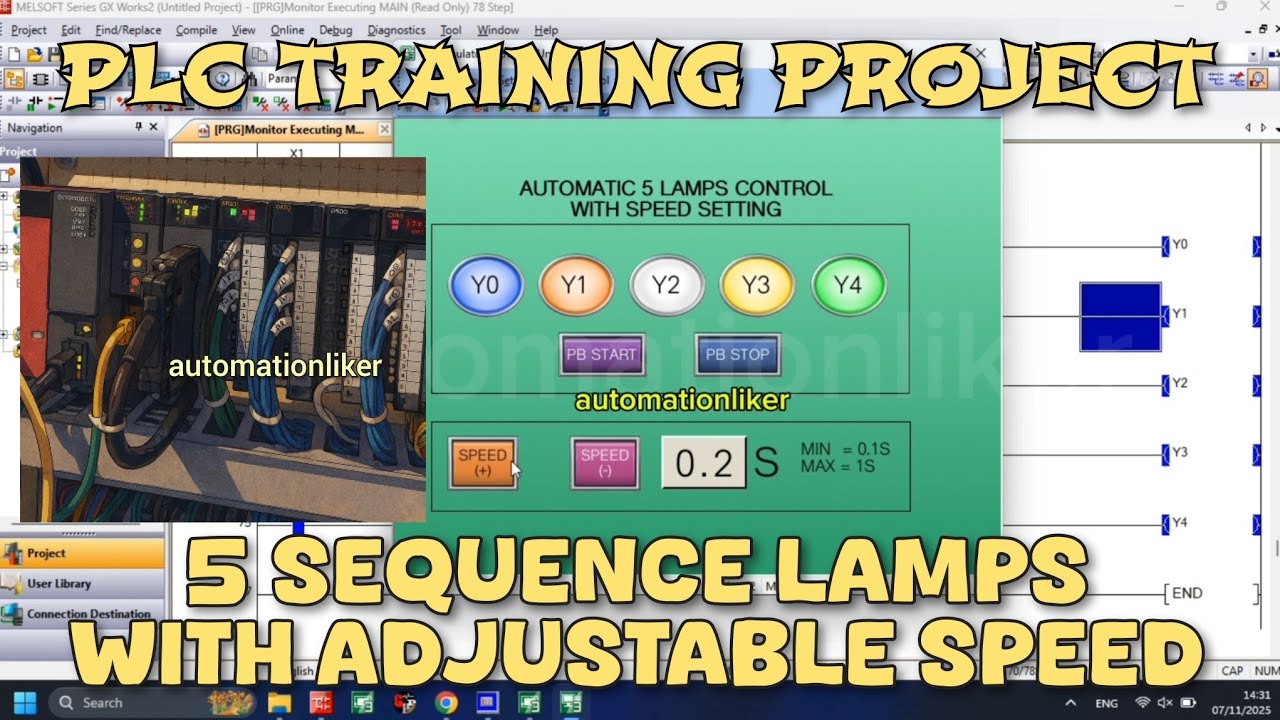
This video demonstrates a 5-lamp sequential lighting system controlled by a Mitsubishi PLC, where each lamp automatically turns ON in sequence from left to right with a fully adjustable speed setting.
This project is designed to help beginners and intermediate PLC programmers understand timing control, counter-based sequencing, and speed adjustment logic in real industrial automation applications.
The system starts with five output lamps (Y0 to Y4) arranged from the leftmost to the rightmost position. Once the PLC is switched to RUN mode, the lamps illuminate one by one in a smooth and continuous sequence. After the final lamp turns ON, the system resets itself and repeats the cycle automatically, creating a clean and professional running light effect commonly used in industrial signal systems, training panels, and automation demos.
The speed of the lamp sequence is fully adjustable, with a minimum delay of 0.1 seconds and a maximum delay of 1 second. This adjustment allows users to clearly observe the logic execution at slow speed or simulate real industrial response times at higher speed.
To control the speed:
Speed UP is handled using the DECP instruction, which decreases the timer preset value, making the lamps run faster.
Speed DOWN is handled using the INCP instruction, which increases the timer preset value, slowing down the lamp sequence.
This logic demonstrates a practical use of increment and decrement instructions in Mitsubishi PLC programming, especially useful for HMI button control and operator-adjustable parameters.
For the lamp sequencing logic, the system uses counters from C0 to C5, making the program structured, readable, and scalable:
Counter C0 activates Lamp Y0, the leftmost lamp.
Counter C1 activates Lamp Y1, the second lamp from the left.
Counter C2 activates Lamp Y2, the center lamp.
Counter C3 activates Lamp Y3, the fourth lamp from the left.
Counter C4 activates Lamp Y4, the rightmost lamp.
Counter C5 functions as a reset step, turning OFF all lamps before the sequence returns to C0, starting the cycle again.
By using counters instead of basic timers only, this program clearly illustrates step-by-step sequential control, which is a fundamental concept in PLC automation, conveyor systems, machine indicators, and process visualization.
This project is ideal for:
PLC beginners learning Mitsubishi ladder logic
Students practicing counter and timer integration
Automation engineers building training modules
YouTube viewers looking for real PLC logic examples
Industrial automation enthusiasts exploring running lamp applications
If you are learning Mitsubishi PLC programming, this example will help you understand how DECP, INCP, counters, timers, and output sequencing work together in a real-world scenario.
Watch carefully how the speed changes in real time and how the counters control each lamp step precisely. This is not just a running light — it is a solid foundation for mastering industrial PLC logic design
#PLC #MitsubishiPLC #PLCRunningLamp #RunningLampPLC #SequentialLighting #PLCProgramming #PLCLadderLogic #PLCProject #IndustrialAutomation #FactoryAutomation #AutomationSystem #PLCControl #PLCTutorial #PLCTraining #ElectricalEngineering #ControlPanel #PLCCounter #PLCTimer #DECP #INCP #MitsubishiAutomation #mitsubishi #AutomationEngineering #PLCSequence #IndustrialPLC #AutomationLearning #automationliker #tutorial #electrical
Доступные форматы для скачивания:
Скачать видео mp4
-
Информация по загрузке:


