Mastering Your BenQ Board
Автор: BenQ America Business & Education
Загружено: 2025-09-02
Просмотров: 1196
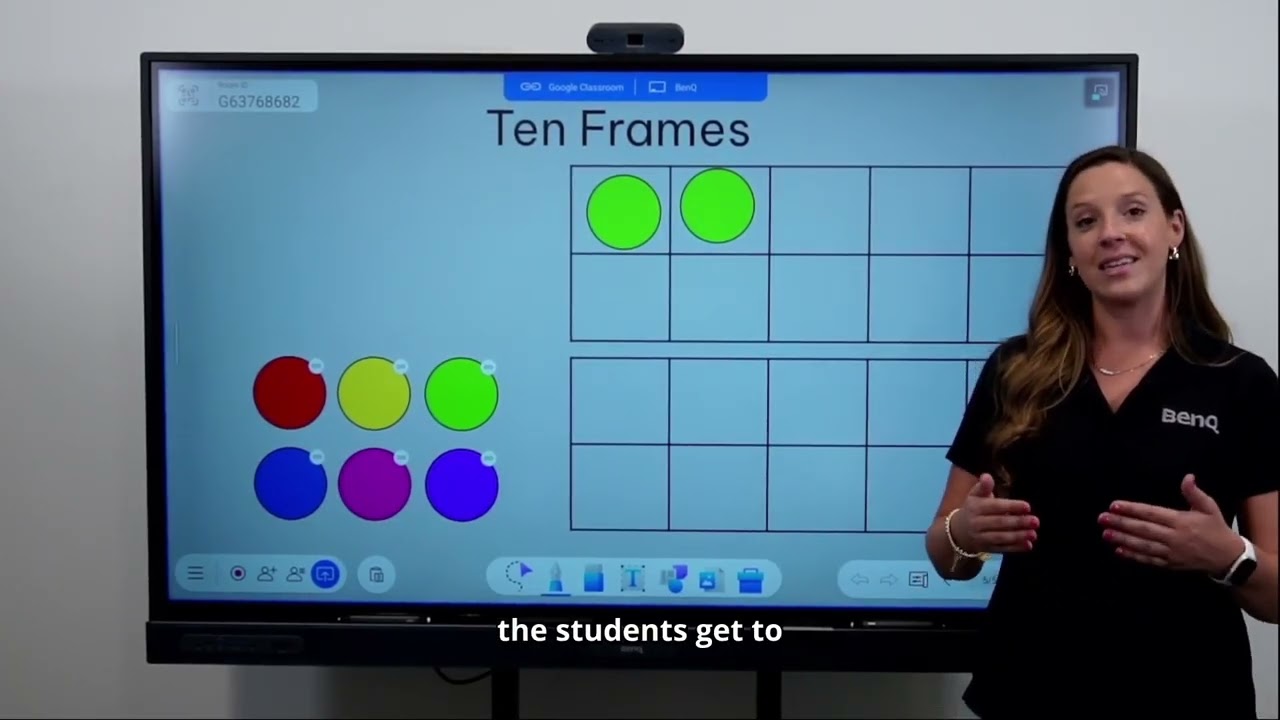
Ready to take your BenQ Board skills to the next level? 🚀 In this video, we dive into advanced features, multitasking tips, and hidden tools that help you create more engaging and efficient lessons.
Here’s what you’ll master:
✨ Creating and organizing lessons with EasyWrite 6 (on the board or your computer)
✨ Using the Cloud Whiteboard for real-time student collaboration and accessibility
✨ Recording your lessons with the built-in screen recorder
✨ Casting and controlling your board remotely with InstaShare 2
✨ Time-saving tips for planning, sharing, and managing lessons
Whether you’re building interactive lessons, boosting collaboration, or freeing yourself from being “stuck at the board,” these tools make teaching with BenQ Boards easier and more powerful.
👉 Subscribe for more tutorials, tips, and walkthroughs designed to help you teach your way with BenQ.
Доступные форматы для скачивания:
Скачать видео mp4
-
Информация по загрузке:


![[Демо] BenQ Board Master RM03 | ClassroomCare®](https://image.4k-video.ru/id-video/-xufTQ862uk)


![[Демо] BenQ Board Essential – RE03 | Fine IR+ | BenQ Education](https://image.4k-video.ru/id-video/78_E4LJSU_g)