Chordal Theory 101 - Chords for SUNO? 🤖🎶 (AI Songwriting Hack!) 🔥
Автор: AI Creatives Connect
Загружено: 2025-09-13
Просмотров: 3356
Master chord basics and unlock your AI music creativity with essential tips and tools.
Chords are the secret ingredient that transform simple melodies into full songs! In this lesson, I’ll walk you through the three core elements of music—melody, harmony, and rhythm—and show you how chords fit right in to give your music structure and emotional depth.
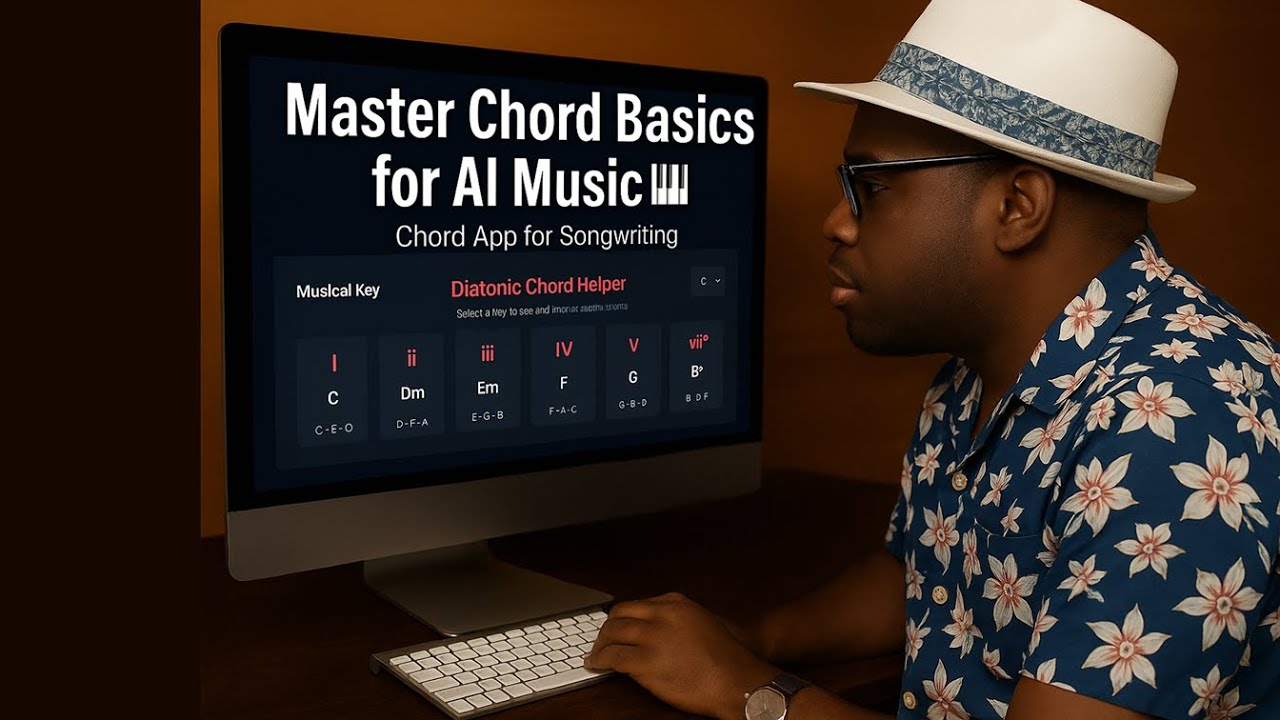
We’ll start in the key of C and explore the 1-4-5 chord family (C, F, G), the foundation of countless songs. Then, I’ll demonstrate how to build chord progressions, why they matter in songwriting, and how you can use my free Chord Helper App at PhillC.net to practice and experiment without needing a keyboard.
Finally, I’ll show you how to combine lyrics, melody, and chords into Suno to generate full arrangements—so you can make music even if you’ve never played an instrument.
✨ In this video you’ll learn:
• The difference between melody, harmony, and chords
• Why the 1-4-5 chords are so powerful
• How to create instant chord progressions for songwriting
• How to use chords in Suno to shape the feel of your music
• A live demo of creating songs from scratch
Whether you’re a songwriter, producer, or AI music explorer, this will level up your creative process.
👉 Try the free Chord Helper at PhillC.net
👉 Become a channel member for access to advanced tutorials, custom apps, and exclusive resources!
#Chords #Songwriting #SunoAI #MusicTheory #AIinMusic
#music #howtomakemusic #guitarchords #musictheory #writingmusic
#guitartutorial #music #howtomakemusic #guitarchords #musictheory
CHAPTERS:
00:00 - Intro
00:43 - Chords Tutorial
07:55 - Using the Chord App Effectively
11:39 - Integrating Chord App with Suno
19:58 - Final Song Showcase
21:00 - Song Creation Process in Suno
25:10 - Song Creation in Suno: Alternate Environment
32:50 - Final Thoughts and Insights
LINK to the Chord App:
https://sites.google.com/view/phillck...
🎹 How to Use the Chord Helper App with Suno (Step-by-Step)
Step 1: Access the App
• Go to PhillC.net.
• Find and open the Chord Helper App.
Step 2: Select Your Key
• From the dropdown menu, choose the key you want to work in (e.g., C major, F major, G major).
• The app will display all seven diatonic chords in that key.
Step 3: Play Your Chords
• Click the chords you want to use (for example, 1–4–5 or 6–5–4–3 progressions).
• As you click, the chords will play back.
• Tip: Experiment with common patterns like 1–5–6–4 or 6–5–4–3 to create a song foundation.
Step 4: Sing While Playing Chords
• Sing your melody while triggering chords in real time.
• Don’t worry about perfection — just focus on matching your lyrics and melody with the chord backdrop.
Step 5: Record Your Performance
• Use any recording tool (phone, DAW, or screen recorder) to capture both your voice and the chords from the app together.
• Keep it simple: a short verse and chorus is enough.
Step 6: Upload to Suno
• Go to Suno and click Create → Audio Upload.
• Upload the recording you just made (voice + chords).
• Choose Cover as your mode so Suno uses your audio as the foundation.
Step 7: Add a Prompt for Backdrop/Style
• In the style or prompt box, type the kind of musical environment you want (e.g., “lofi hip-hop,” “acoustic folk ballad,” “rock band jam”).
• You can also insert “instrumental” or “intro instrumental” in between verses to extend the song length.
Step 8: Adjust Audio Influence
• In Suno’s remix settings, turn the audio influence slider up to make sure your chords and melody are strongly followed.
• Keep the style slider moderate or high depending on how much Suno should interpret your environment prompt.
Step 9: Remix & Listen
• Hit Remix and let Suno generate.
• Play back the results — you’ll hear how Suno kept your original chords and melody while wrapping them in the new environment you selected.
Step 10: Experiment & Evolve
• Try the same vocal idea in different styles (jazz, EDM, country, R&B).
• Re-record with new chord progressions to hear how the mood changes.
• The more you experiment with chords + prompts, the more control you’ll gain over your AI-assisted songwriting.
To learn music theory, visit http://phillc.net
Доступные форматы для скачивания:
Скачать видео mp4
-
Информация по загрузке: