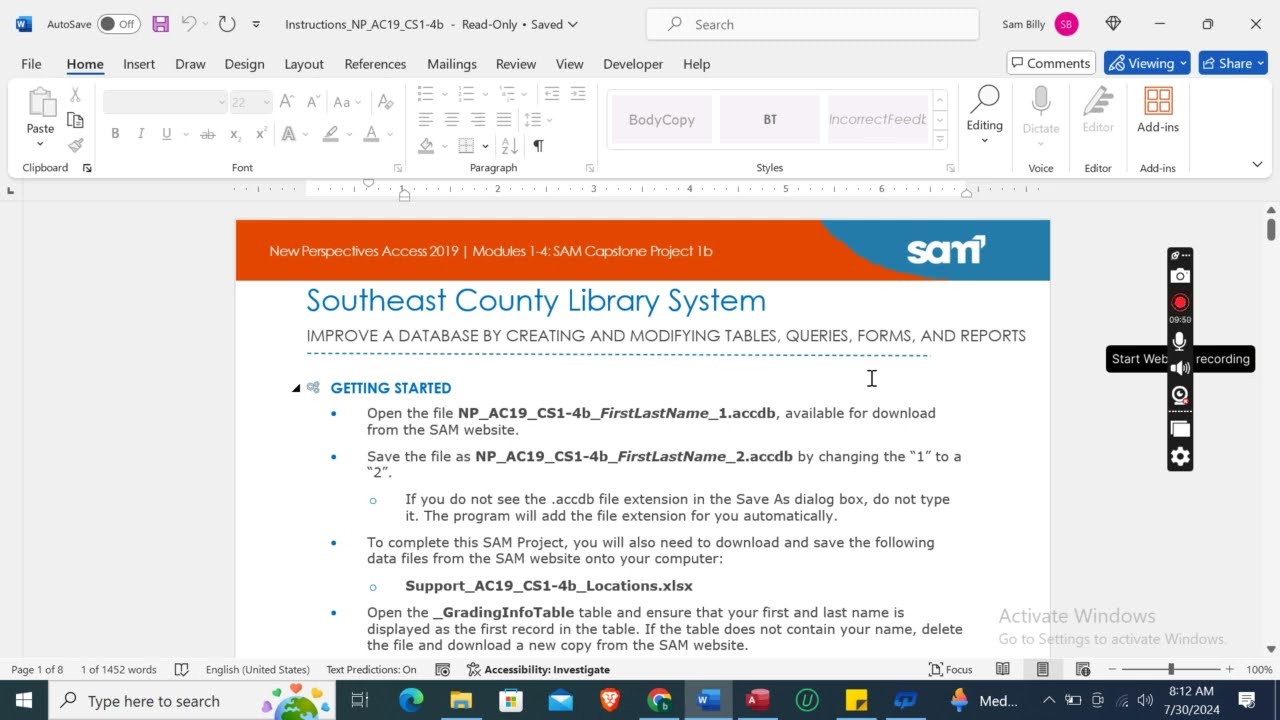
Access Modules 1-4 SAM Capstone Project 1b | Southeast County Library
Автор: Tutorial Previews
Загружено: 2025-03-12
Просмотров: 98
Access Modules 1-4 SAM Capstone Project 1b | Southeast County Library #newperspectives
Whatsapp Contact Link:
https://api.whatsapp.com/message/4B6NMKKBK...
Whatsapp Number:
+919116641093
+918005564456
Gmail Id:
assignmentstutorial@gmail.com
PROJECT STEPS
1. The Southeast County Library System currently includes a main library and nine branch libraries. You work in the Information Technology department for the county and are developing an Access database application to help manage the employees who work for the library system.
Open the Branches table in Design View, and then modify the table as follows:
a. After the Street field, add a new field named Website with the Hyperlink data type.
b. Use BranchID to rename the ID field.
Save and close the Branches table.
2. Open the Positions table in Datasheet View, and then complete the following tasks:
a. Delete the record for Library Intern (PositionID 5).
b. Edit Children's Librarian to be Youth Librarian for PositionID 7.
c. Enter a new record into the table using the information in Table 1.
Close the Positions table.
Table 1: New Record for the Positions Table
PositionID 18
Title Archivist
Description Manages historical documents and materials.
MinQualifications BA
3. In the Navigation Pane, make Facilities the new name for the Locations table.
4. Use the Import Spreadsheet Wizard to import the data from the Support_AC19_CS1-4b_Locations.xlsx file, and then append the data to the Facilities table. Do not save the Import steps. (Hint: If a warning message appears, click Open.)
5. Create a new table in Design View with the following options:
a. Add a new field named PTEmpID with the AutoNumber data type. Set it as the primary key field.
b. Add two new fields named PTFirst and PTLast in that order. They should have the Short Text data type and field size properties of 25.
c. Add a new field named Email with the Hyperlink data type. Set the Required property to Yes.
d. Add a new field named HourlyRate with the Currency data type. Set the Default Value property to 15.
e. Save the table using PartTimeEmployees as the table name.
f. Add a new field named CellPhone with the Short Text data type. Save the table again, and then update the Input Mask property using the Input Mask Wizard. Select the Phone input mask, and then update the field to !(999) 000-0000 so that !\(999") "000\-0000;;_ is the final input. Accept the default in the last window.
Save and close the table.
6. Open the Employees table in Datasheet View, and then complete the following tasks:
a. Delete the SocSecNumber field. (Hint: It currently does not contain any data.)
b. Move the Position field to be the last field in the datasheet.
c. Sort the records in ascending order by the LastName field.
Save and close the Employees table.
7. Using the Employees and Positions tables, create a new query in Design View with the following options:
a. Select the FirstName, LastName, and Salary fields from the Employees table and the Title and MinQualifications fields from the Positions table.
b. Join the tables using the Position field from the Employees table and the PositionID field from the Positions table.
c. Save the query using LowSalaries as the name.
8. With the LowSalaries query still open in Design View, add criteria to select only those records where the salary is less than or equal to 30000.
Save the query, switch to Datasheet View, as shown in Figure 1, and then close it.
Figure 1: Final LowSalaries Query in Datasheet View
9. Use the Simple Query Wizard to create a new query with the following options:
a. Use the Employees and the Branches tables.
b. Select the FirstName, LastName, and HireDate fields from the Employees table and the BranchName field from the Branches table.
c. Use HireDates as the title for the query.
new perspectives access 2019, modules 1-4 sam capstone project 1b, access project, new perspectives access 2019 modules 1-4 sam capstone project 1b, modules 1-4 sam capstone project 1b access, shelly cashman access 2019 modules 1-4 sam capstone project 1b, shelly cashman access 2019, access 2019 modules 1-4 sam capstone project 1b, Module 7 sam project 1a, Module 6 sam project 1c, Module 6 end of module project 1
Доступные форматы для скачивания:
Скачать видео mp4
-
Информация по загрузке: