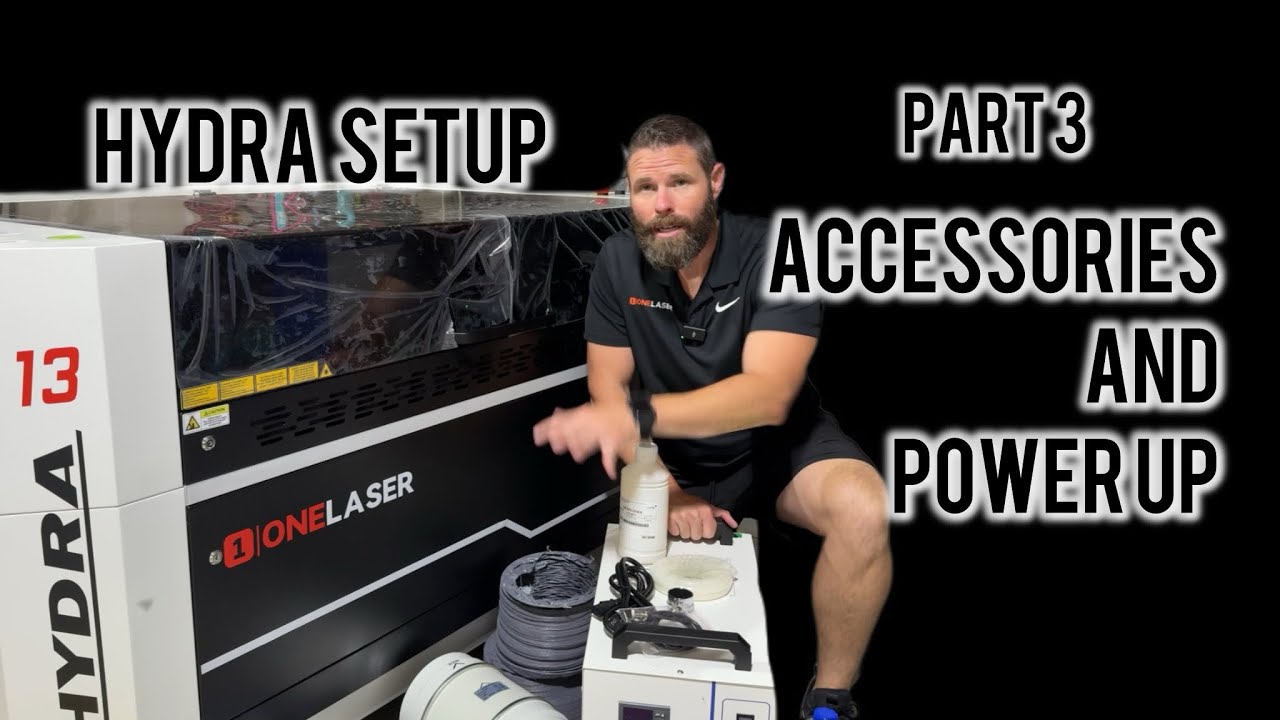
Hydra 13 Laser Setup | Part 3 - Installing Inline Fan, Air Pump & Water Chiller
Автор: Bearded Builds Co
Загружено: 2025-08-17
Просмотров: 675
Ready to power up your Hydra Laser Machine? 🚀 In this step of the setup series, I’ll walk you through everything you need to know about installing and connecting the essential Hydra 13 accessories—inline duct fan, air pump, and water chiller—before running your first project.
We’ll cover critical details like why you need a 20 amp breaker for stable power, how to properly position your inline fan for best exhaust performance, and the step-by-step process for hooking up your air assist pump and CW chiller. I’ll also show you how to correctly mix and fill your chiller with distilled water and propylene glycol, set it to constant temperature mode, and configure the controller so your air pump and exhaust fan operate the way you want.
By the end of this video, you’ll have your Hydra machine powered on, accessories running, axes moving (X, Y, Z), and your cooling system dialed in. Next up: controller overview and alignment testing so you’re ready for your very first engraving or cutting project!
👉 Don’t forget to like, subscribe, and hit the bell for the next videos in this Hydra setup series.
What you’ll learn in this video:
-Why Hydra lasers need a 20 amp outlet (and what adapters work)
-How to install an inline duct fan and proper airflow direction
-Setting up the stock air pump and connecting air assist tubing
-Mixing distilled water with propylene glycol for your chiller
-Configuring chiller modes (intelligent vs constant temp)
-Setting the laser controller to run air pump + exhaust fan full time
-Powering on your Hydra and verifying axis movement
📌 OneLaser Hydra 13 Details & Links:
https://1laser.com/laserguys
Discount code: LASERGUYS
Join the OneLaser Community!
/ onelaser
👍 If you found this helpful, don’t forget to like, subscribe, and hit the bell 🔔 for more laser reviews, tips, and tutorials!
Доступные форматы для скачивания:
Скачать видео mp4
-
Информация по загрузке: