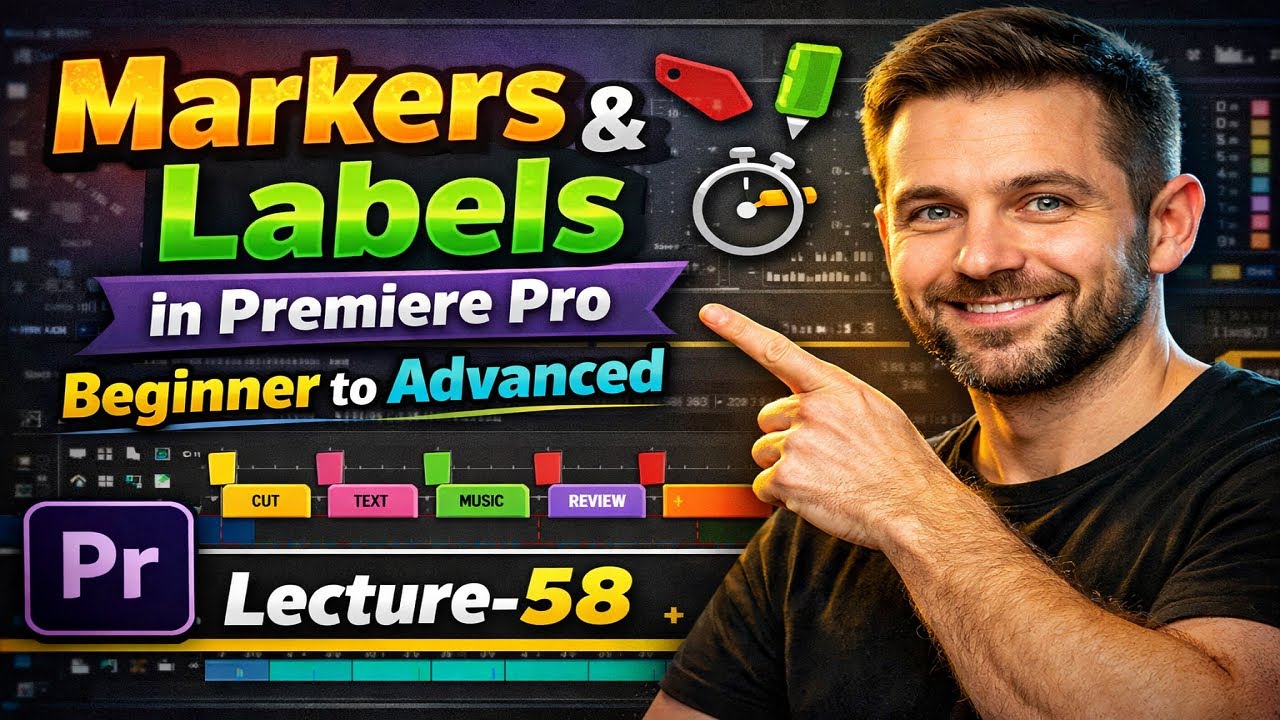
Markers & Labels in Premiere Pro – Edit Faster Like a Pro (Beginner to Advanced)
Автор: Digiskills PK
Загружено: 2026-01-03
Просмотров: 32
Learn how to use Markers and Labels in Adobe Premiere Pro to edit faster, organize timelines, and work like a professional video editor. This tutorial covers beginner to advanced marker workflows.
Markers and Labels in Adobe Premiere Pro can completely change the way you edit videos.
In this tutorial, you’ll learn how professional editors use sequence markers, clip markers, and label colors to organize timelines, speed up editing, and manage complex projects easily.
This video is perfect for YouTubers, freelancers, documentary editors, and anyone who wants to edit faster in Premiere Pro.
What you’ll learn in this video:
– What markers are in Premiere Pro
– How to add and use sequence markers
– How to use clip markers for syncing
– What labels are and how to color-code clips
– Pro workflow using markers and labels
– Timeline organization tips for fast editing
If you create YouTube videos, Shorts, documentaries, or client projects, this Premiere Pro workflow will save you hours of editing time.
Watch till the end to understand how editors use markers and labels together like pros.
👉 Subscribe for more Premiere Pro tutorials, video editing tips, and YouTube growth strategies.
Доступные форматы для скачивания:
Скачать видео mp4
-
Информация по загрузке: