3D Isometric Maze Cube - Adobe Illustrator Tutorial
Автор: Illi Tutorials
Загружено: 2021-08-12
Просмотров: 2747
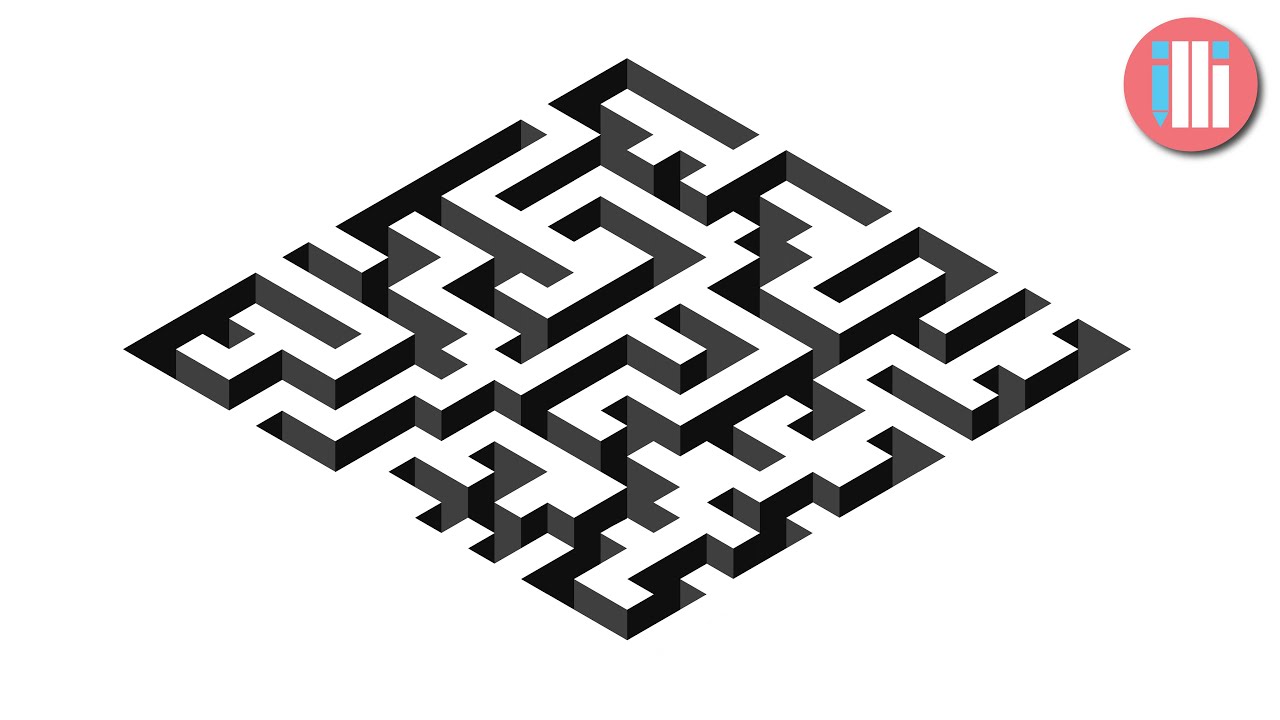
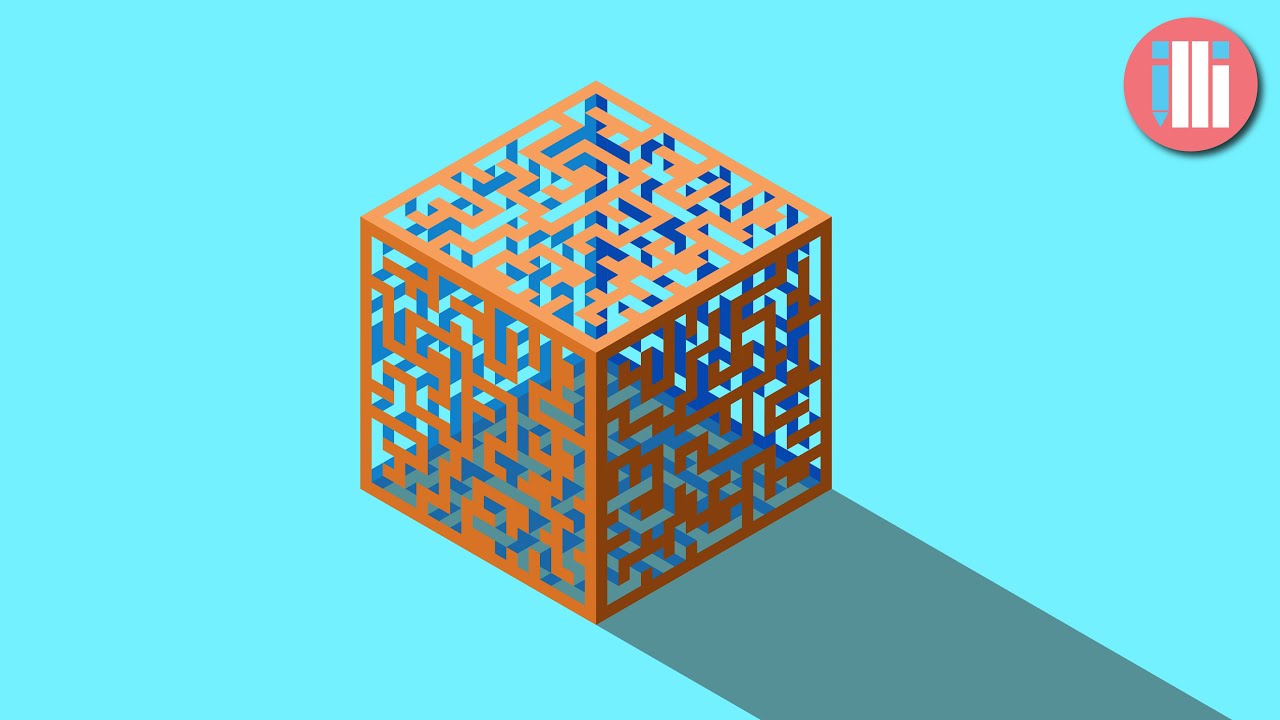
This tutorial will show you how to quickly make an isometric cube, and how to draw a maze in Illustrator. Once we've made the maze, we will turn it into a symbol and apply it to a cube that we've created with the 3D tool. Then we just need to expand the appearance and apply some colors to the shape. We'll have the darkest color on the bottom right side, with the lightest color on top. Apply a shadow at the end, and you've made your 3D isometric maze cube!
Remember to save your maze for the next tutorial, where we'll make it sink into artboard to create a sunken maze effect.
Chapters:
00:00 Introduction
00:10 How to Make a Maze in Illustrator
01:29 How to Save a Maze as a Symbol
02:12 How to Make a 3D Maze
03:39 How to Expand your Complex Maze
04:10 Colouring your Maze
06:37 Adding a Shadow
In this tutorial, you will learn to use the:
3D Extrude and Bevel Tool
Grid Tool
Symbols Tool
======================================================
Music comes from Epidemic Sound (Check it out with the link below):
https://www.epidemicsound.com/referra...
Доступные форматы для скачивания:
Скачать видео mp4
-
Информация по загрузке: