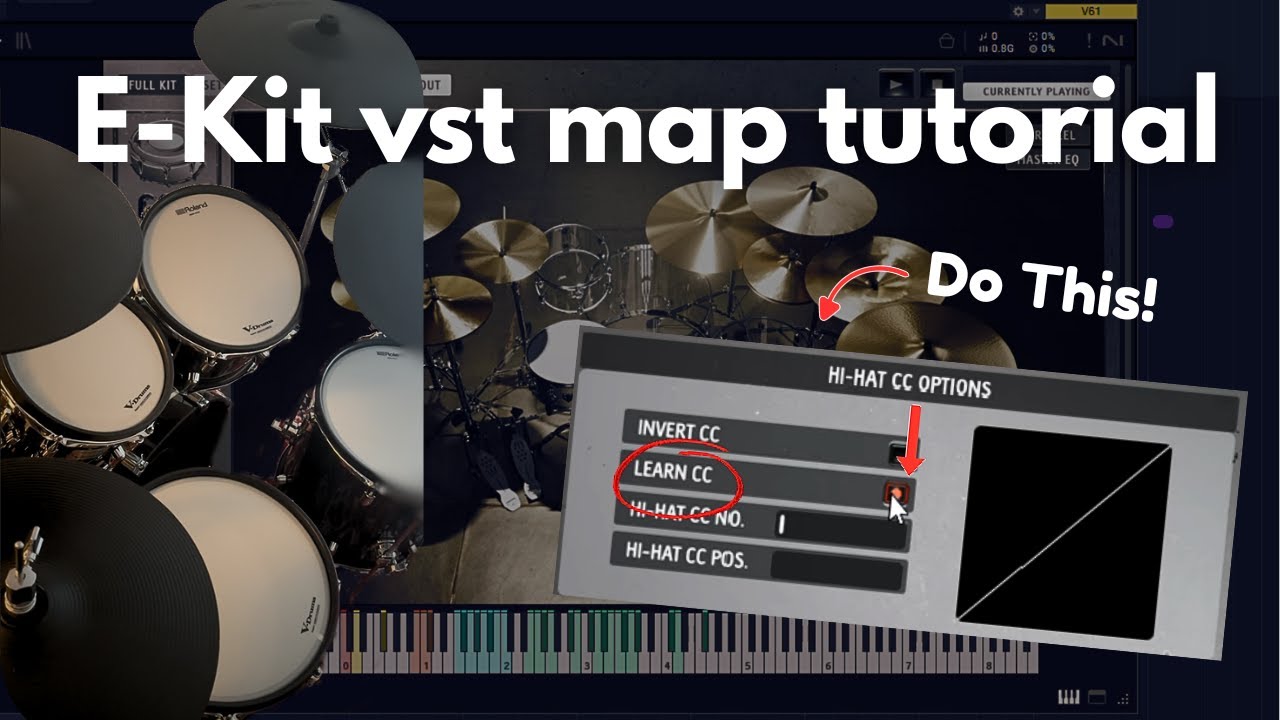
How to map your E-Kit to a VST | Roland VAD507
Автор: Jari Jeneson
Загружено: 2026-01-20
Просмотров: 7
In this video I show you how I map my E-kit to a Virtual Instrument.
I recently bought a Roland VAD507 electronic drumkit. I use this to record drums for my band. While mapping the triggers to a VST, I had some problems with getting the hi-hat to respond right. I couldn’t find the answer straight away, but I eventually did. That is why I decided to post my findings in this tutorial. I hope it saves you some time if you stumble upon the same problems!
On the other hand, if you have any additional tips, share them in the comments! I always want to improve on things like this, so your it would be much appreciated.
Gear used:
Roland VAD507
GGD OKW Architects
GGD OKW Nu Metal
DAW: Studio One
*I am not sponsored in any way
🎵 Song: Counting Wolves – Here & Now
Chapters:
00:00 Intro
00:18 Connecting the drumkit
00:25 Setting up the VST
00:43 Mapping the kit
01:12 Mapping the hi-hat
01:52 Velocity curve
02:20 Quick walkthrough 2nd VST
If you are interested, you can see my music production here: • Production Log | My Music
Follow my band Counting Wolves:
🎵Spotify: https://open.spotify.com/artist/0KHs6...
🔴Youtube: @CountingWolves
#electronicdrumkit #rolanddrums #getgooddrums
Доступные форматы для скачивания:
Скачать видео mp4
-
Информация по загрузке: