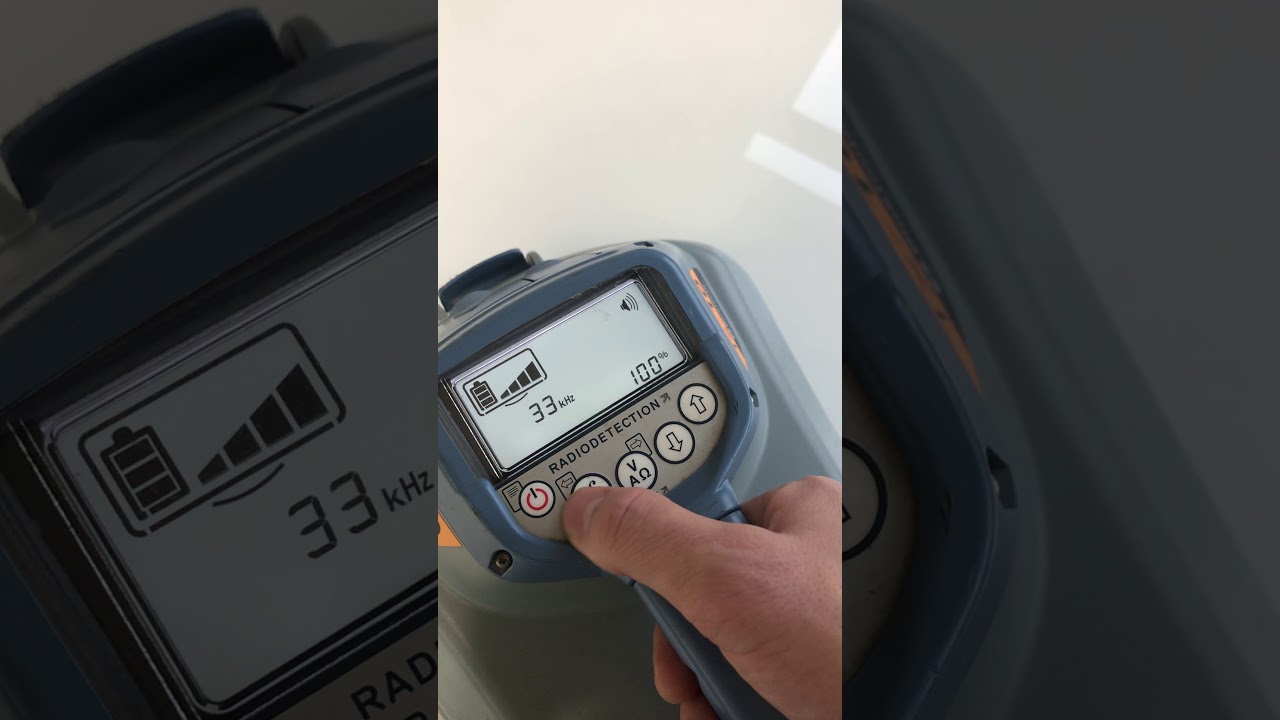
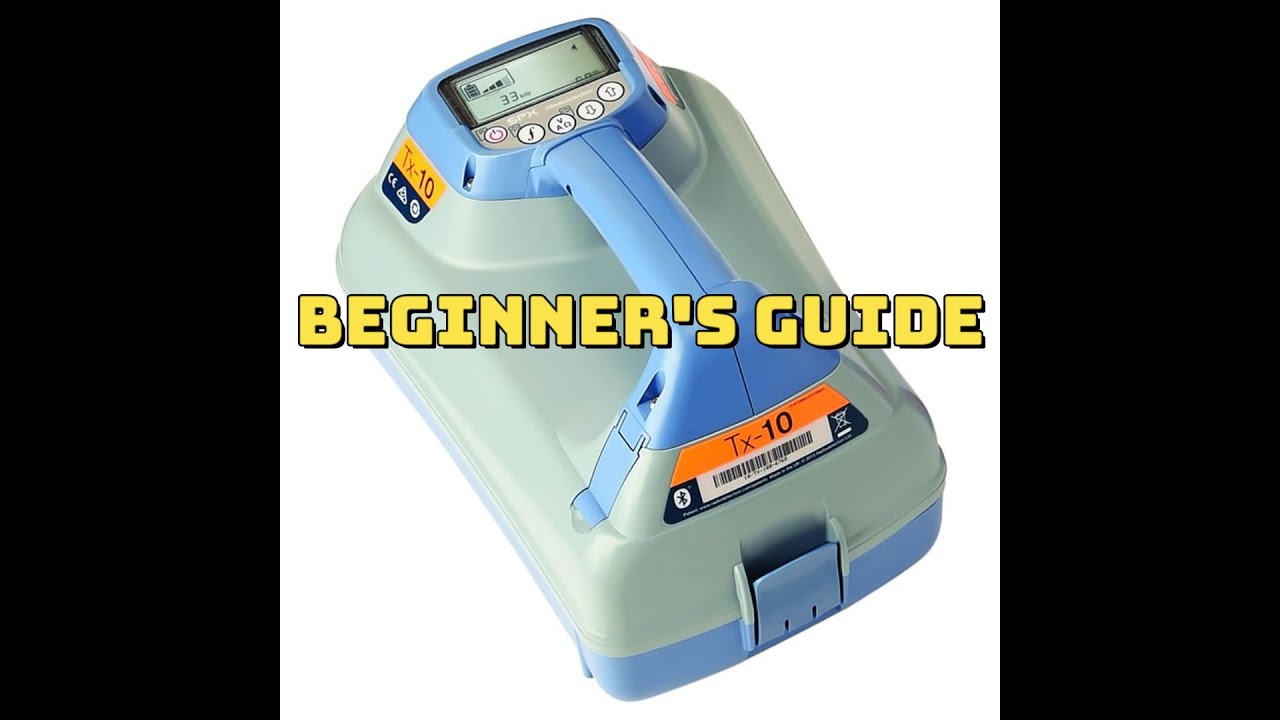
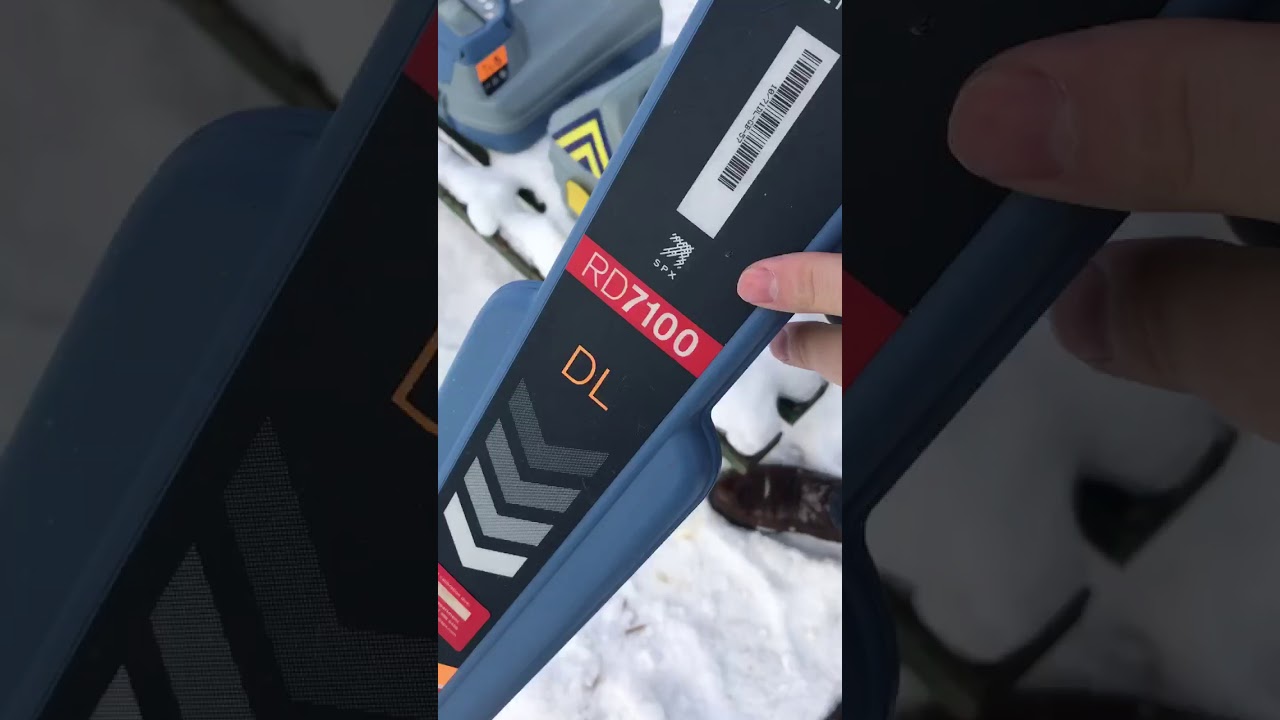
Radiodetection Turn On/Off Frequency On The TX-5 or 10 Transmitter
Автор: 811 Chicago Utility Locating
Загружено: 2023-01-07
Просмотров: 2228
The RDs locator and transmitter settings can be accessed via the menu. Once in the menu, it is possible to change settings according to your personal preferences and operating requirements. Some examples of setting changes are shown below.
NOTE: These procedures refer to both the transmitter and locator unless stated otherwise.
Before changing settings, ensure the locator or transmitter is switched on by pressing the key for two seconds.
▶Enable or Disable frequencies:
Press the power key to enter the menu.
Scroll to the FREQ menu using the arrow keys.
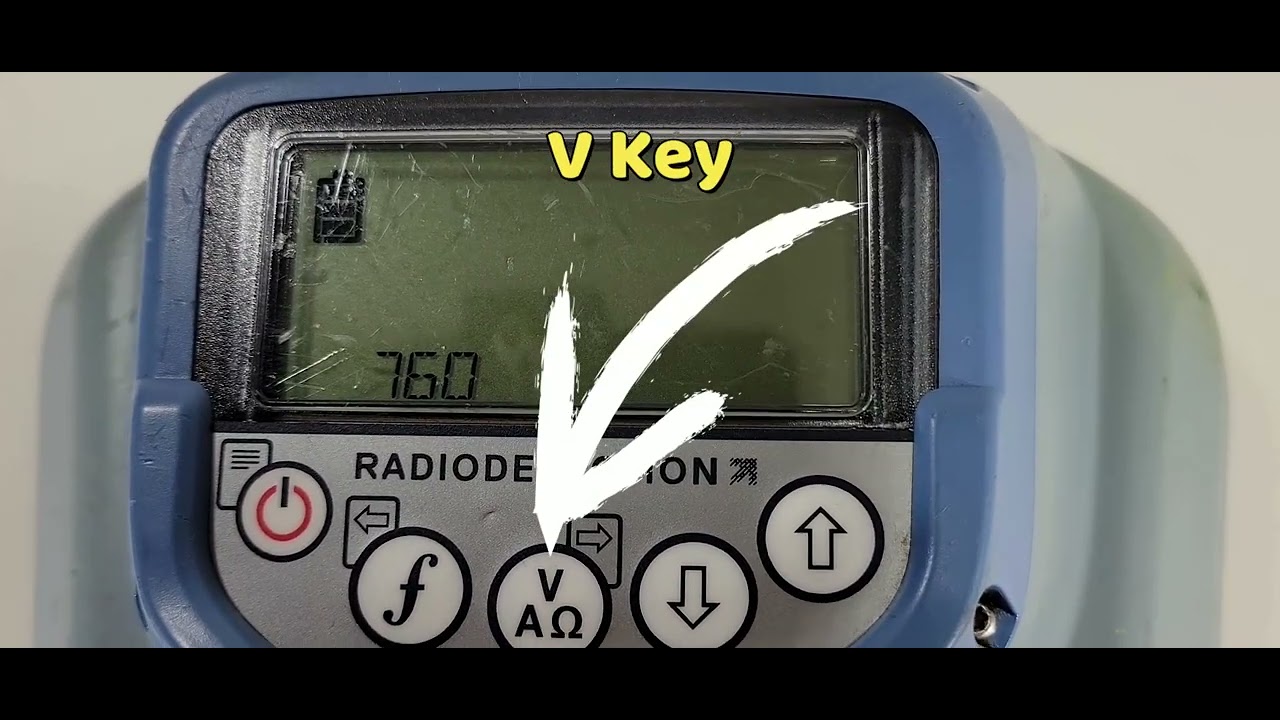
Press the V key on the transmitter to enter the FREQ menu.
Scroll through the frequency options using the arrow keys.
Press the arrow F key (on the transmitter) to enter the frequency.
Scroll to OFF or ON using the keys.
Press the F key to accept your selection and return to the frequency menu.
If you wish to make any further changes follow the steps in this video. If you do not wish to make any further changes press the F key twice to return to the main operation screen.
▶SUPPORT THE CHANNEL WITH A CUP OF COFFEE
https://www.buymeacoffee.com/811Chciago
#CommonGroundAlliance #DamagePrevention
Доступные форматы для скачивания:
Скачать видео mp4
-
Информация по загрузке: