How to Load Samples to SP-303 w/ Smart Media Card from a Computer [Tutorial]
Автор: Nonjuror
Загружено: 2020-04-02
Просмотров: 8445
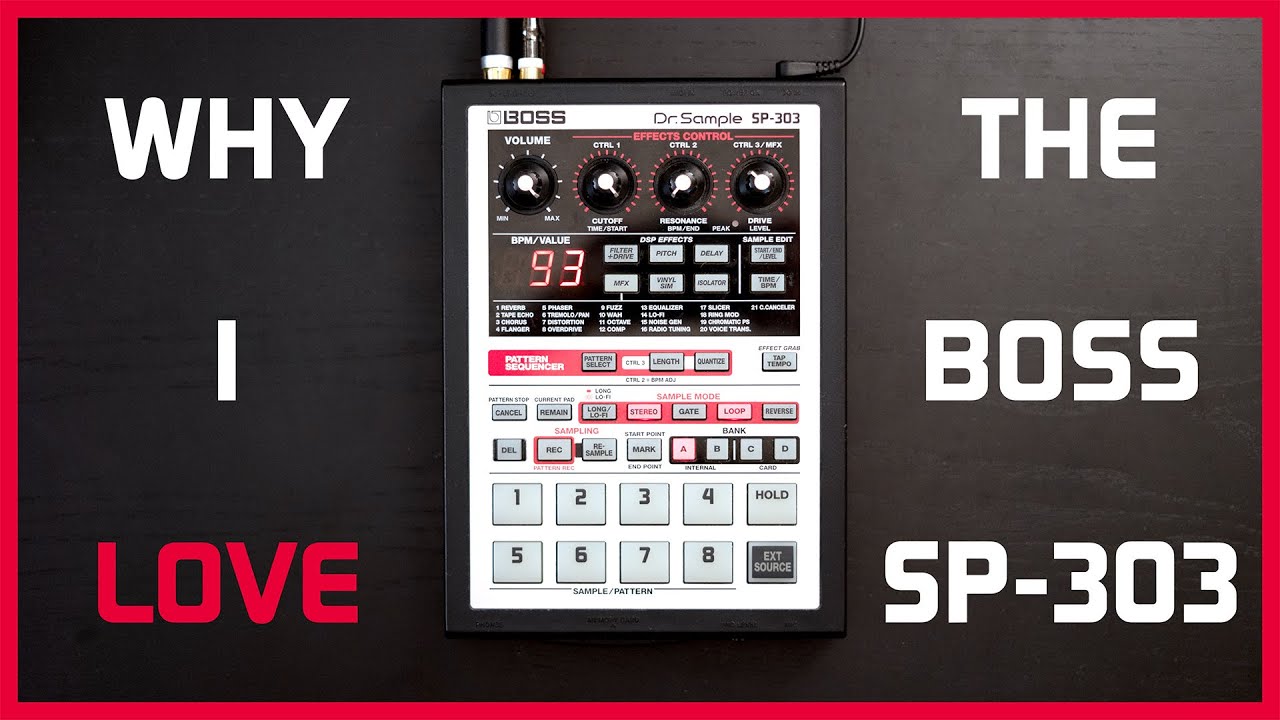
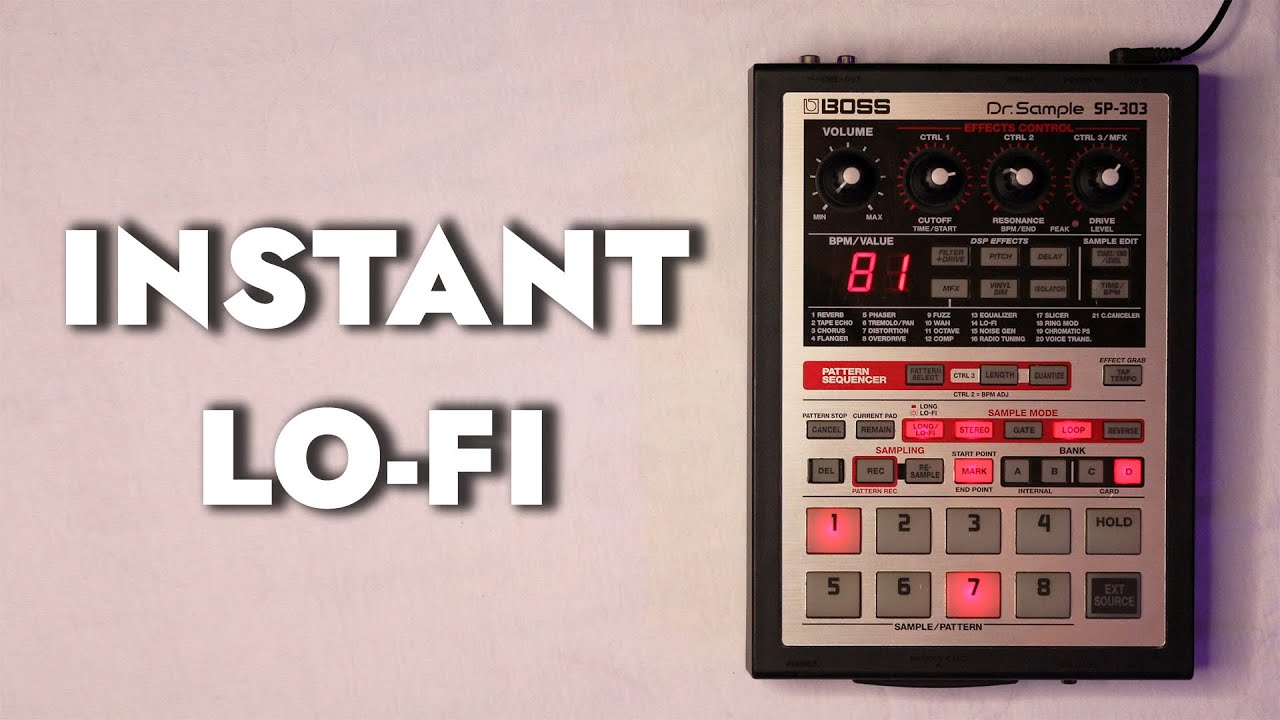
Loading samples onto the Boss SP-303 from a computer with the Smart Media Card. This is something I've been asked about a lot, it's not too complex but it definitely ain't obvious. I've read a bunch of forums on the subject which kinda confused me when I first got the sp303, so I wanted to make a video showing each step as simply and clearly as I can.
Here's the breakdown:
0:11 File Format: it's gotta be a *.wav or *.aif file type (44.1 kHz, 16 bit). Stereo or Mono is okay. MP3 wont work.
0:20 Rename the Files: you can only load 8 samples (one Bank's worth) at a time. So the machine knows which Sample goes to what Pad, we need to change the file name.
For example, I have "Piano.wav" and I want it to go on to Pad 1 so I rename it as "SMPL0001.WAV" (I always use UPPERCASE).
SMPL0001.WAV - Loaded to Pad 1
SMPL0002.WAV - Loaded to Pad 2
SMPL0003.WAV - Loaded to Pad 3
SMPL0004.WAV - Loaded to Pad 4
SMPL0005.WAV - Loaded to Pad 5
SMPL0006.WAV - Loaded to Pad 6
SMPL0007.WAV - Loaded to Pad 7
SMPL0008.WAV - Loaded to Pad 8
(or SMPL0001.AIF - Loaded to Pad 1...etc...)
0:57 Copy & Paste: copy the files, go to the drive with the Smart Media Card and paste them. Don't create a folder, just click on the drive and paste. (Root Directory)
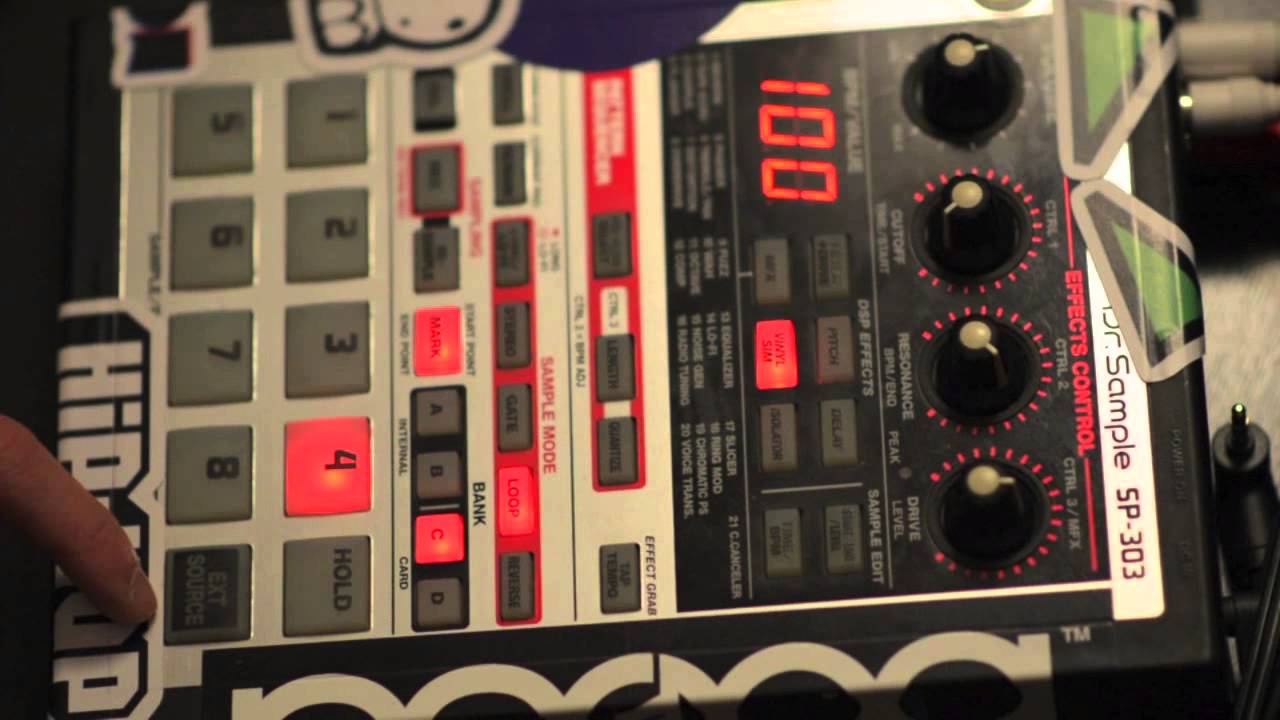
1:11 Load Samples: put the card in the SP-303 then turn it on. The display will read "UAU", select the Bank you want to copy to then hit REC.
1:41 Delete the WAV or AIFF files: it doesn't delete the original samples. Now that you've loaded the samples to the Pads, you can now take the card back to the Computer and delete the original WAV or AIF files.
That's it! Get at me in the comments if you have and questions about this.
Other notes:
use all WAV or all AIFF, you can't use both file types in one transfer.
you may need to delete the Bank C & D samples on the SP 303 before you copy the files onto the Smart Media Card so there's enough disk space.
if you have long samples, you're gonna want to import them into Bank C or D. The samples can't be larger than half the disk space of the card...they have to be on the card as the WAV as well as in the Bank.
it looks like this doesn’t work for 128mb cards...that sucks...I would but one tomorrow if it did...I’m using 64mb in this video
Sample Packs:
"SP-202 Lo-Fi Chopped Breaks" - a collection of chopped drum breaks sampled from vinyl with the Boss SP202 at various sample rates: https://bsta.rs/6d25bf0
"SP-202 Lo-Fi P Bass" - individual notes played and recorded with my Fender 50's Precision Bass then resampled with the Boss SP-202 at it's various sample rates: https://bsta.rs/ea73ee5
Check out my latest EP "One Foot Invert" available now everywhere you cop your mad notes on the interwebs!
YouTube - • Nonjuror - One Foot Invert [Full Album Str...
Bandcamp - https://skybarstudios.bandcamp.com/al...
Spotify - https://open.spotify.com/album/01vNMg...
iTunes - https://geo.music.apple.com/de/album/...
Apple Music - https://geo.music.apple.com/de/album/...
Soundcloud - / one-foot-invert
All the rest of the links (and more) be at https://nonjuror.xyz
This way for more EAR BUTTER:
https://open.spotify.com/artist/3i6HV...
/ nonjurormadnotes
/ nonjuror_madnotes
/ salvatoredelnoc
/ nonjuror
For more information email nonjuror@skybarstudios.com
#sp303 #beatmaking #lofihiphop
![How to Load Samples to SP-303 w/ Smart Media Card from a Computer [Tutorial]](https://imager.clipsaver.ru/phg8O2U_8Cs/max.jpg)
Доступные форматы для скачивания:
Скачать видео mp4
-
Информация по загрузке:



![Making a Staaanky Lo-Fi Boom Bap Beat on the SP-303 [100% Sampled from Vinyl w/ SP-202]](https://imager.clipsaver.ru/1l_WTHgu0X4/max.jpg)