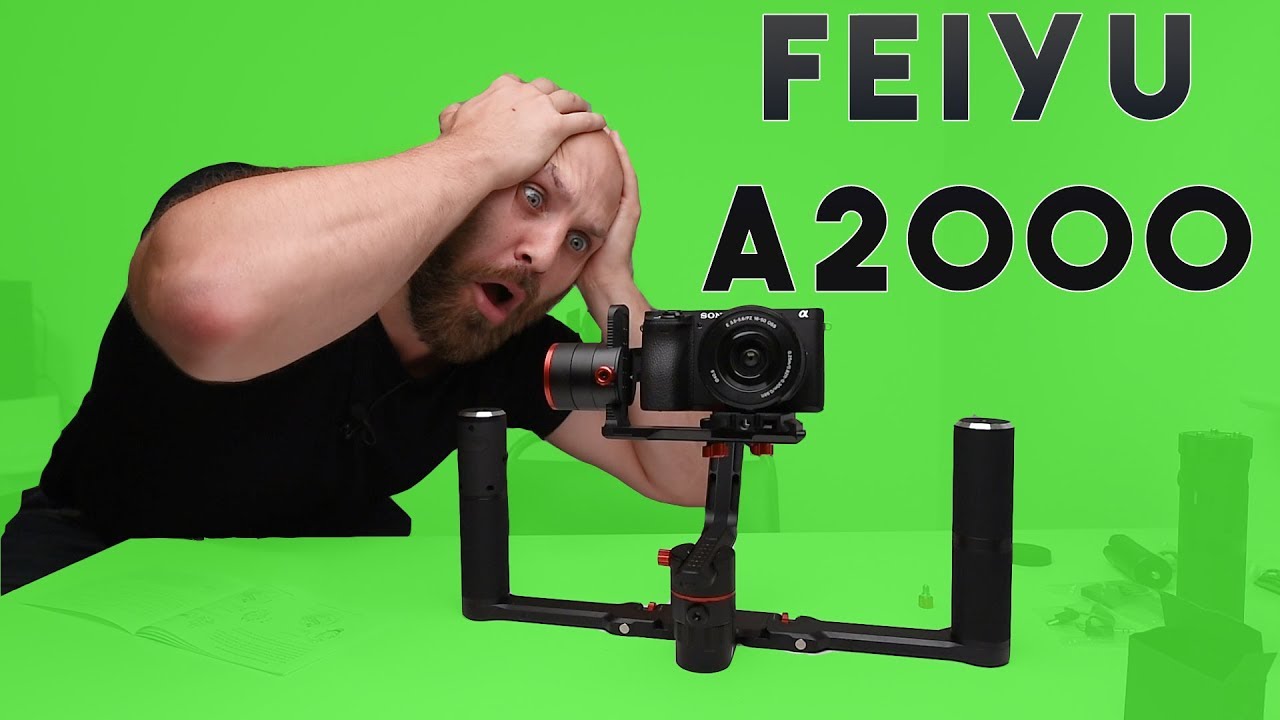
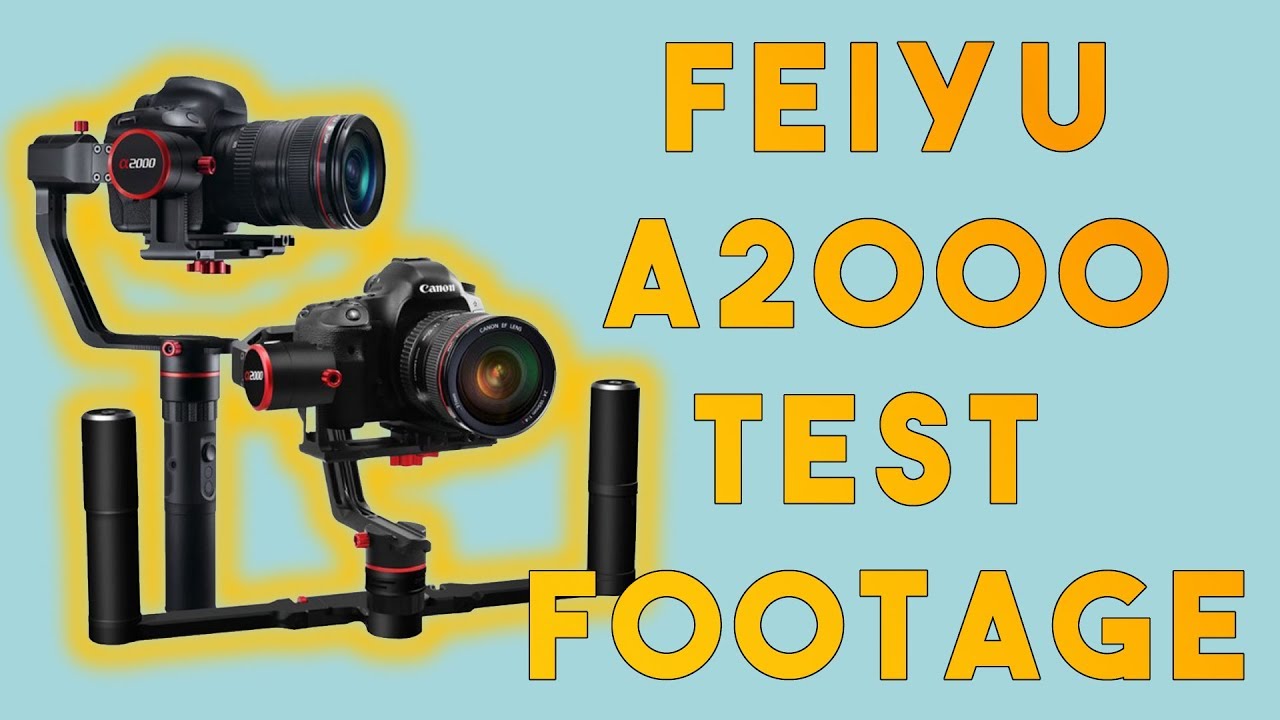
Feiyu Tech A2000 3 Axis Gimbal App control from FeiyuOn
Автор: Rob Hall
Загружено: 2017-09-29
Просмотров: 26532
My entire kit of gear : https://kit.co/robhallphoto Photography Gear Chat Group: http://bit.ly/2qB3de5
Follow me on Instagram: https://bit.ly/2sj7Lsq
Buy the Feiyu Tech A2000 from Amazon ($800): http://amzn.to/2wydTyI
Single handle version only ($640): http://amzn.to/2jLew1S
Buy from Adorama: http://bit.ly/2yds4W5
This video is strictly test footage of the Feiyu Tech 3-axis Gimbal in action with a Sony A6500 + 16-50mm (all footage @16mm).
Description Photo Video
Feiyu Tech A2000 Overview
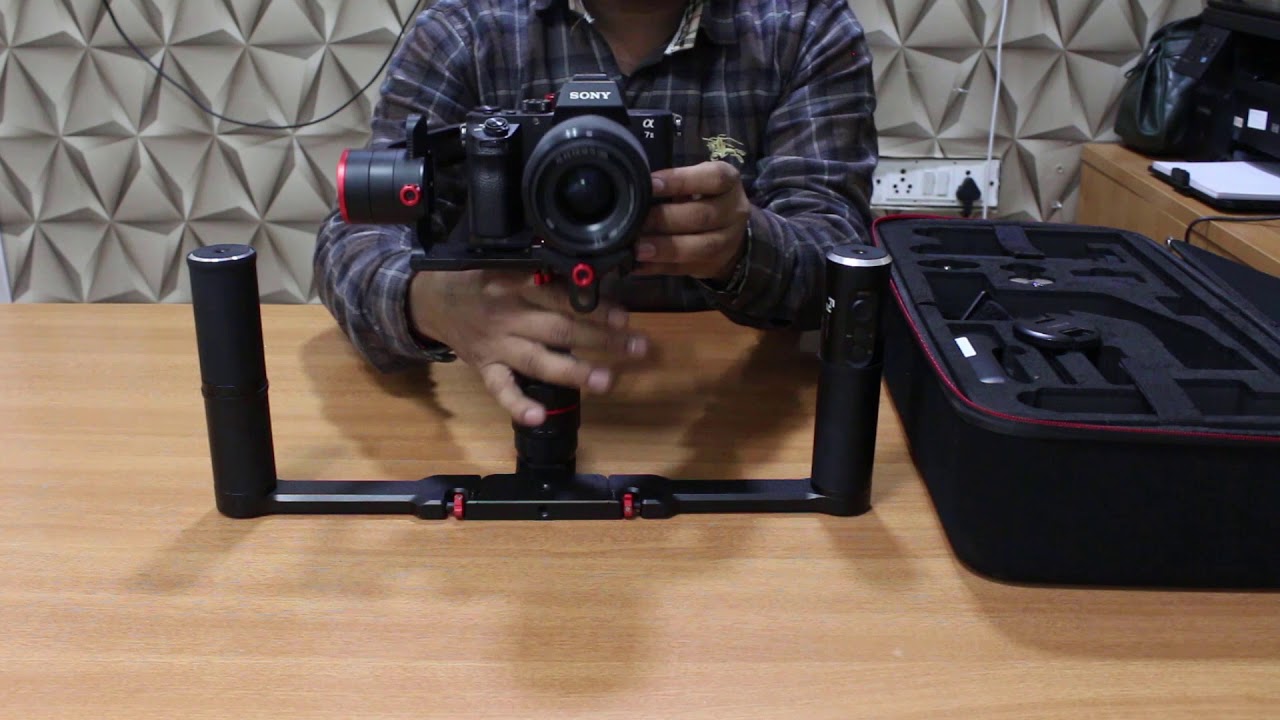
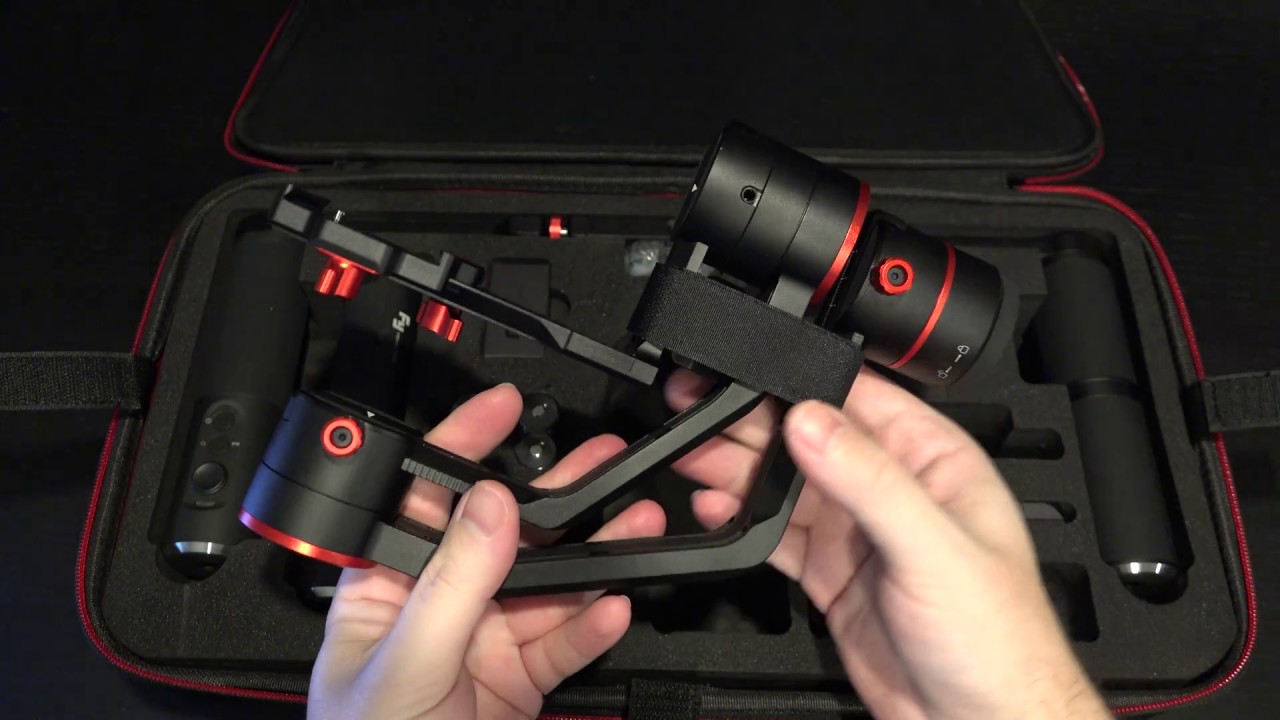
This B&H Kit pairs the Feiyu A2000 3-Axis Handheld Gimbal with a dedicated 2-Hand Holder with a Joystick, allowing you to switch between single- and two-handed operation while retaining full control. The A2000 offers 360° rotation along all three axes. The gimbal section removes from the handle to attach to the 2-Hand Holder.
Feiyu A2000 3-Axis Handheld Gimbal for Mirrorless and DSLR Cameras
The Feiyu A2000 3-Axis Handheld Gimbal offers unlimited 360° rotation along all three axes: pan, tilt, and roll. It supports up to 4.4 lb loads, which includes most mirrorless and DSLR cameras, and features four operational modes and a flat, 4-way control joystick.
The handle can be removed and the gimbal section used separately (e.g. mounted on a tripod or monopod). There are multiple 1/4"-20 mounting holes all around, including on the gimbal section and the bottom of the handle. Included as a free download with the A2000 is the Feiyu ON app for iOS and Android, which allows you to remotely control the gimbal when you have it mounted on a tripod or other support.
The A2000 is designed with multiple intuitive features, including an identification algorithm that detects the weights of different cameras and matches with them without requiring adjustment of the motor strength.
Key Features
4.4 lb payload
Detachable handle allows using the gimbal section separately
Multiple 1/4"-20 screws, including on the gimbal section and bottom of the handle
Easy camera balancing via sliding arms and lock screws
Identification algorithm automatically detects weights of different cameras and matches with them without requiring adjustment of the motor strength
LED indicators communicate what the selected mode is
EVA anti-collision foam added to panning axis to prevent damage to camera
Trigger button allows quickly entering Lock mode and resetting the gimbal
Intelligently follow preset route in auto-rotation mode, matching motion time-lapses or automatic shooting
Control focus and take photos with one shutter button
Configurable timed photography function allows for easier panoramic images
Working Modes
Panning Mode: Tilting and rolling direction are fixed, and the camera lens moves according to the hand movement of the user
Panning and Tilting Mode: The rolling direction is fixed, and the camera lens moves according to the hand movement of the user.
Auto-Rotation Mode: The user sets a rotational path with their hand, and the gimbal moves along that path at a constant speed.
Lock Mode: The orientation of the camera is fixed

Доступные форматы для скачивания:
Скачать видео mp4
-
Информация по загрузке: