How to install Dolphin Emulator on Chromebook using Linux Terminal
Автор: Devon Wilson
Загружено: 2021-12-18
Просмотров: 1659
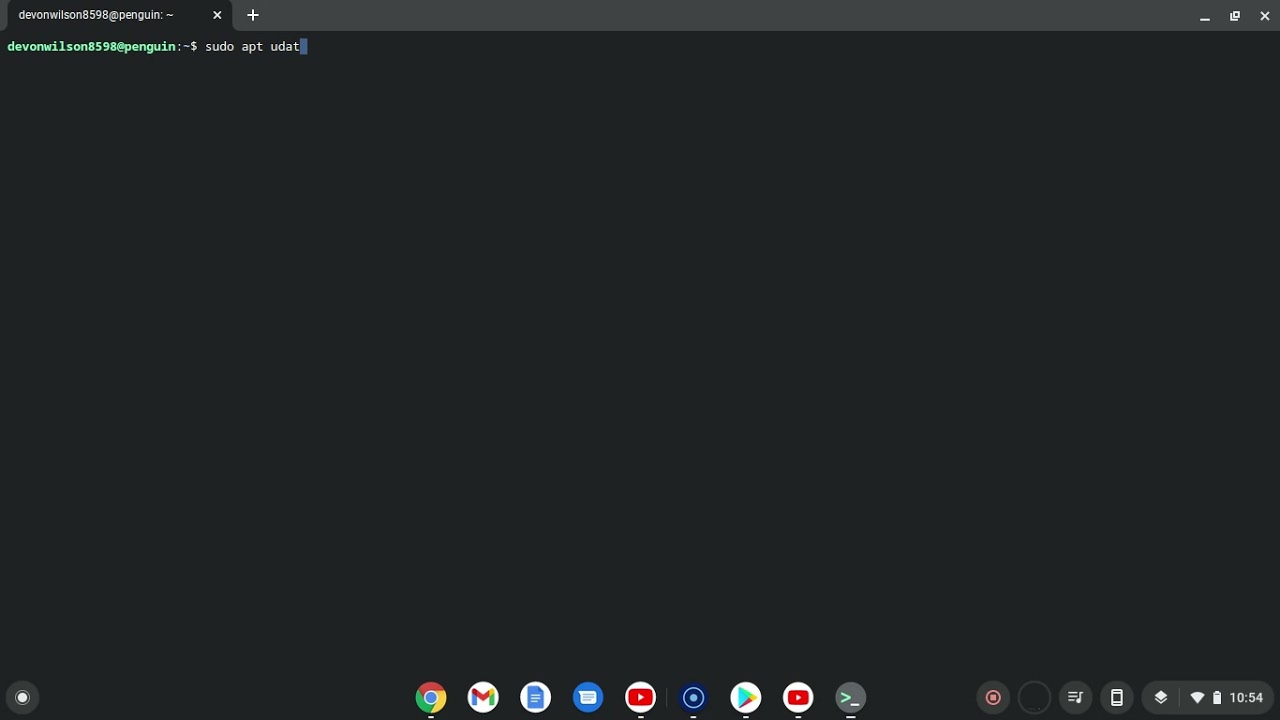
After setting up the Linux development environment found in your system setting by clicking "advanced" then "developers". Set it up and restart your system (Don't worry this will not mess with anything or put your computer in developer mode) After restarting go to apps and look for the folder named "linux apps" and open "terminal". After letting it load you will type a list of commands to update and download Dolphin:
1. sudo apt update (click yes when it asks to confirm.)
2. sudo apt-get install dolphin-emu (let it load and click yes again)
That is it look in your linux apps and you will see dolphin, but you will need to download roms to play which I will not be showing on this channel. Looking it up on google is easy enough.
(To copy and paste the commands just copy the text then go into terminal and press ctrl+shift+v to be able to paste the text)
Thank you all for watching have fun and an amazing day!
Доступные форматы для скачивания:
Скачать видео mp4
-
Информация по загрузке:






![RPCS3 (Setup Guide) - [Chrome OS]](https://image.4k-video.ru/id-video/D_uUxXVN4zw)

