Beginners guide to controlling camera views and custom views in Microsoft Flight Simulator 2024
Автор: Jonathan Beckett
Загружено: 2024-11-26
Просмотров: 86183
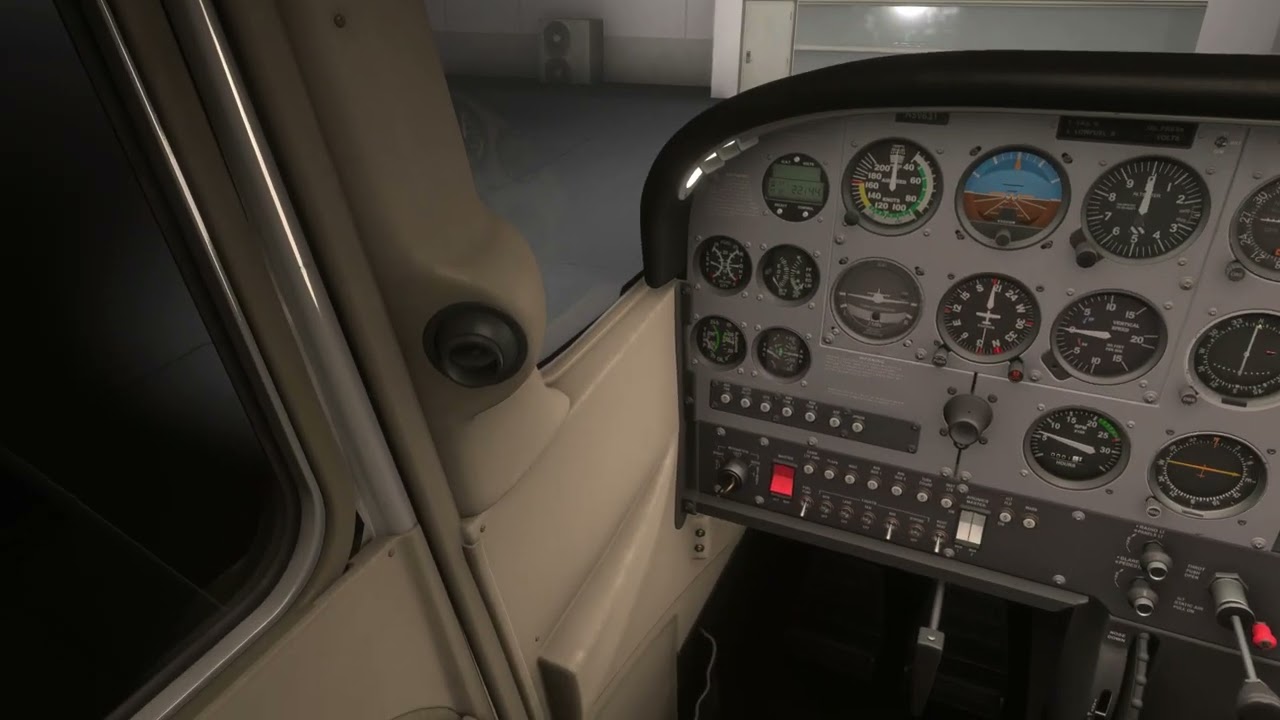
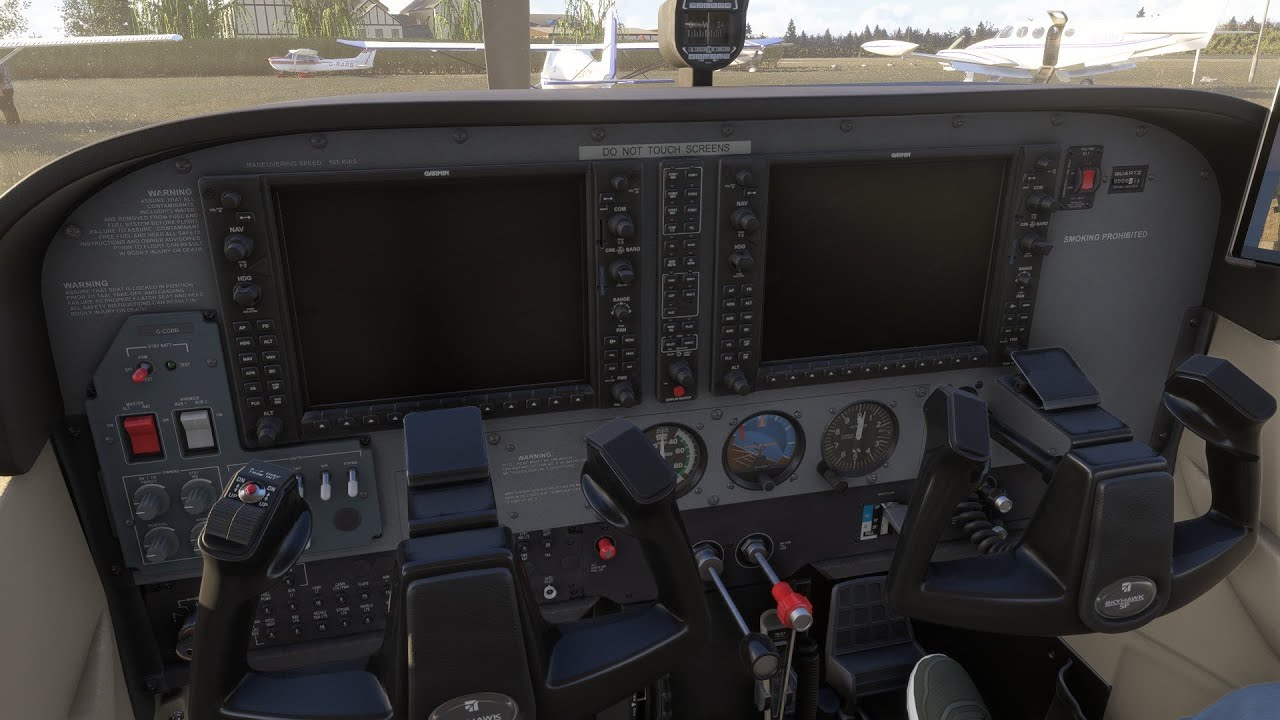
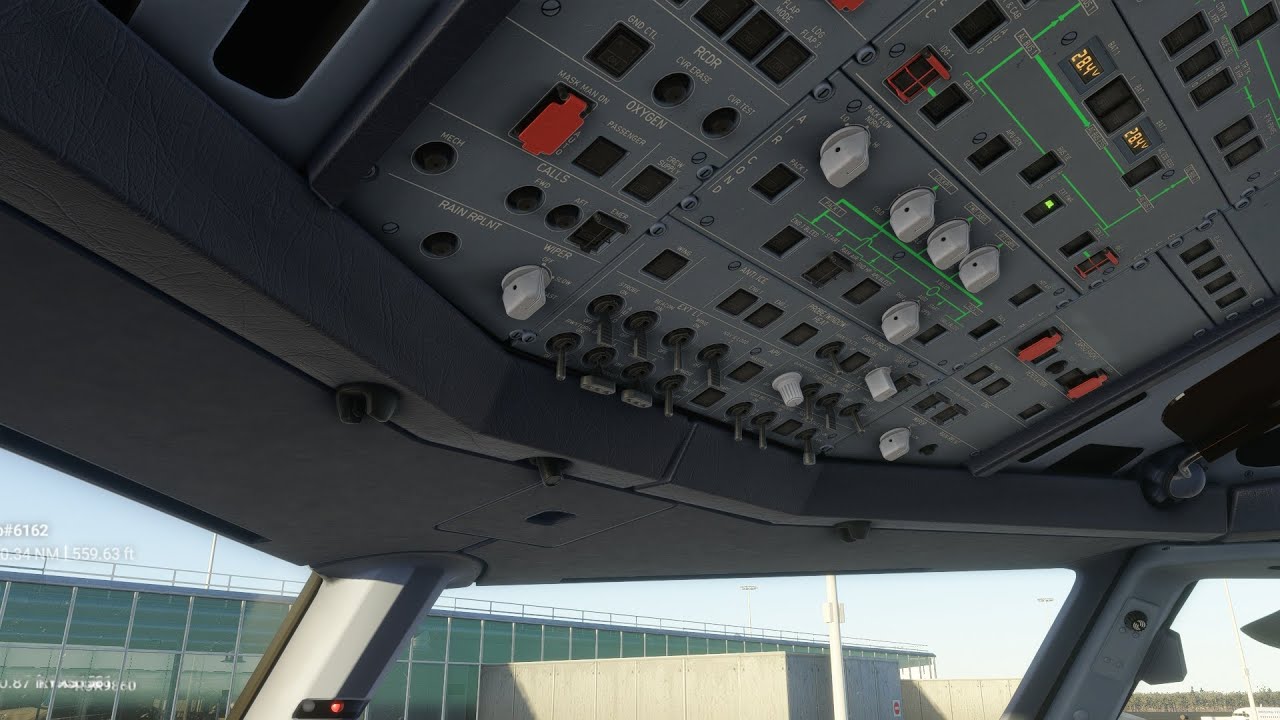
A quick guide showing how to move around, and save and load custom views in Microsoft Flight Simulator 2024.
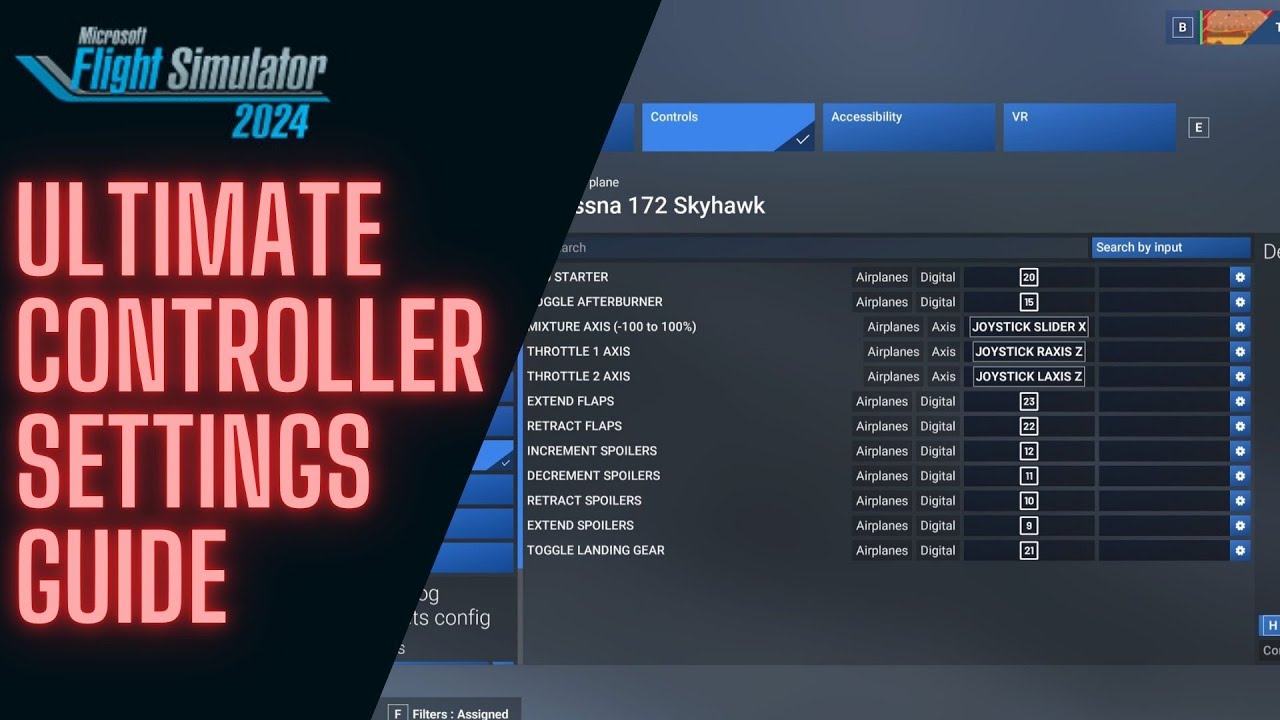
Postscript - there is no need to save different keyboard profiles for different aeroplanes - I’m confusing myself :) The keyboard profile will just control which keys you are using to save and load custom views.
#msfs #flightsimulator #msfs2024 #flightsimulator2024 #aviation #flying #flight #simulator #microsoft #asobo
---
Useful resources:
My homepage:
https://jonbeckett.online
My flight simulation blog (subscribe by email for free!):
https://jonbeckett.substack.com
All of the functional procedures I have written up to get aircraft up and running in simulators:
https://ko-fi.com/jonbeckett/shop
The flight simulation community I founded (join for free!):
https://virtualflight.online
---
Resources I use to create content:
Microsoft Flight Simulator
https://www.flightsimulator.com/
Navigraph (charts, flight planning, and tracking)
https://navigraph.com
Copyright © 2023 Jeppesen. All rights reserved. The charts are available to the flight simulation community via Navigraph.
LittleNavMap (mapping software)
https://albar965.github.io/littlenavm...
OBS (Screen and audio capture)
https://obsproject.com/
Tobii Eye Tracker 5 (head and eye tracking)
https://gaming.tobii.com/product/eye-...
Volanta (flight tracking)
https://volanta.app/
Simbrief (flight planning)
https://simbrief.com
---
Computer Specification:
O/S : Microsoft Windows 11 Home 64 bit
CPU : Intel Core i9 14900KS Raptor Lake
Motherboard : MSI Z790 Project Zero
System RAM : 64Gb DDR5
GPU : NVIDIA GeForce RTX 4090
GPU RAM : 24Gb GPU RAM
Storage : 4Tb Western Digital SN850X
Network : 500 Mbit fibre
Доступные форматы для скачивания:
Скачать видео mp4
-
Информация по загрузке: