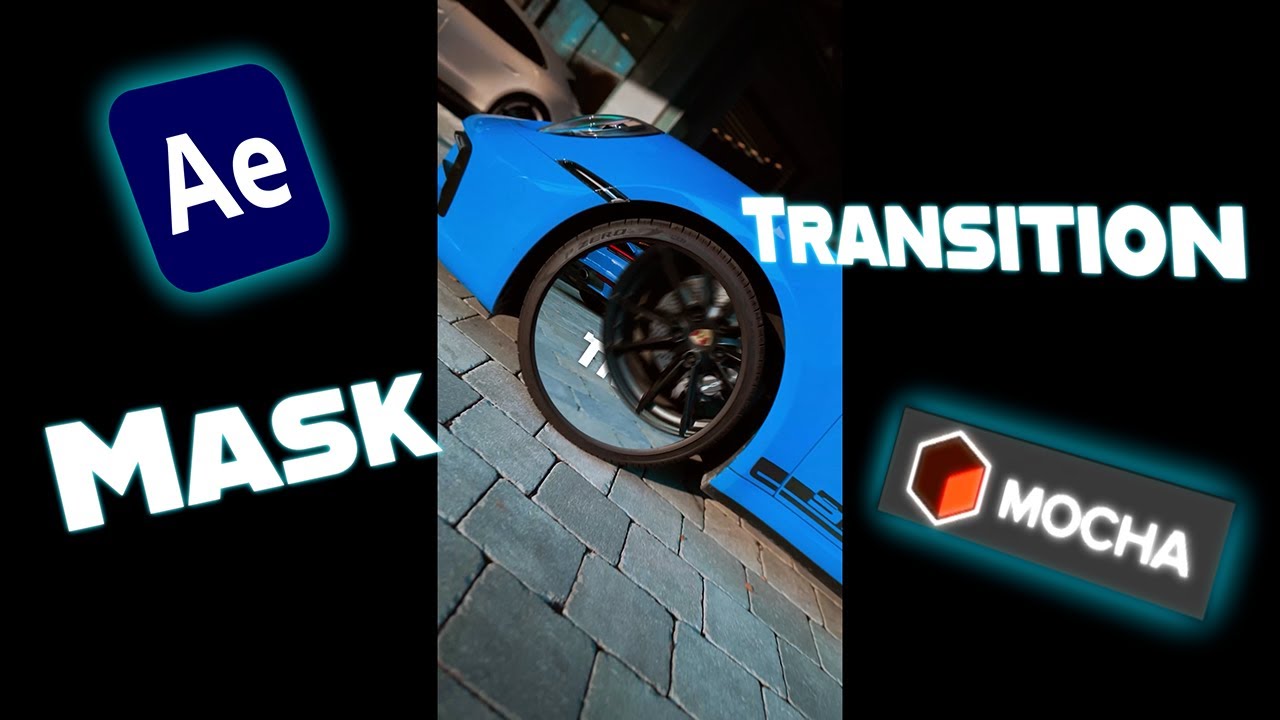
Smooth Mask Transition Tutorial in After Effects | Mocha AE Rim Reveal Effect
Автор: Ramocrafts
Загружено: 2025-08-15
Просмотров: 9131
Learn how to create a smooth mask transition in Adobe After Effects using Mocha AE!
In this step-by-step tutorial, I’ll show you how to track and mask a moving object—in this case, a car rim—to create a clean and professional transition between two clips.
This technique works perfectly for car edits, commercials, cinematic projects, and any creative video where you want to reveal your next scene through an object.
In this tutorial, you’ll learn:
How to trim and prepare your footage for transitions
Using Mocha AE to mask and track a moving subject
Applying and inverting masks in After Effects
Adding motion blur, Easy Ease, and smooth animation timing
Fine-tuning the Speed Graph for cinematic results
Perfect for:
Car edits 🚗 | Commercials 📺 | Cinematic B-roll 🎥 | YouTube intros | TikTok transitions
📌 Software used:
Adobe After Effects
Mocha AE
💡 More After Effects & Premiere Pro tutorials coming every week—subscribe so you don’t miss the next effect!
#aftereffects #masktransition #mocha #videoediting #caredit #aftereffectstutorial #transitions
Доступные форматы для скачивания:
Скачать видео mp4
-
Информация по загрузке: