BENDER ISO685 DC earth fault monitoring
Автор: Mr_Electrician
Загружено: 2024-10-31
Просмотров: 790
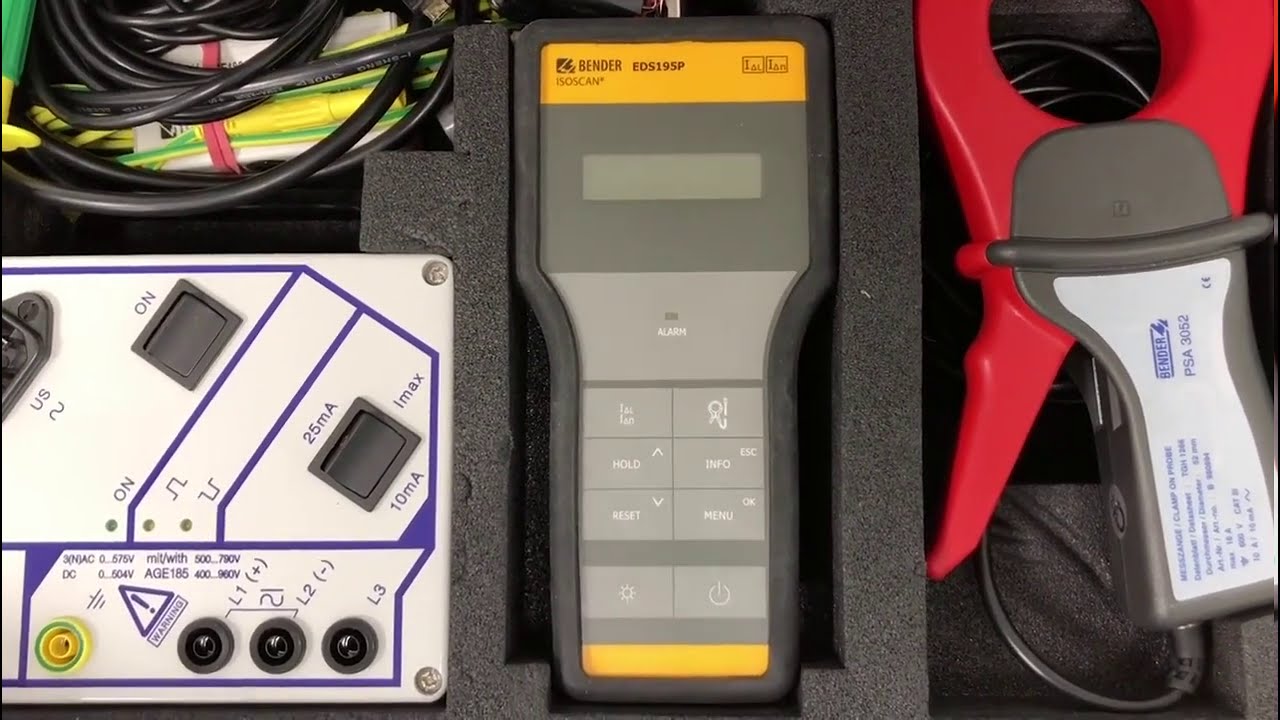
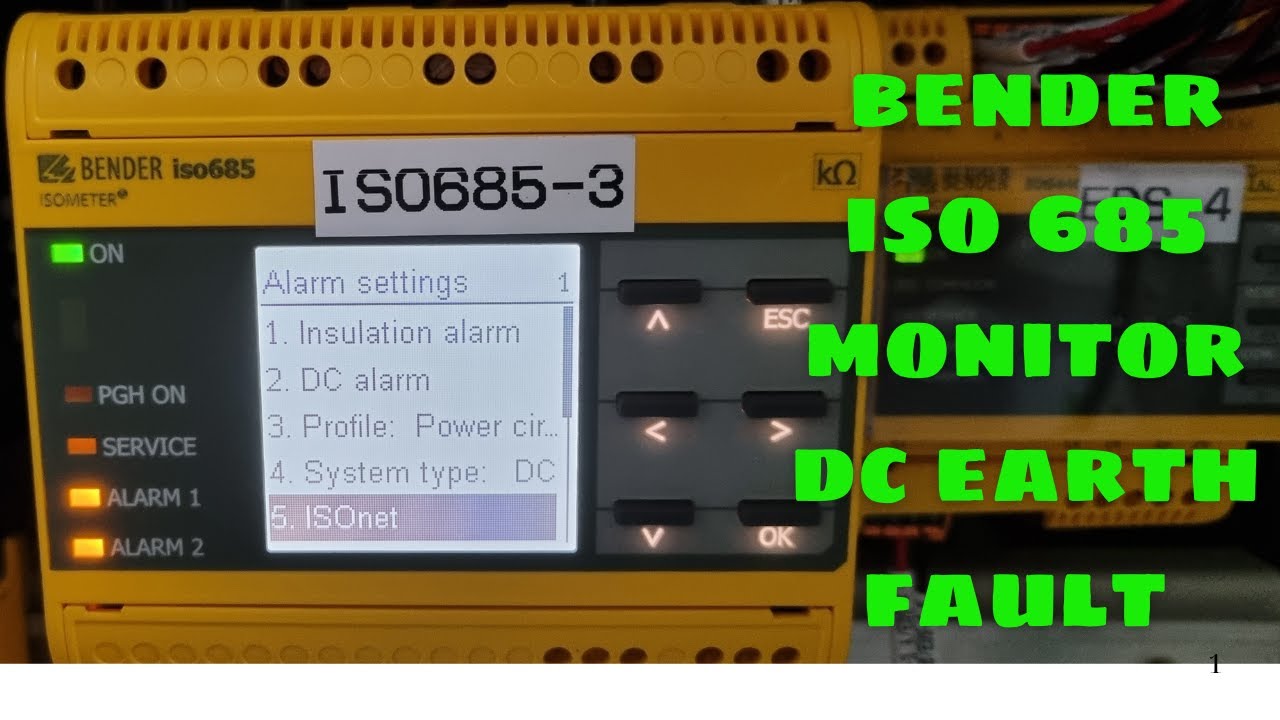
The Bender DC Ground Fault Monitor is used to detect ground faults in ungrounded DC systems. Ground faults can pose risks, such as electric shocks or damage to equipment, so monitoring them helps maintain system safety and reliability. Here’s a general guide for setting up and using a Bender DC Ground Fault Monitor:
1. Installation and Wiring
Location: Install the device in a secure, easily accessible location in your electrical system.
Power Supply: Connect the monitor to a compatible power source, typically within the specified voltage range (e.g., 24V DC or 110V AC).
Ground Connections: Connect the monitor’s ground terminals according to the wiring diagram provided in the user manual. Ensure connections to system ground points are made correctly.
System Connections: Connect the positive and negative terminals of the DC system to the monitor’s measurement inputs as indicated in the manual. This allows the monitor to detect any potential difference caused by a ground fault.
2. Configuration Settings
Sensitivity Adjustment: Most Bender monitors have adjustable sensitivity levels to control the detection threshold for ground faults. Set this according to your system requirements.
Alarm Thresholds: Configure alarm thresholds, which will determine when the monitor triggers a warning. Bender monitors typically have a range of settings for alarms to detect faults at specified resistance levels.
Response Delay: Set a delay for alarm response to prevent nuisance alarms from transient events. This ensures only persistent ground faults trigger an alarm.
3. Testing and Calibration
Self-Test: Many Bender monitors have a built-in self-test feature that verifies functionality. Run this test after installation to confirm correct operation.
Calibration: Adjust any calibration settings per the manual’s recommendations or system needs, as improper calibration can lead to missed or false alarms.
4. Monitor Operation
Monitor Display: The display typically shows fault resistance and other diagnostic data. Regularly check the display for signs of faults or deviations from normal readings.
Alarm Functionality: When a ground fault is detected, the monitor triggers an alarm (visual and/or audible) based on the set thresholds. Configure relay outputs as needed to activate external alarm systems, control systems, or log events.
Logging and Communication: Some Bender monitors support data logging and can communicate with building management systems (BMS) or PLCs. Check your model’s communication options if remote monitoring is required.
5. Routine Maintenance
Periodically inspect the monitor and connections for signs of wear or corrosion.
Test the monitor’s functionality according to your maintenance schedule to ensure it operates reliably over time. #electrical #electrician #autoelectrician #electric
Доступные форматы для скачивания:
Скачать видео mp4
-
Информация по загрузке: