Millie Mini AI Bot - FreeCAD Part 2 - Fillets & Chamfers
Автор: Dream Cloud
Загружено: 2026-01-18
Просмотров: 7
Millie Mini AI Bot – Designing in FreeCAD - Part 2: Fillets & Chamfers
Dream Cloud Millennial Tech | Robotics Course
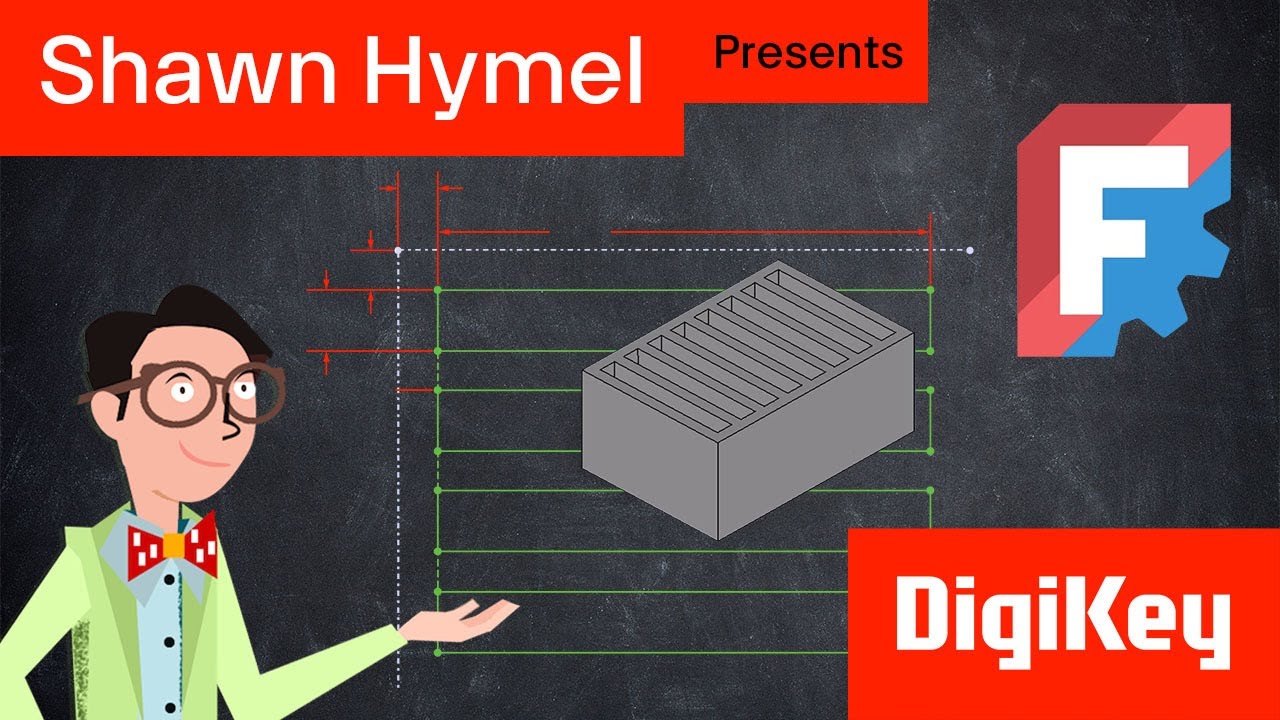
In this lesson, we take the next hands-on step in designing real robot parts by using FreeCAD to create parametric geometry directly from drawings and existing components.
This video builds on the previous FreeCAD lessons and moves students from simple sketching into designing parts that must fit and align with other robot components.
🧠 Lesson Focus: Referencing Geometry and Building Real Parts
This lesson shows how engineers design parts in context, using existing geometry to ensure new components fit correctly and remain editable as designs evolve.
What We Do in This Video
In this lesson, we:
Set up new sketches in FreeCAD
Work from provided drawings and dimensions
Use Create External Geometry to reference existing edges and features
Apply construction guidelines for alignment
Create pads (extrusions) and pockets (cuts)
Add chamfers and fillets to refine geometry
Students learn how professional CAD workflows avoid redrawing geometry and instead reference existing parts to maintain consistency and accuracy.
🤖 Applying This to the Millie Mini AI Bot
All CAD work in this lesson directly supports the physical design of the Millie Mini AI Bot.
How this fits into the robot build:
Parts designed here become real 3D-printable components
Geometry is designed to align with existing structures
Hole placement and dimensions are intentional and reusable
Each body is created with future assembly in mind
This reinforces that CAD is not abstract — it directly translates into real hardware.
🛠 FreeCAD Concepts Introduced
This lesson introduces and reinforces:
Create External Geometry
Sketch guidelines and construction geometry
Pads and pockets
Chamfers and fillets
Dimensional constraints
Parametric design intent
These concepts are foundational and will be reused throughout the course.
🎓 Learning Objectives
By the end of this lesson, students will:
Understand how to reference existing geometry in sketches
Build parts that remain aligned when designs change
Translate drawings into parametric CAD models
Gain confidence designing parts that must physically fit together
Practice workflows used in real engineering and robotics projects
🧩 Who This Lesson Is For
Students new to CAD and robotics
Schools teaching engineering fundamentals
Makers learning 3D-printable design
Robotics clubs and STEM programs
Educators building hands-on coursework
No prior CAD experience is required — this lesson is designed to be approachable while teaching industry-relevant skills.
📚 Part of the Dream Cloud Millennial Tech Course
This video is part of Dream Cloud Millennial Tech, an open-source AI and robotics education platform focused on real projects, real tools, and real skills.
🔗 Learn More & Join the Community
For course access, files, and ongoing development:
👉 www.DreamCloudClub.org

Доступные форматы для скачивания:
Скачать видео mp4
-
Информация по загрузке: