Скачать
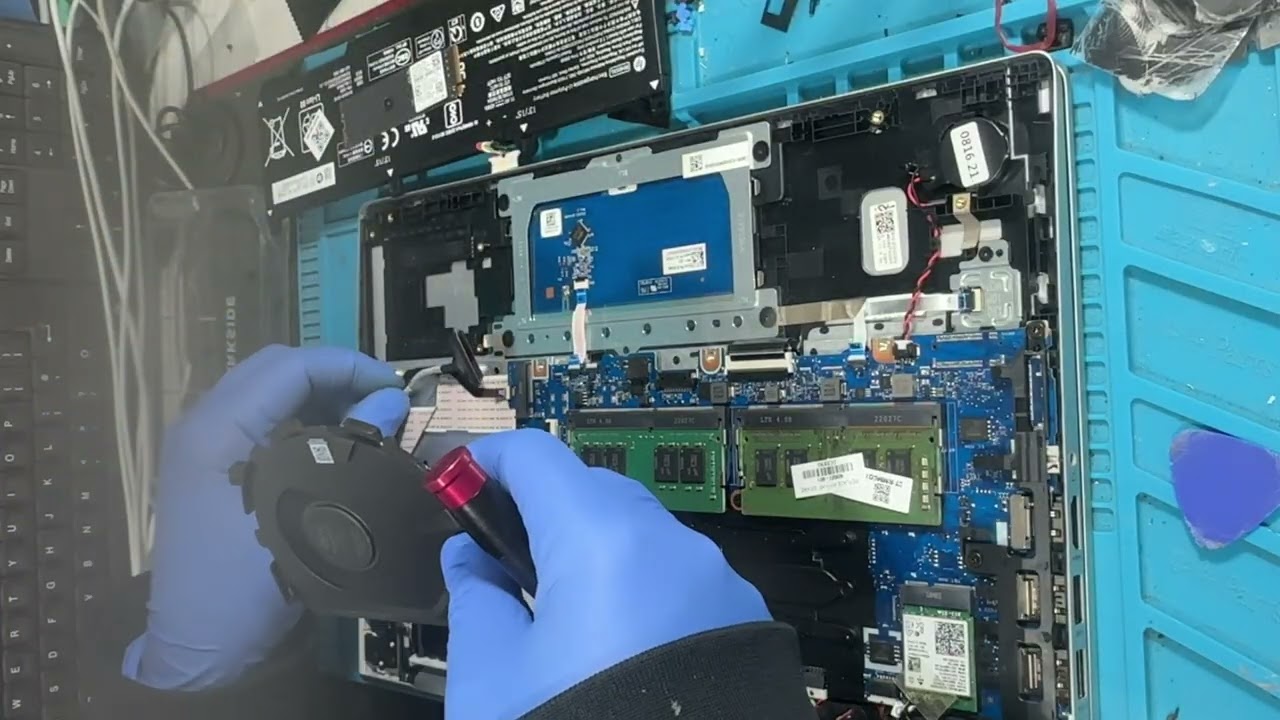
HP ProBook 440 G8.Cleaning the cooling fan and heatsink..Installing a new Gen3/Gen4 NVMe SSD.
Автор: NextGenFix
Загружено: 2026-01-13
Просмотров: 42
Описание:
Is your HP ProBook 440 G8 running hot or feeling sluggish? In this video, we perform
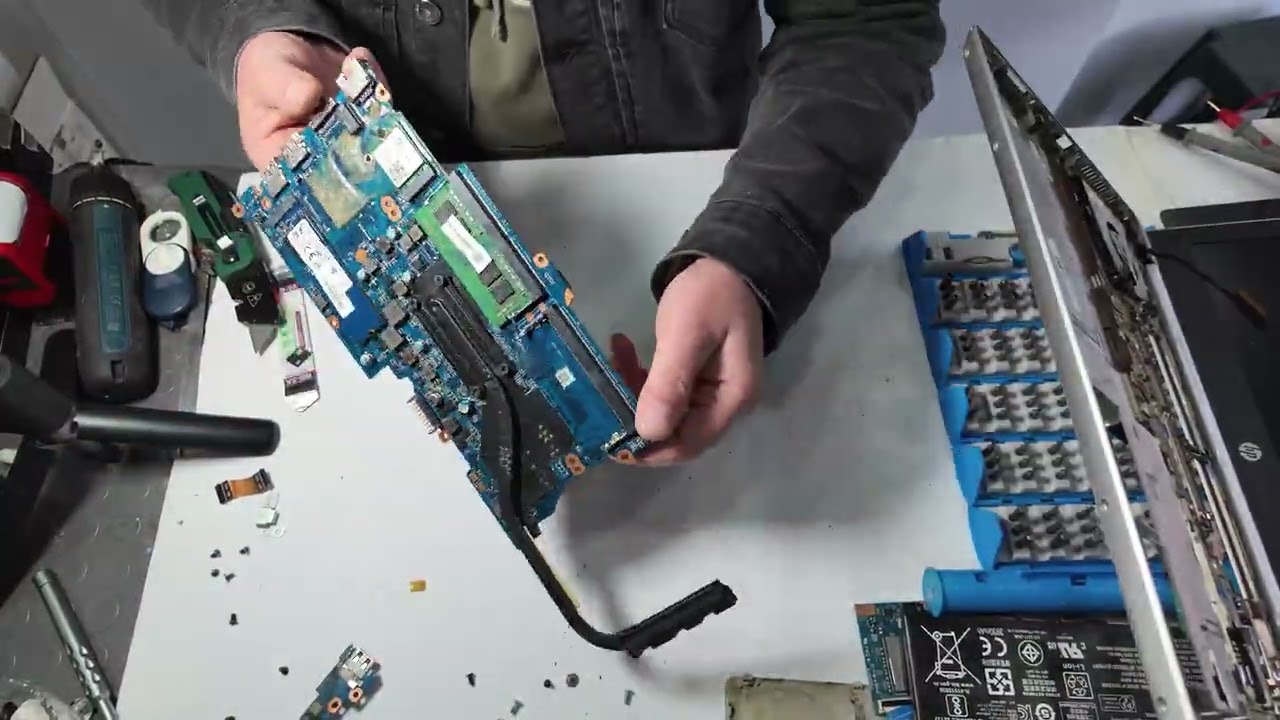
1.How to safely open the HP ProBook 440 G8.
2.Deep cleaning the cooling fan and heatsink.
3.Replacing factory thermal paste with high-performance compound.
4.Installing a NVMe SSD for faster boot times.
Disclaimer:
Opening your device may void your warranty. Always ensure the laptop is powered off and the internal battery is disconnected before touching internal components.
This video is for educational purpose only
Доступные форматы для скачивания:
Скачать видео mp4
-
Информация по загрузке: