Bare-Metal Embedded Systems (AVR & ARM) in C & Assembly – Intro
Автор: REBWAR AI
Загружено: 2025-10-05
Просмотров: 1688
🔧 Installing ARM & AVR Toolchains + avrdude & bossac (Windows, macOS, Linux)
This guide covers installing *ARM GCC**, **AVR GCC**,**avrdude* and *bossac* on all major operating systems.
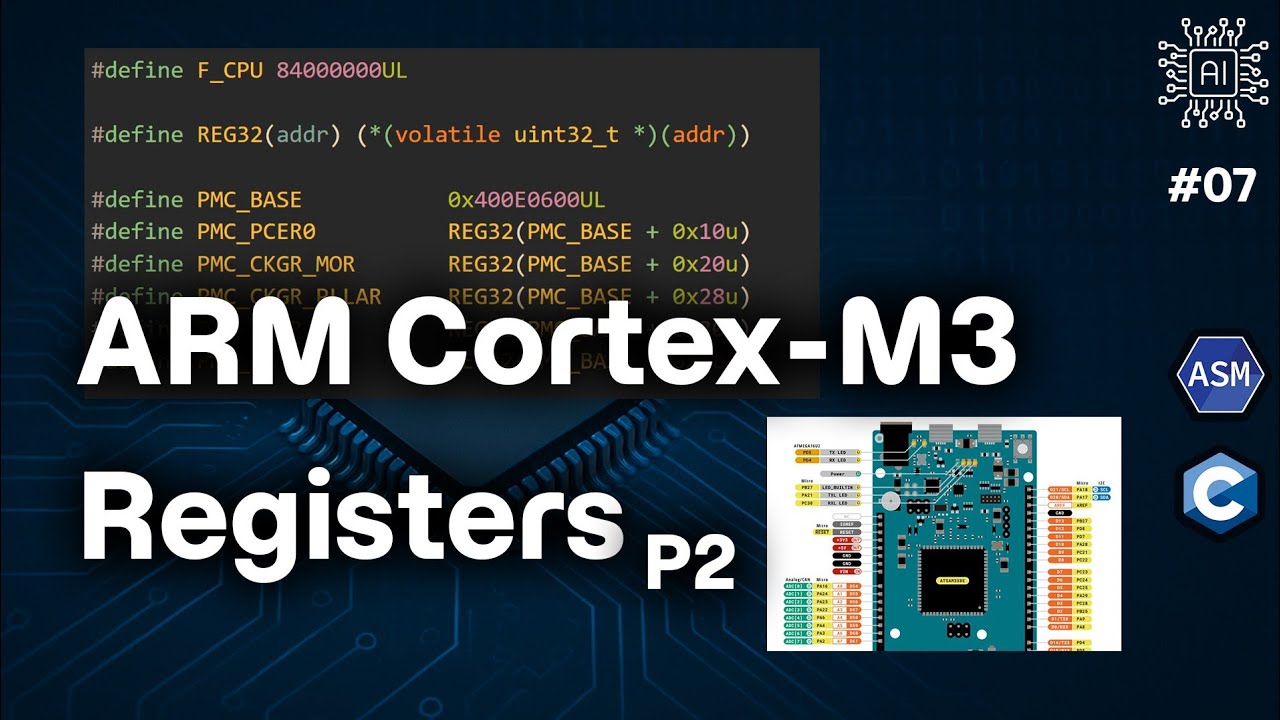
These tools will let you compile and upload code to the *ATmega2560* and *ATSAM3X8E* microcontrollers — without the Arduino IDE.
---
*1️⃣ Install ARM GCC (arm-none-eabi-*)*
We’ll use the *GNU Arm Embedded Toolchain* from Arm’s official site.
*Official download page:*
🔗 https://developer.arm.com/downloads/-...
*Windows*
1. Download the latest `.zip` or `.exe` installer for Windows from the Arm page.
2. If using the `.exe`:
Run the installer
Choose *Add to PATH* if prompted.
3. If using the `.zip`:
Extract it to `C:\Program Files\ArmGCC` (or similar)
Add its `bin` folder to your **PATH**:
Press `Win + R`, type `sysdm.cpl`, press Enter.
Go to **Advanced → Environment Variables**.
Edit **PATH**, add the folder (e.g. `C:\Program Files\ArmGCC\bin`).
4. Open *Command Prompt* and verify:
```bash
arm-none-eabi-gcc --version
arm-none-eabi-as --version
arm-none-eabi-ld --version
arm-none-eabi-objcopy --version
```
*macOS*
1. Download the *macOS tarball* (`.tar.bz2`) from the Arm page.
2. Open Terminal and run:
```bash
cd ~/Downloads
tar -xjf gcc-arm-none-eabi-*-mac.tar.bz2
sudo mv gcc-arm-none-eabi-* /opt/arm-gcc
```
3. Add to PATH (permanent):
```bash
echo 'export PATH=/opt/arm-gcc/bin:$PATH' ~/.zshrc
source ~/.zshrc
```
4. Verify:
```bash
arm-none-eabi-gcc --version
```
*Linux (Ubuntu/Debian)*
*Option 1: Install via package manager* (may be older version)
```bash
sudo apt update
sudo apt install gcc-arm-none-eabi binutils-arm-none-eabi
```
*Option 2: Install latest from Arm*
1. Download the Linux tarball from Arm.
2. Extract and move:
```bash
tar -xjf gcc-arm-none-eabi-*-linux.tar.bz2
sudo mv gcc-arm-none-eabi-* /opt/arm-gcc
echo 'export PATH=/opt/arm-gcc/bin:$PATH' ~/.bashrc
source ~/.bashrc
```
3. Verify:
```bash
arm-none-eabi-gcc --version
```
*2️⃣ Install avrdude (Uploader for AVR)*
*Official page:*
🔗 https://www.nongnu.org/avrdude/
*Windows*
Easiest method: Download prebuilt *WinAVR* or *avrdude* package from
https://github.com/avrdudes/avrdude/r...
Extract, place in `C:\Program Files\avrdude`, add `bin` folder to PATH.
Verify:
```bash
avrdude -?
```
*macOS*
```bash
brew install avrdude
avrdude -?
```
*Linux (Ubuntu/Debian)*
```bash
sudo apt update
sudo apt install avrdude
avrdude -?
```
*3️⃣ Install AVR GCC (avr-*)*
We’ll use *Zak Kemble’s prebuilt AVR-GCC toolchain* (lightweight & cross-platform).
*Download page:*
🔗 https://github.com/ZakKemble/avr-gcc-...
*Windows*
1. Download the latest `avr-gcc-*-win64.zip`.
2. Extract to `C:\Program Files\AVRGCC` (or similar).
3. Add the `bin` folder to your **PATH**.
4. Verify:
```bash
avr-gcc --version
avr-as --version
avr-ld --version
avr-objcopy --version
```
*macOS*
1. Download the macOS build from ZakKemble’s releases.
2. Extract to `/opt/avr-gcc`.
3. Add to PATH:
```bash
echo 'export PATH=/opt/avr-gcc/bin:$PATH' ~/.zshrc
source ~/.zshrc
```
4. Verify with commands above.
*Linux (Ubuntu/Debian)*
*Option 1: Install via package manager* (may be older)
```bash
sudo apt update
sudo apt install gcc-avr binutils-avr avr-libc
```
*Option 2: Latest build from ZakKemble*
```bash
wget https://github.com/ZakKemble/avr-gcc-...
tar -xjf avr-gcc-*-linux64.tar.bz2
sudo mv avr-gcc-* /opt/avr-gcc
echo 'export PATH=/opt/avr-gcc/bin:$PATH' ~/.bashrc
source ~/.bashrc
```
Verify:
```bash
avr-gcc --version
```
*4️⃣ Install bossac (Uploader for SAM3X / Arduino Due)*
`bossac` is used to upload compiled code to **ATSAM3X8E**-based boards (like the Arduino Due).
*Official repo:*
🔗 https://github.com/shumatech/BOSSA
*Windows*
1. Download the latest BOSSA installer or zip from:
🔗 https://github.com/shumatech/BOSSA/re...
2. Extract or install it to `C:\Program Files\BOSSA`.
3. Add the `bin` folder to your **PATH**.
4. Verify:
```bash
bossac --help
```
*macOS*
```bash
brew install bossa
bossac --help
```
*Linux (Ubuntu/Debian)*
```bash
sudo apt update
sudo apt install bossa-cli
bossac --help
```
If not available in your distro, build from source:
```bash
git clone https://github.com/shumatech/BOSSA.git
cd BOSSA
make
sudo make install
```
Final Verification
At this point, running all of these should show version/help info (not “command not found”):
```bash
arm-none-eabi-gcc --version
arm-none-eabi-as --version
arm-none-eabi-ld --version
arm-none-eabi-objcopy --version
avr-gcc --version
avr-as --version
avr-ld --version
avr-objcopy --version
avrdude -?
bossac --help
```
Доступные форматы для скачивания:
Скачать видео mp4
-
Информация по загрузке: