How to get Crossfire LQ on the iNav OSD
Автор: Mr.D - Falling with style
Загружено: 2020-07-24
Просмотров: 5240
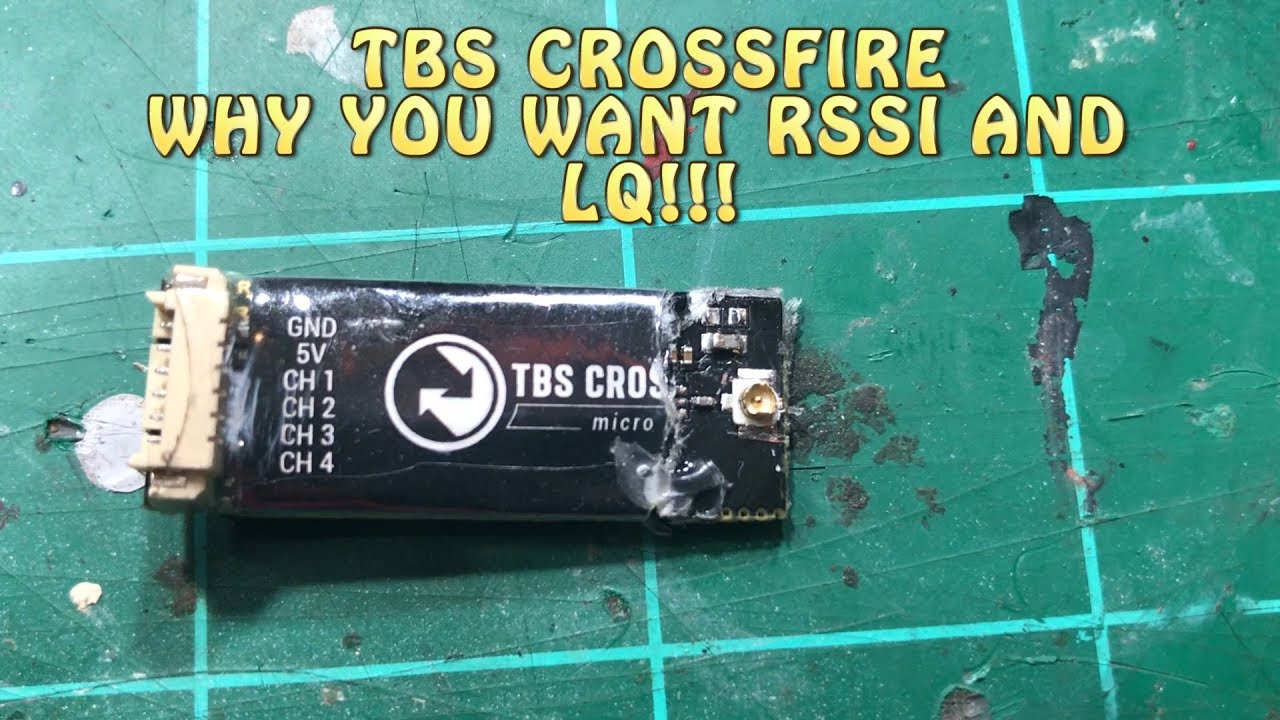
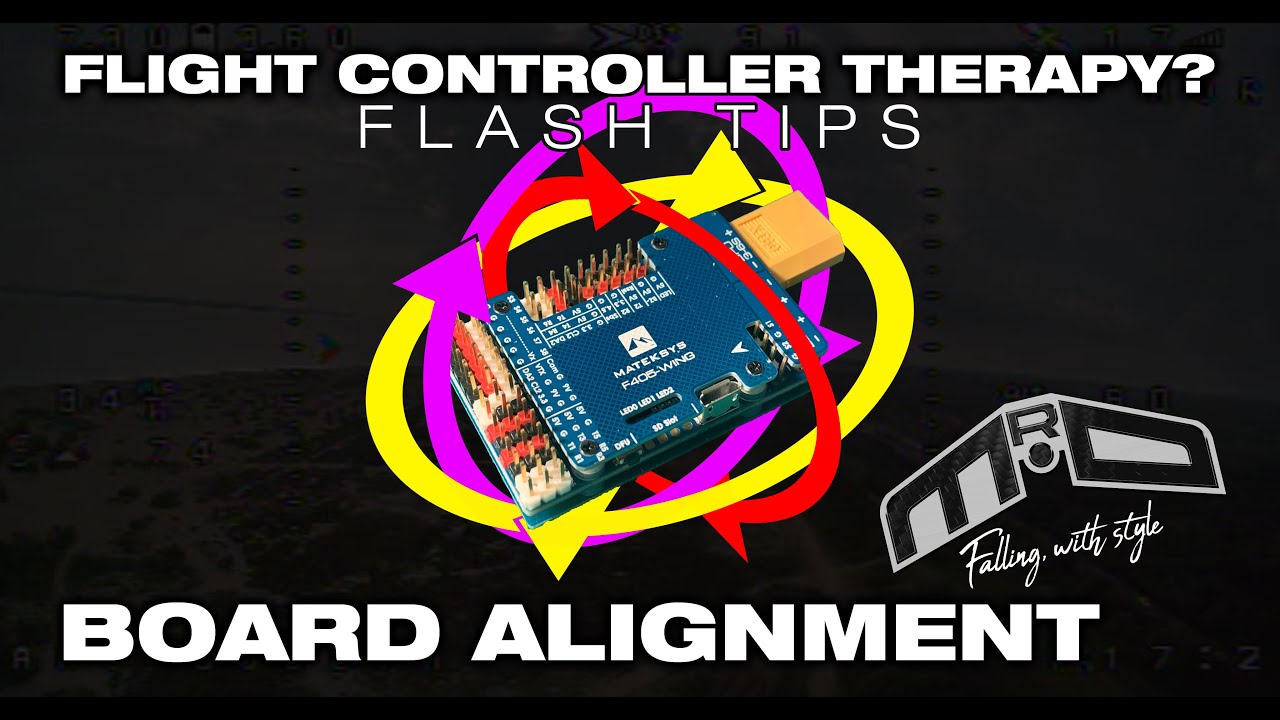
In this Flight Controller Therapy? video, we look at how to get TBS Crossfire's LQ shown on the OSD in iNav. If you've previously set LQ to channel 12 and set that in the receiver page; you may want to check out this video. There is now a quicker, cleaner, and simpler way to set this up.
Contents
00:00 Introduction
00:48 The setup I'm using
01:22 The receiver settings you need on Crossfire
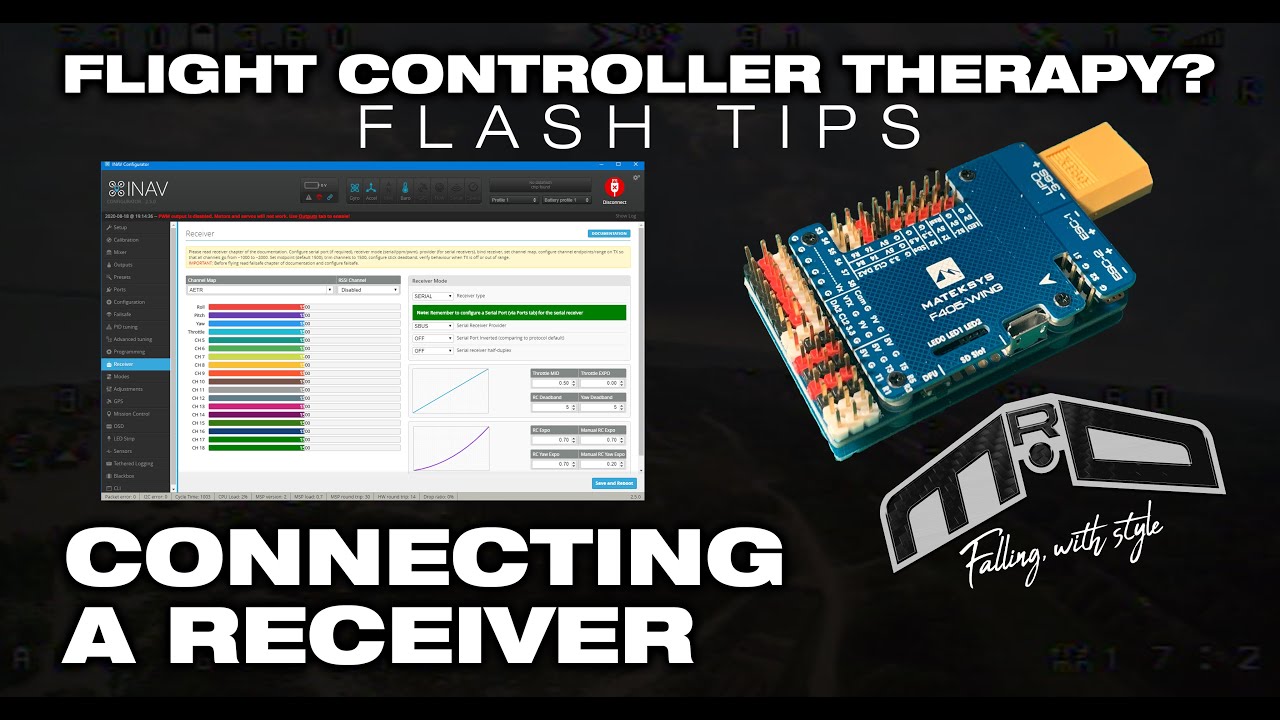
02:53 The settings on iNav's Receiver page
03:36 Seeing it all working
04:42 The OSD settings in iNav
05:53 Conclusion
If you found the video useful, I'd appreciate a thumbs up. If you would like to get more videos when they become available, please subscribe and click the notifications bell icon. If there are links above, they may be affiliate links. If you click them, it will help me and my channel at no additional cost to you.
There are more tutorials on my web site at https://www.MrD-RC.com. You can also join like-minded people at the Fixed Wing RC Rebels group on Facebook.
Thank you for your time, and don't forget to fly it like you stole it!

Доступные форматы для скачивания:
Скачать видео mp4
-
Информация по загрузке: